

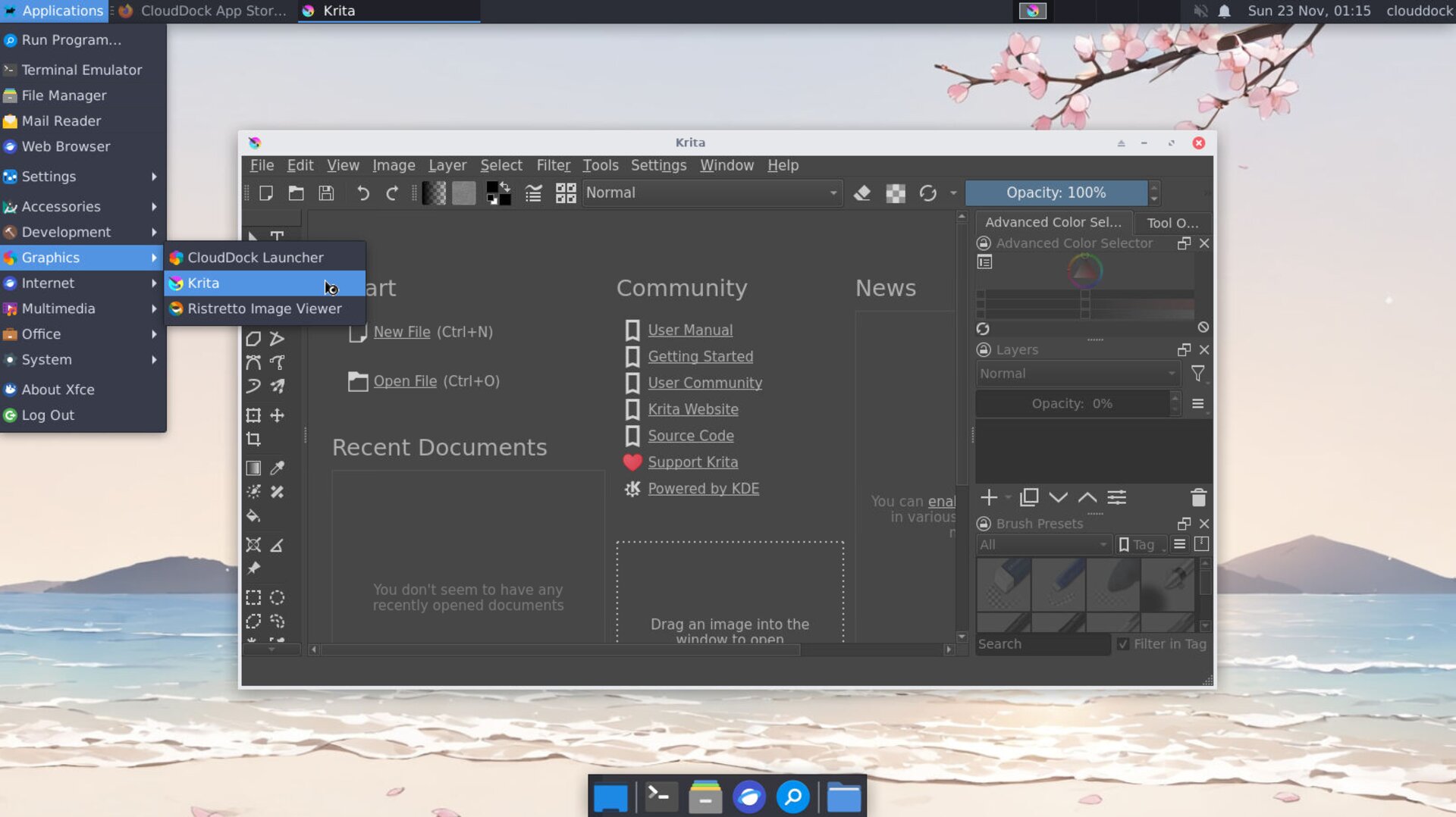
Before you draw
- 1 Canvas: File → New → Custom Document → 1920×1080, sRGB, 8-bit. Click Create.
- 2 Pen pressure: Settings → Configure Krita → Tablet settings → open Tablet Tester and draw. If no pressure curve, toggle Tablet API (WinInk/Wintab on Windows; switch Tablet settings on Linux) and test again.
- 3 Save your work: save the project as
.kraunder/workspace/art/projects/.
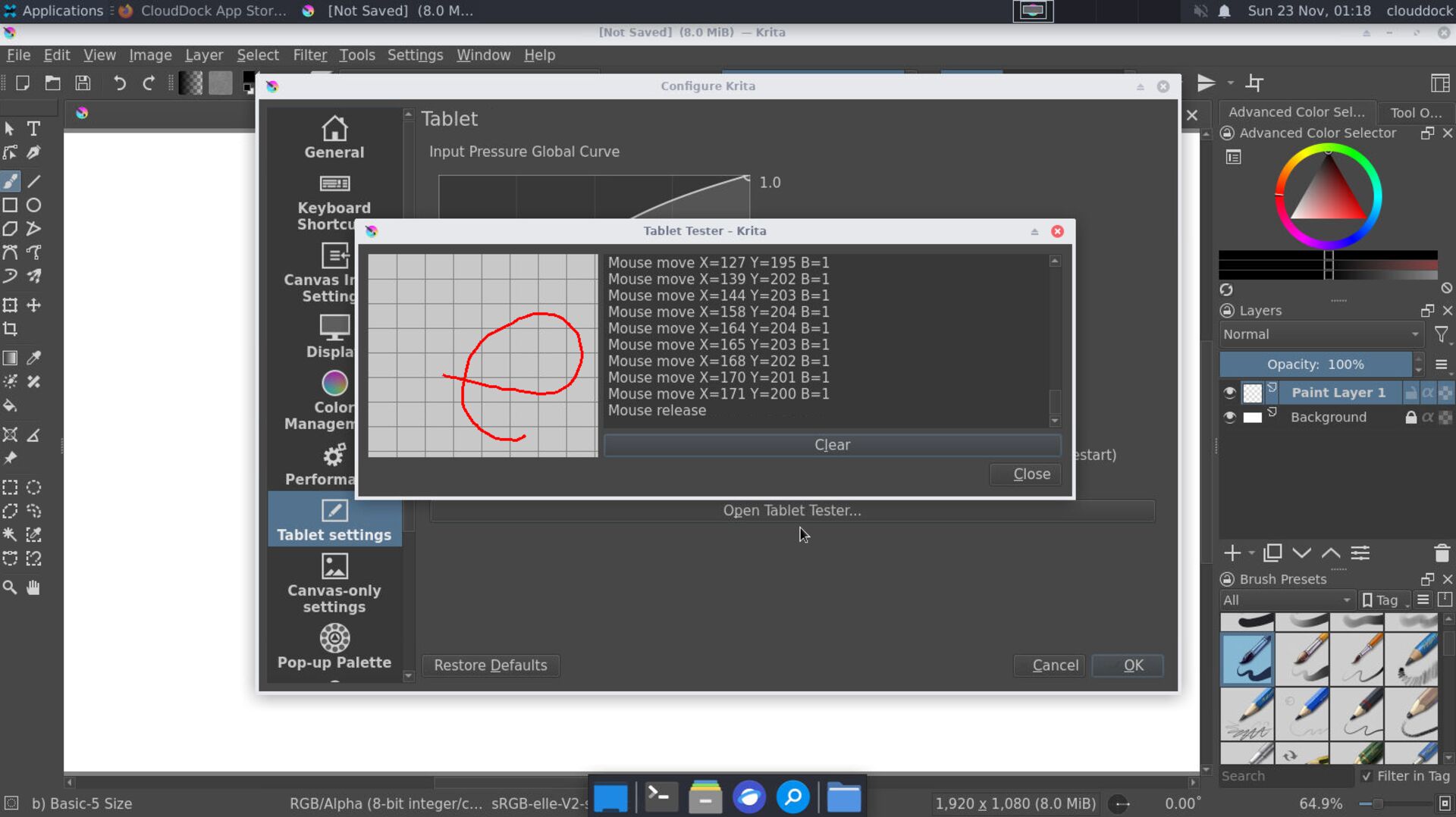
Tablet tester — make sure pressure varies with stroke strength.
Layer setup
- 1 Rename the default layer to background; fill with a light gray.
- 2 Add a new layer sketch (above background); set Opacity ≈ 60% for a softer look.
- 3 Add a new layer ink (top) for clean lines later.
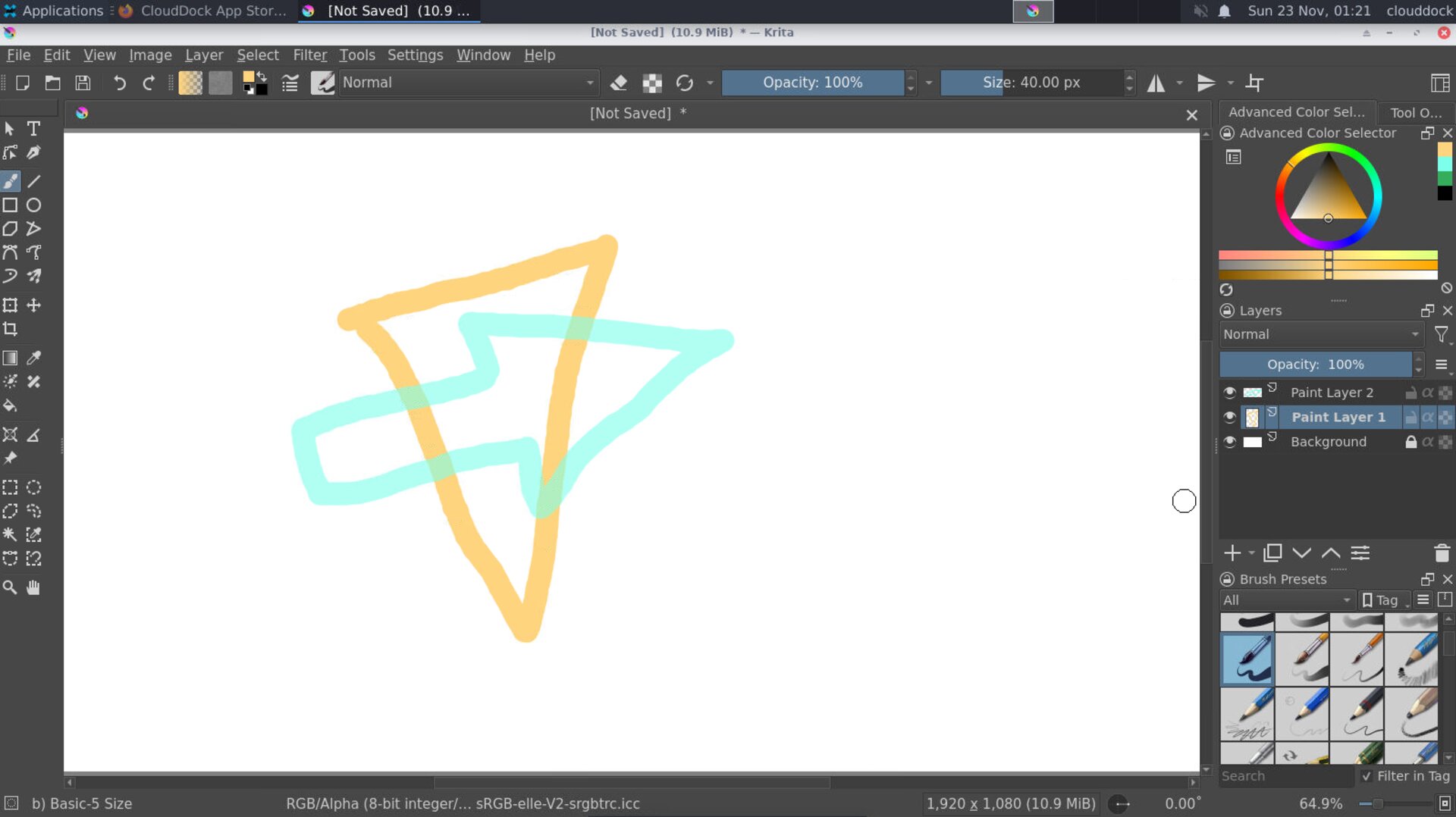
Three-layer stack: background / sketch / ink.
Brush & pressure
- 1 Press B to select Brush. Pick Basic-5 Size or an Ink preset.
- 2 Open the brush editor (F5). Ensure Size and Opacity have the Pressure sensor enabled.
- 3 Enable the Stabilizer in the tool options for smoother lines (try 10–20).
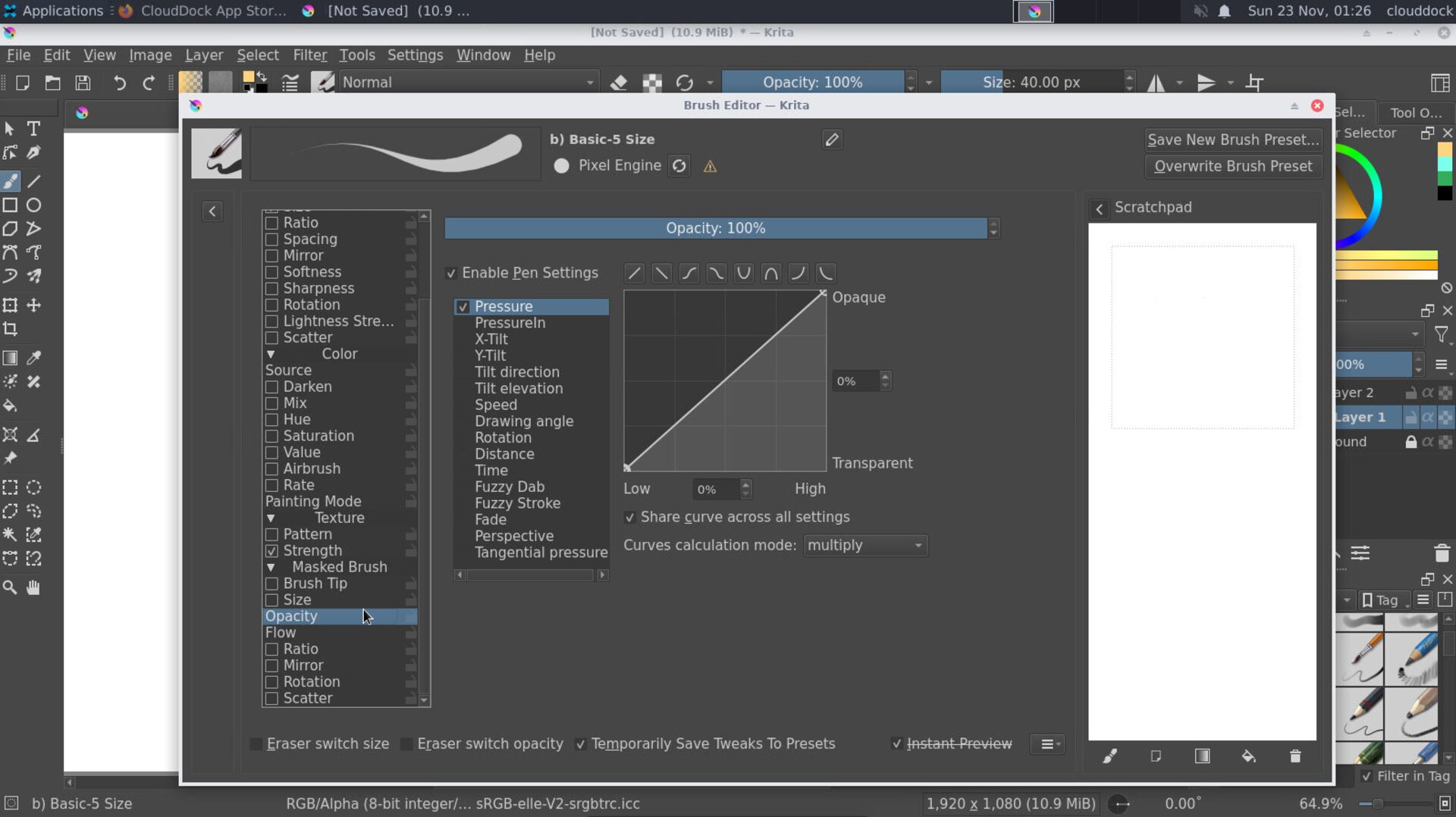
Brush editor — pressure on size/opacity; stabilizer for clean strokes.
Sketch → Ink
- 1 Draw rough lines on sketch. Keep it loose.
- 2 Lower sketch opacity to ~30–40%.
- 3 Switch to the ink layer; use an ink brush (e.g., Ink Gpen) to trace clean lines.
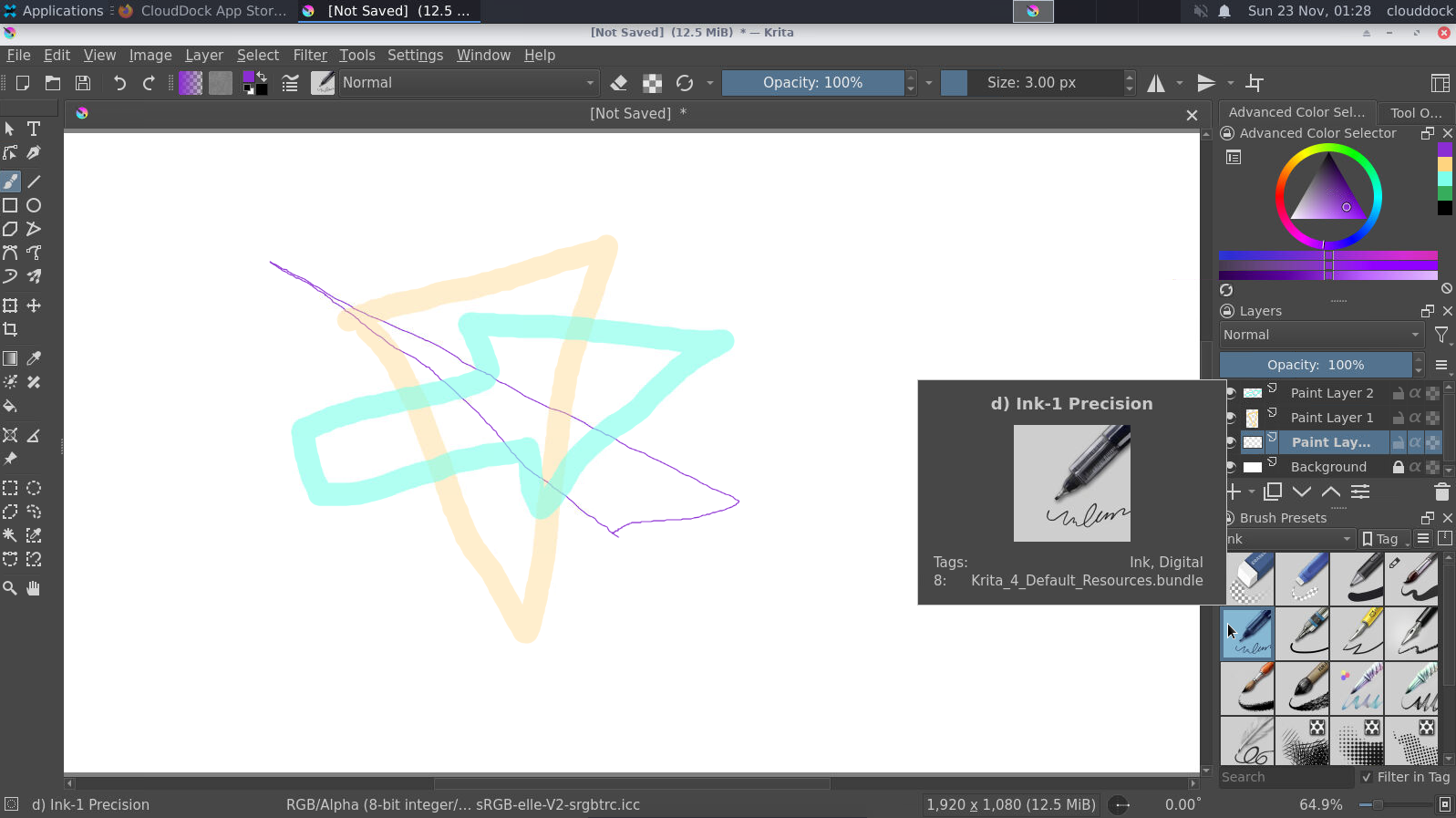
Lower sketch opacity, then ink on a separate layer.
Flat colors & shading
- 1 Add a layer group color under ink. Turn on Inherit Alpha for color child layers (acts like a clipping mask).
- 2 Inside group, add a layer flats; use the Fill tool to lay base colors.
- 3 Add a layer shade above flats, set blending to Multiply, paint soft shadows.
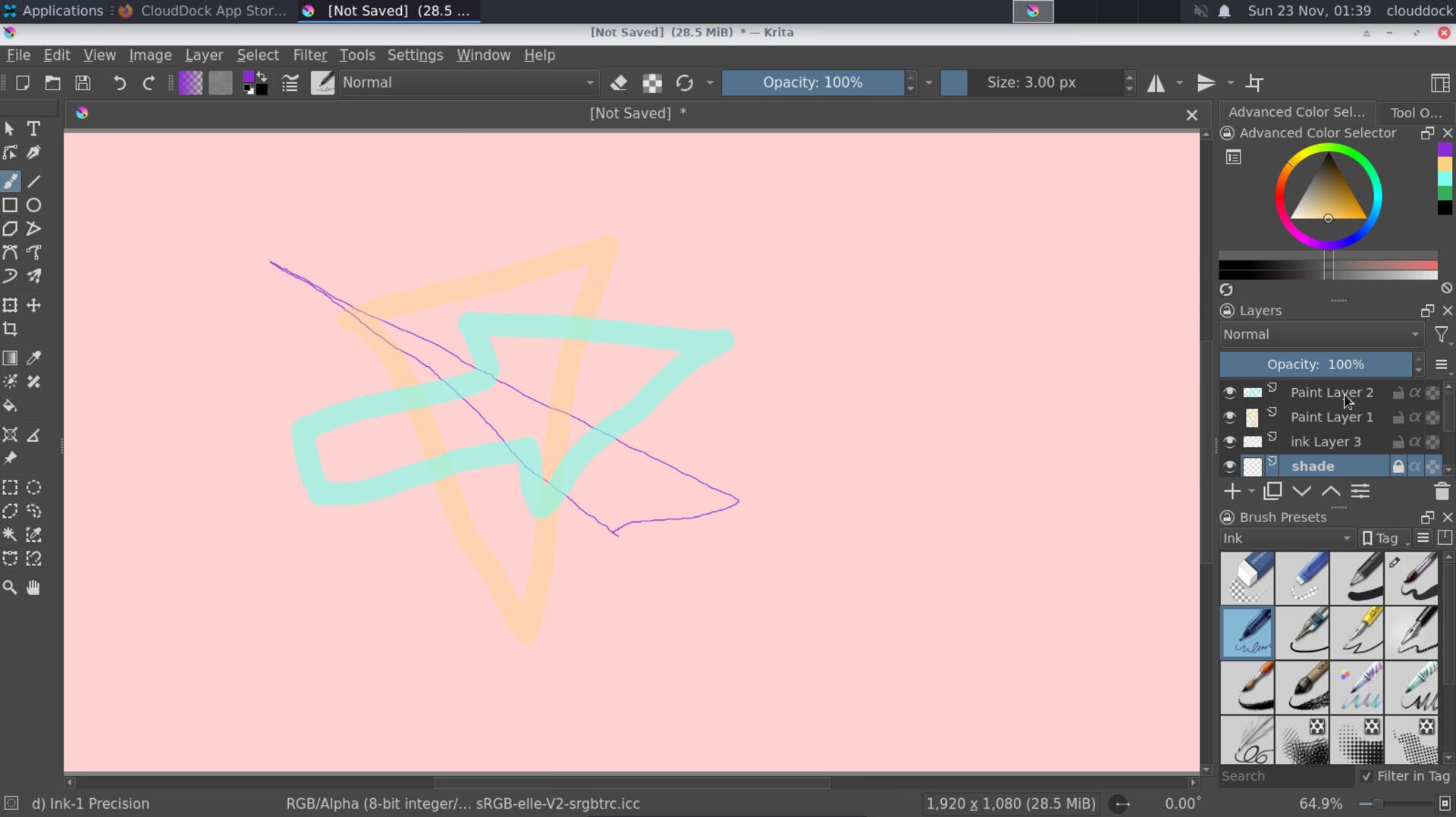
Color group with alpha inherit — flats + multiply shading.
Export
- 1 File → Export → PNG.
- 2 Save to
/workspace/art/exports/, e.g.krita_first.png.
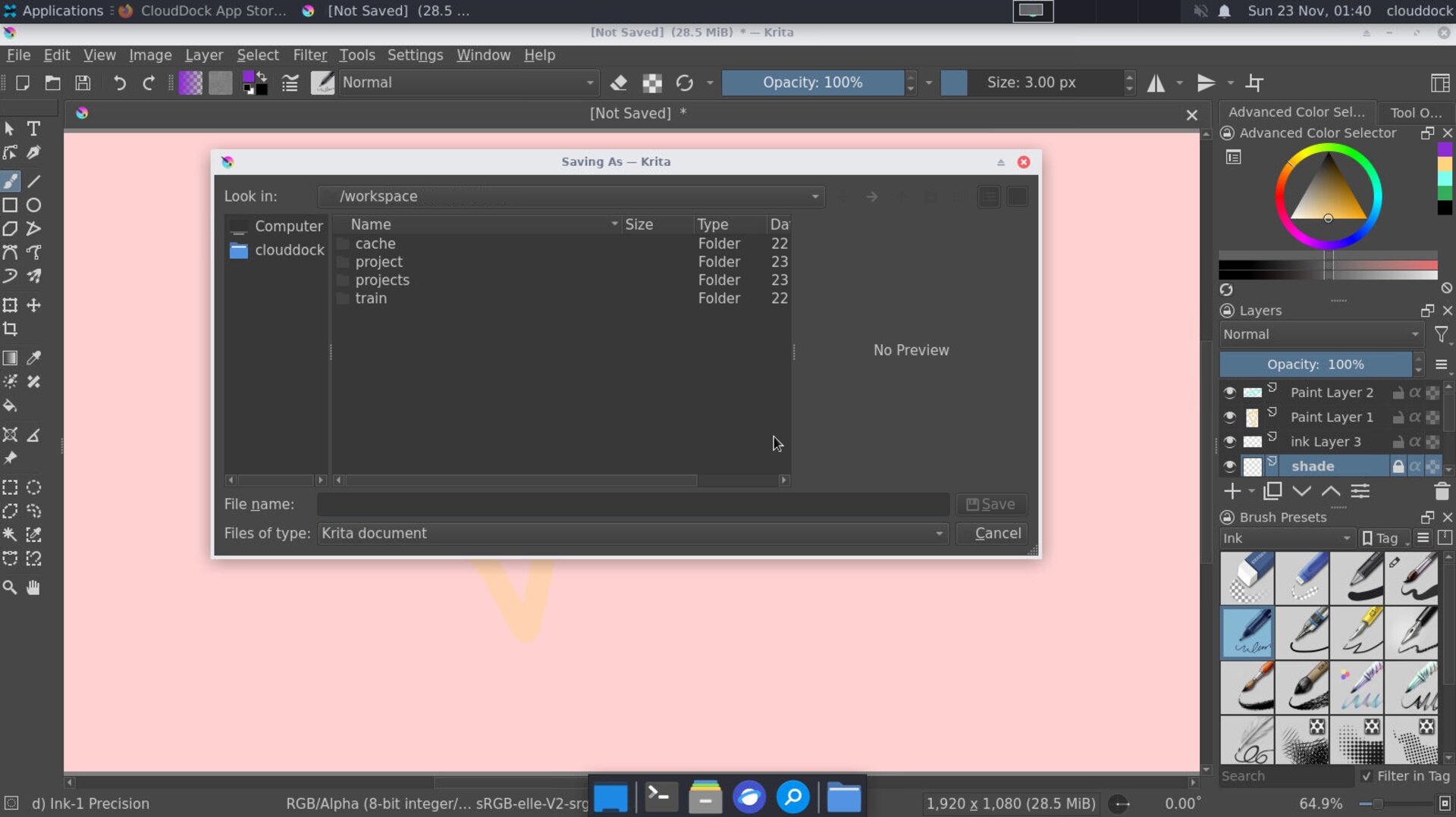
Export PNG to /workspace/art/exports/.
Cheat sheet
- B Brush, E Eraser Toggle, V Move
- [/] Brush size, Ctrl Color picker
- Space Pan, Ctrl + Space Zoom in, Alt + Space Zoom out
- Ctrl + Shift + N New layer, G Fill tool
- Ctrl + Z Undo, Ctrl + S Save
Troubleshooting
No pen pressure.
Re-test in Tablet settings → Tablet tester. Toggle Tablet API (WinInk/Wintab on Windows; switch Tablet settings on Linux), then restart Krita.
Lines wobble.
Increase Stabilizer value in tool options or use a steadier brush preset.
Fill tool leaks.
Increase Grow selection / Feathering, ensure ink layer forms closed shapes, and fill on a layer under the ink.
Sketch. Ink. Flats. Ship.