
WARNING:
System-level commands are not supported in CloudDock containers.
Do not use
sudo, apt, or any OS upgrade/install commands.
They can break your environment and may trigger security controls.
1Open the Terminal Emulator
Inside the CloudDock desktop, open the Launcher menu (grid icon) and click Terminal Emulator.
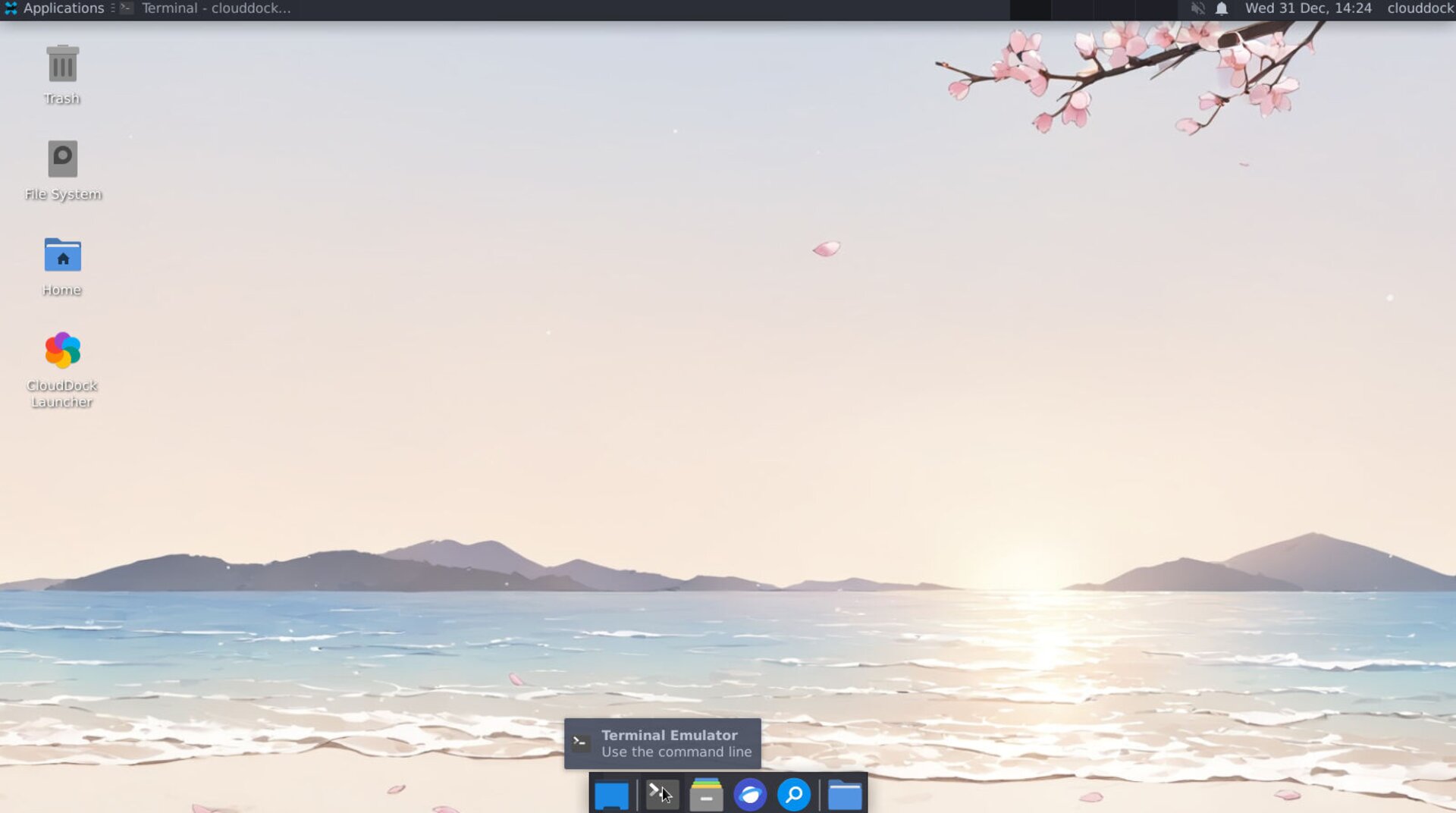
Launcher menu → Terminal Emulator
2Recommended “safe” commands
These commands are commonly used for checking status and are safe for most users:
nvidia-smi— view GPU statuspython3 -V— check Python versiondf -h— check disk usagepwd,ls— show current folder / list files
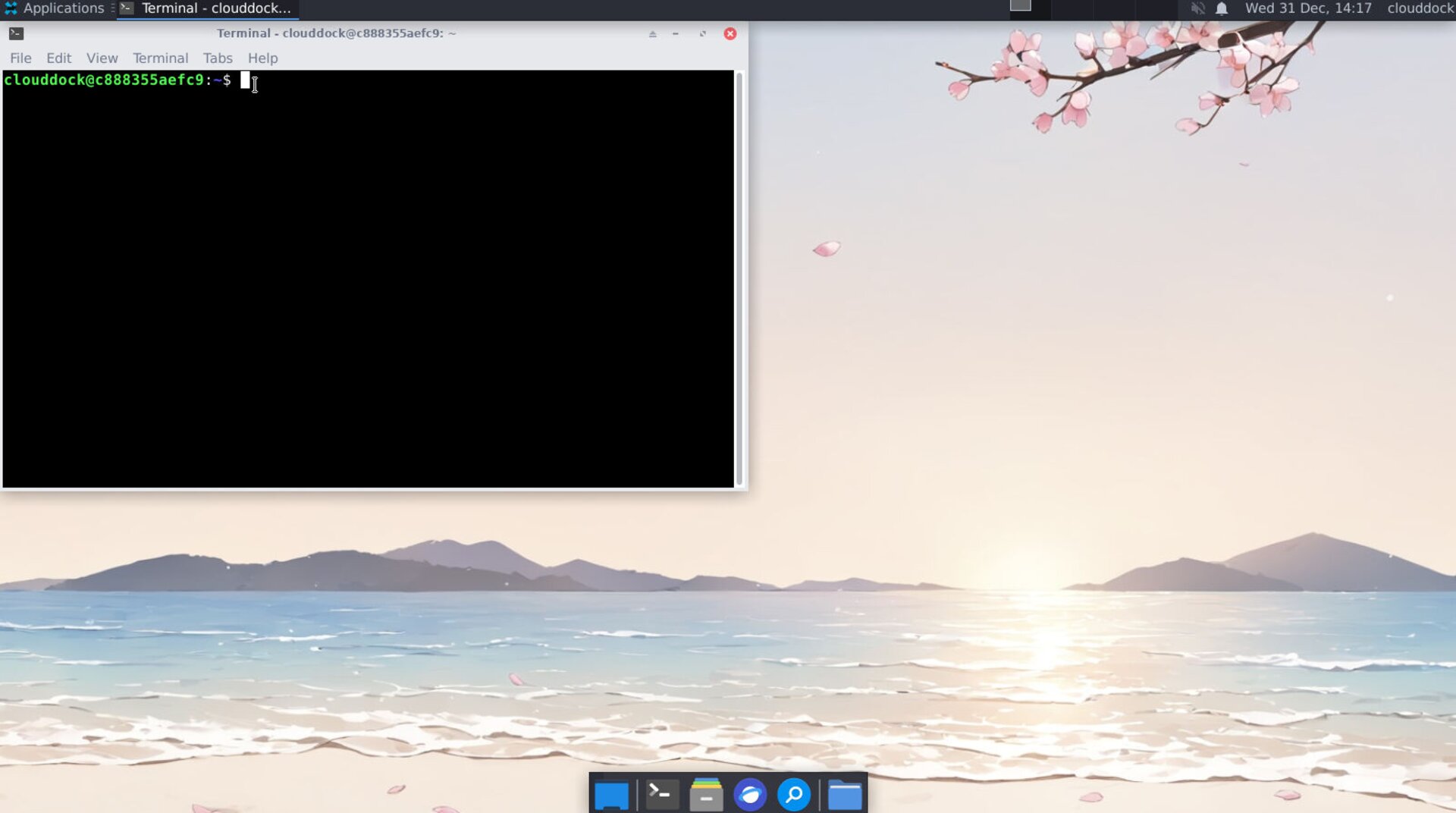
Terminal prompt
3What is NOT allowed / not supported
CloudDock containers are designed to be stable and predictable. The following actions are not supported:
sudo ...(any sudo usage)apt install,apt update,apt upgrade(system package changes)- OS upgrades, kernel changes, driver installs
- Shutdown commands such as
shutdown,poweroff,halt
Tip:
If you need additional tools or libraries, use the CloudDock App Store (recommended) or follow the official CloudDock documentation for that workflow.
That’s it — use the terminal only when you need it, and keep your environment clean and reproducible.