

1Open the Monthly Pass Page
From the top navigation bar, click “ the PASS tab at the upper right corner to enable CloudDock Pass to earn rewards ” to open the pass dashboard.
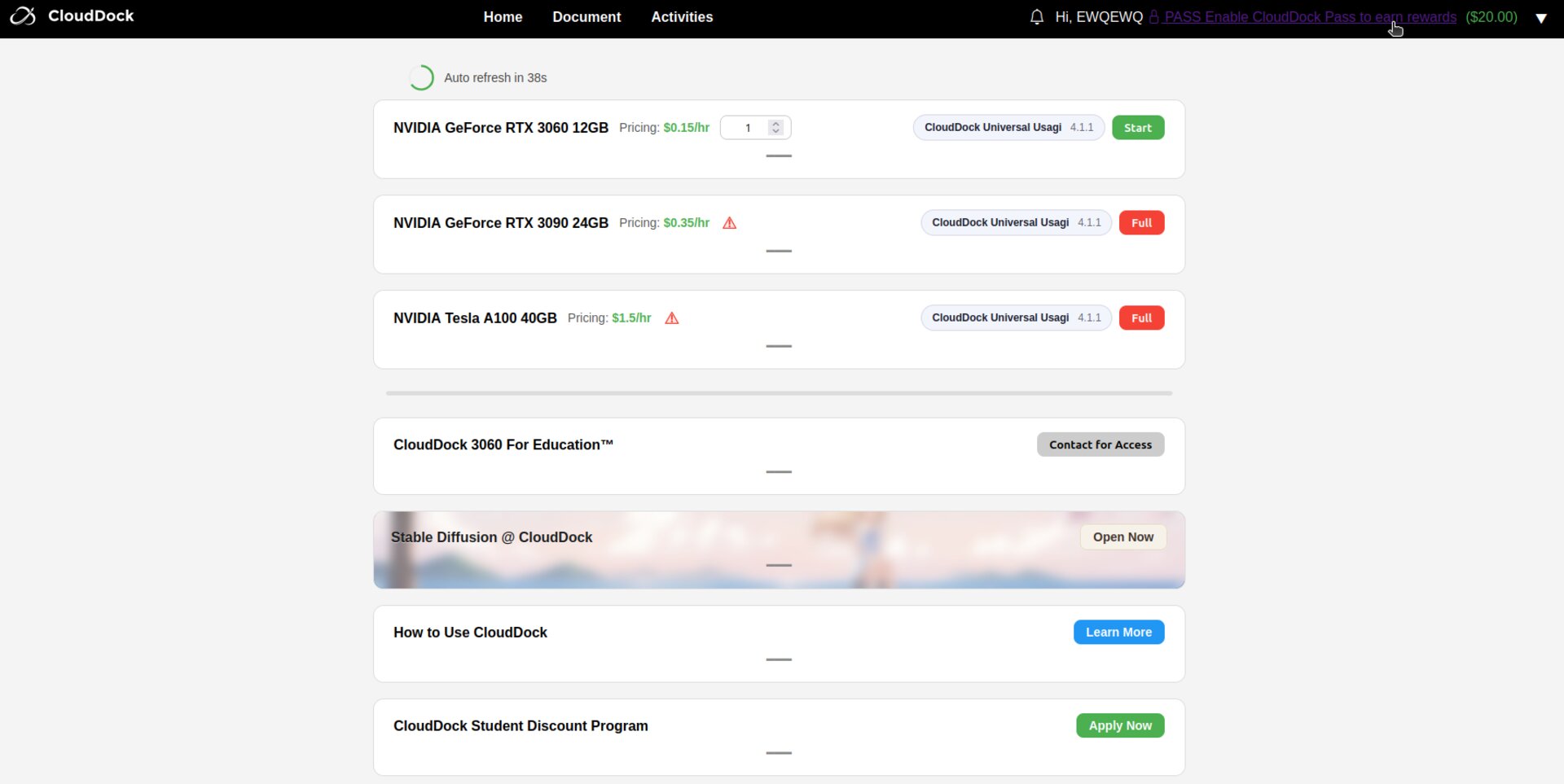
Monthly Pass entry in the navigation bar
2Review Pass Benefits
Check the rebate details: $0.10 per hour instantly refunded, up to $10.00 total within 30 days. The pass costs $2.99 and is non-refundable once activated.
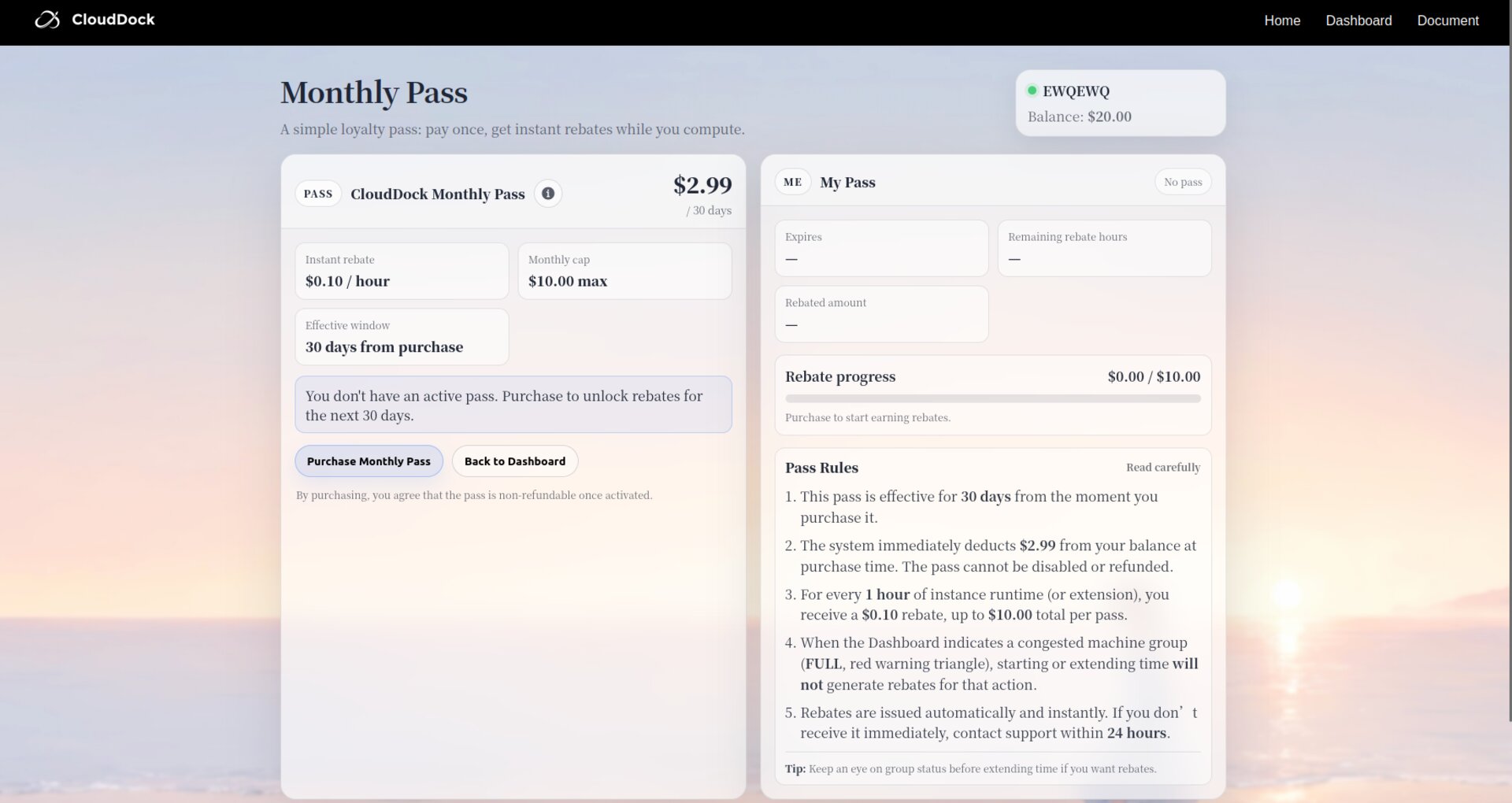
Pass overview and rebate rules
3Confirm Purchase
Click “Purchase Monthly Pass”, read the rules, then hit “Confirm & Pay $2.99”.
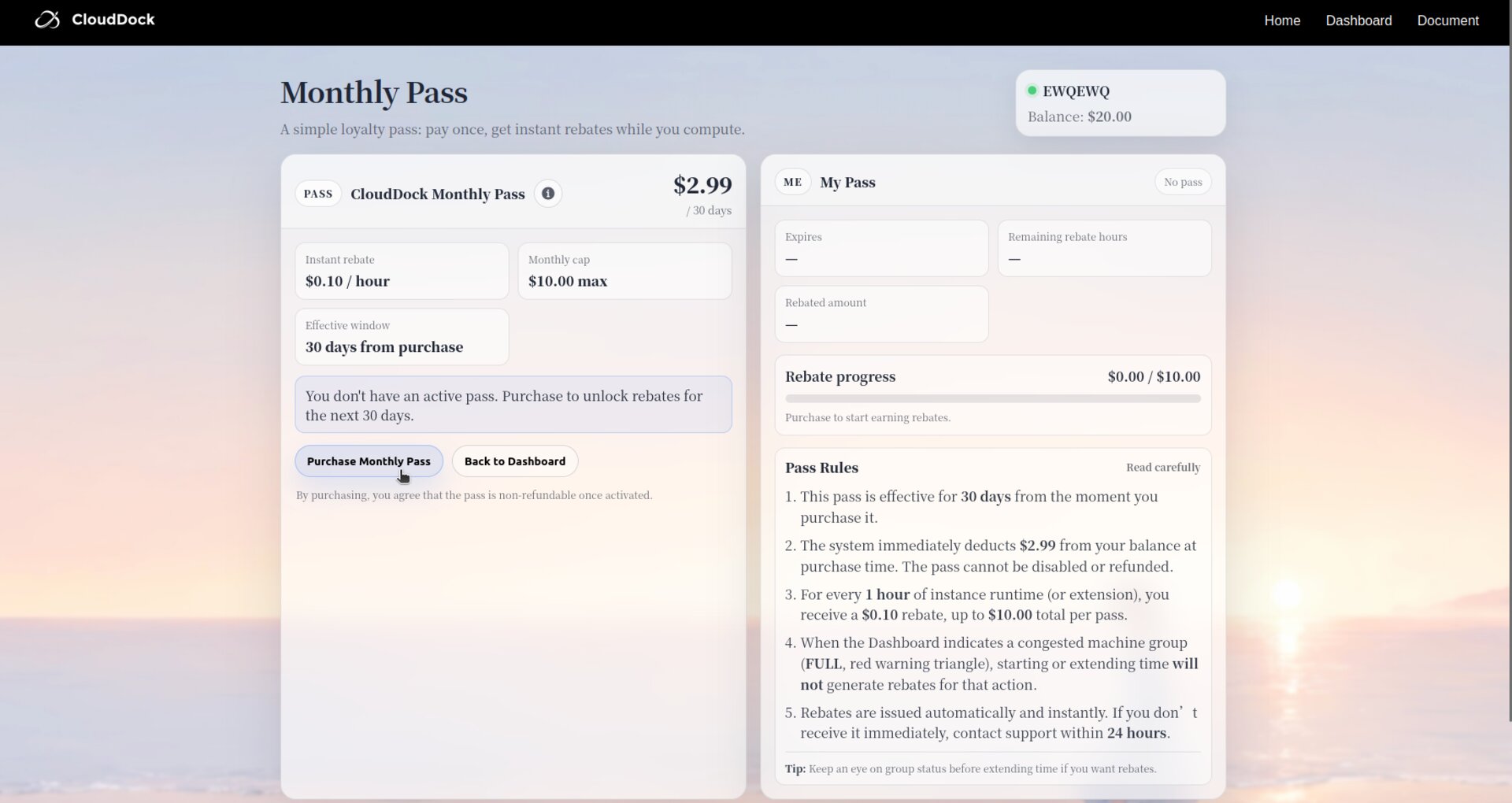
Purchase confirmation dialog
WARNING: Please read the CloudDock Pass purchase terms carefully, as refunds are not available once purchased.
4Start Earning Rebates
Click Confirm & Pay $2.99 to confirm payment. The amount is deducted from your balance immediately.
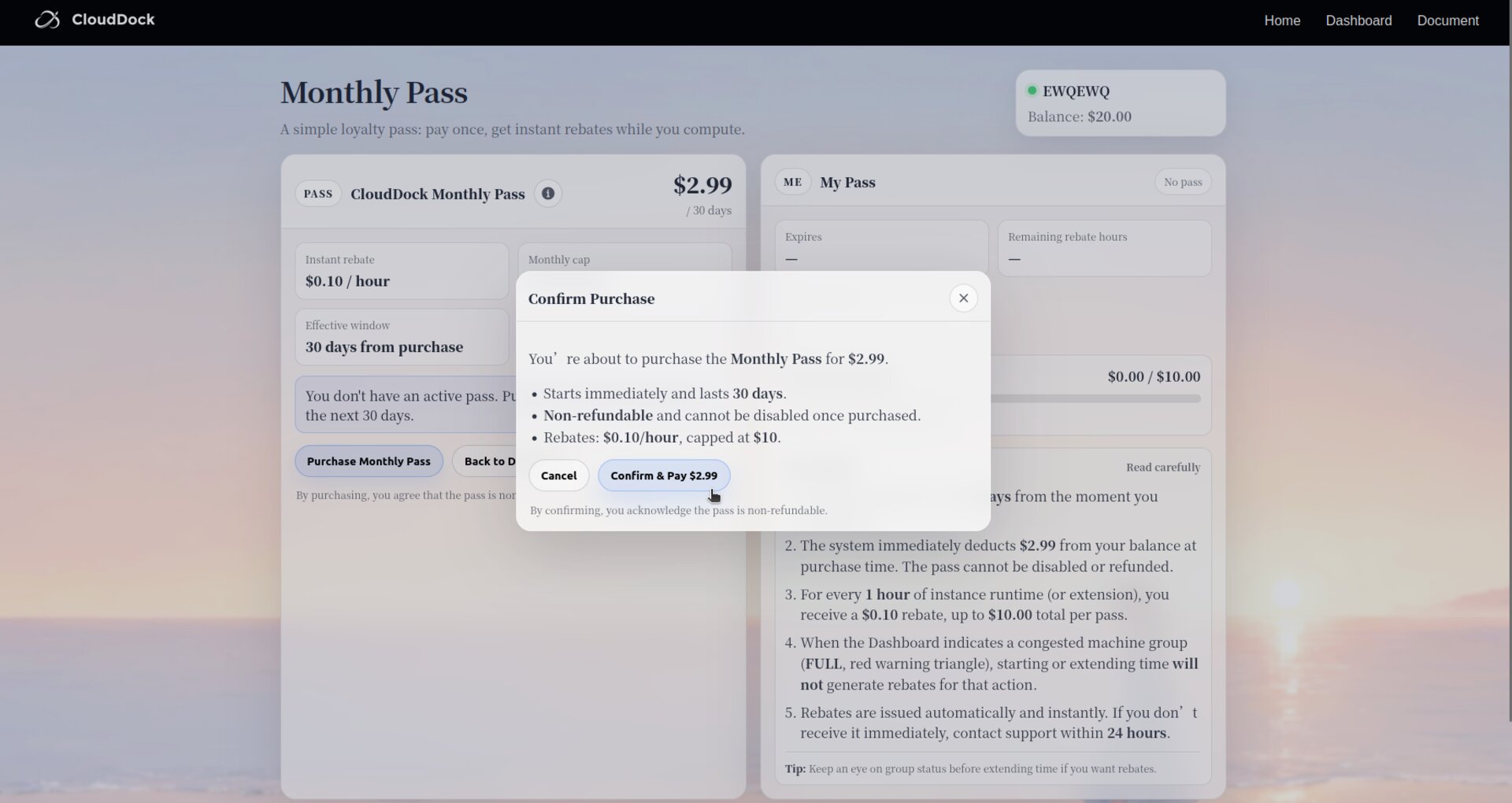
Confirm Payment
5Start Earning Rebates
Once active, every paid hour (or extension) triggers an instant $0.10 rebate. Track progress on the same page; rebates stop when the $10.00 cap or 30-day window is reached.
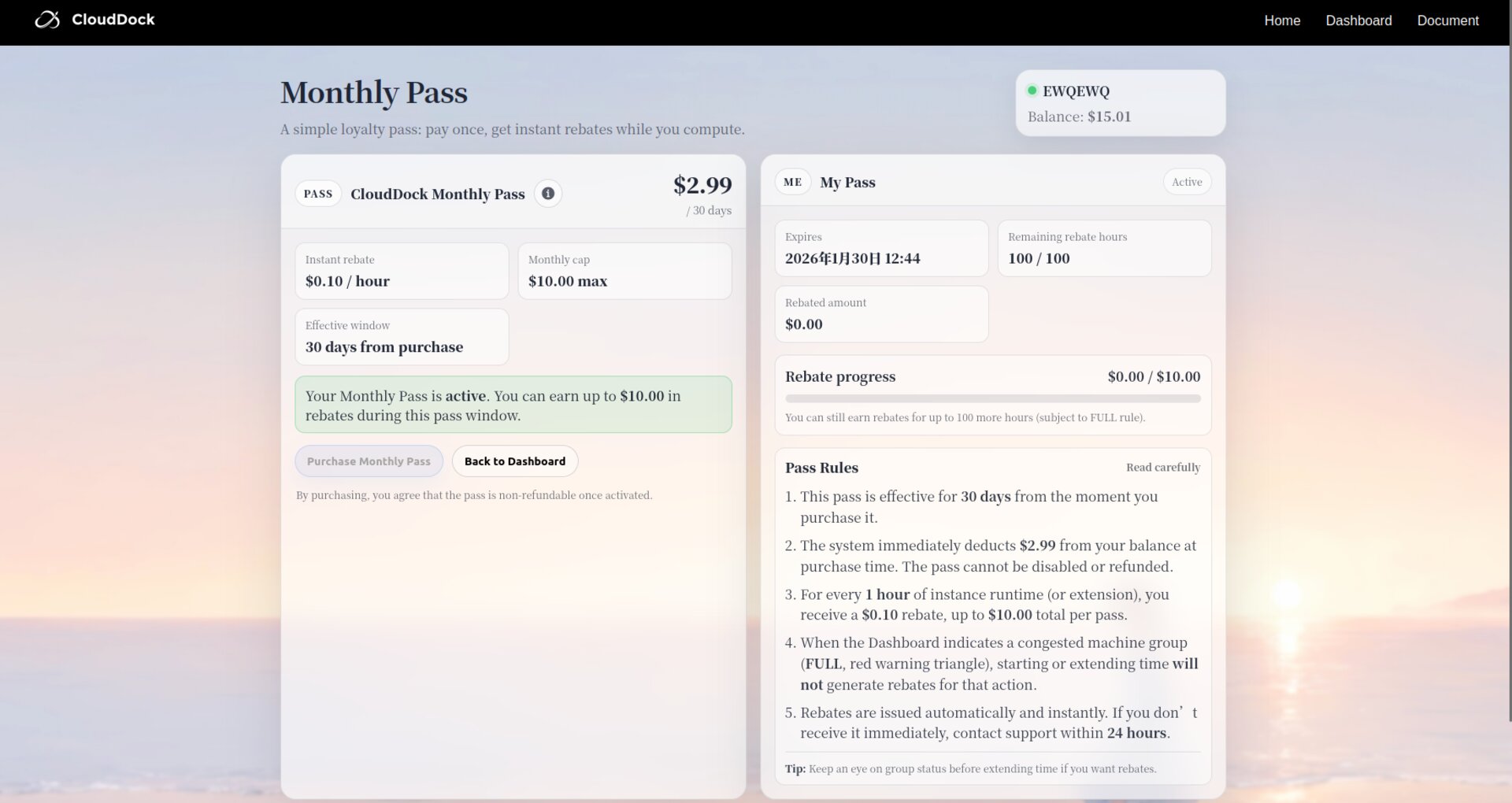
Active pass status and rebate meter
Enjoy discounted computing with CloudDock Pass!