

1Locate the Notifications Bell
While on any CloudDock page, look at the top-right corner of the header. A small bell icon 🔔 appears next to your username and balance.
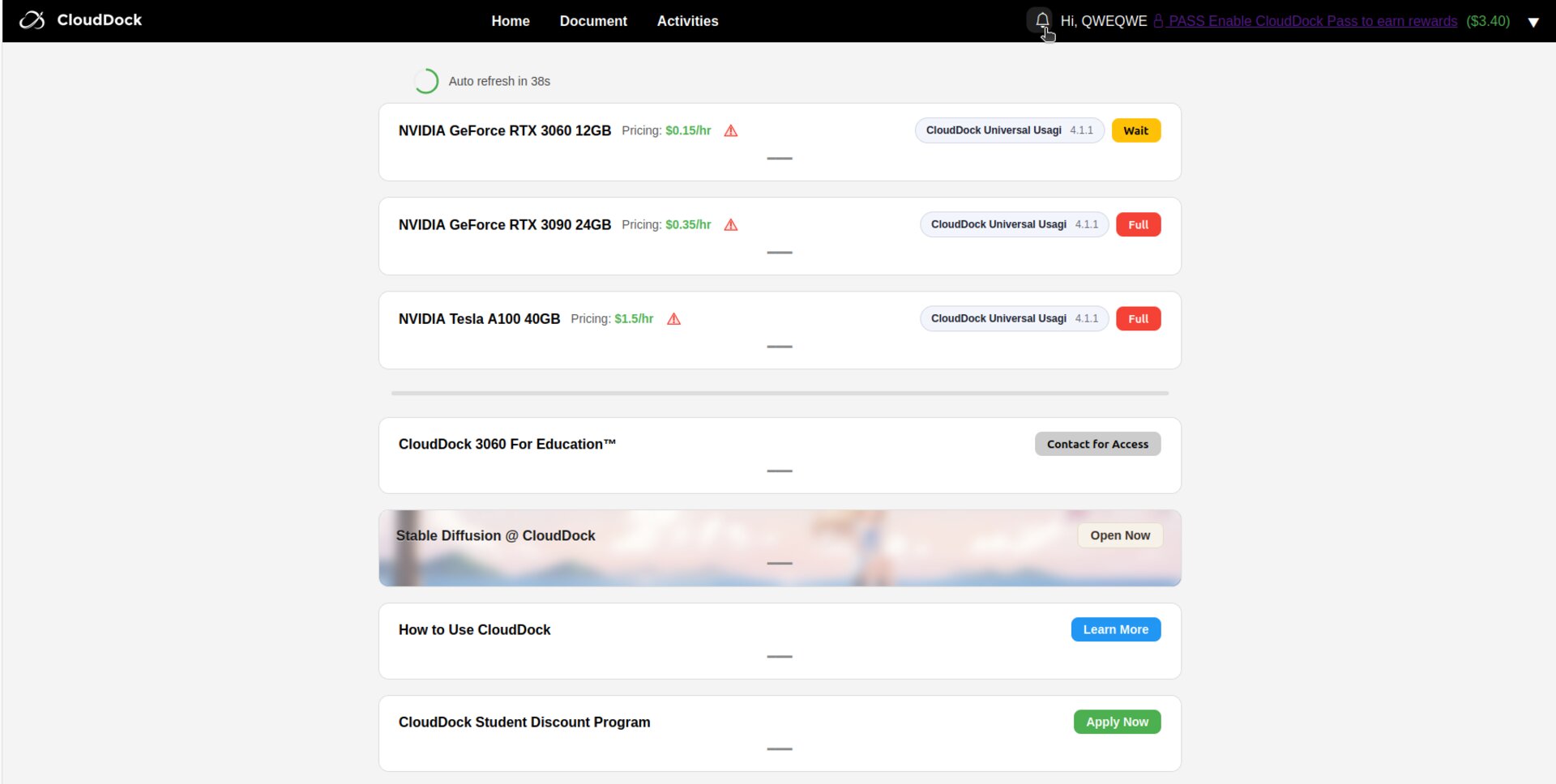
Header bar with bell icon
2Open the Notifications Panel
Click the bell. A drop-down panel slides open, listing the most recent messages sorted by timestamp.

Expanded notifications panel
Thank you for choosing CloudDock. We wish you smooth and enjoyable browsing in the cloud!