

1Open Application Finder
Click the icon in the dock or launcher panel.
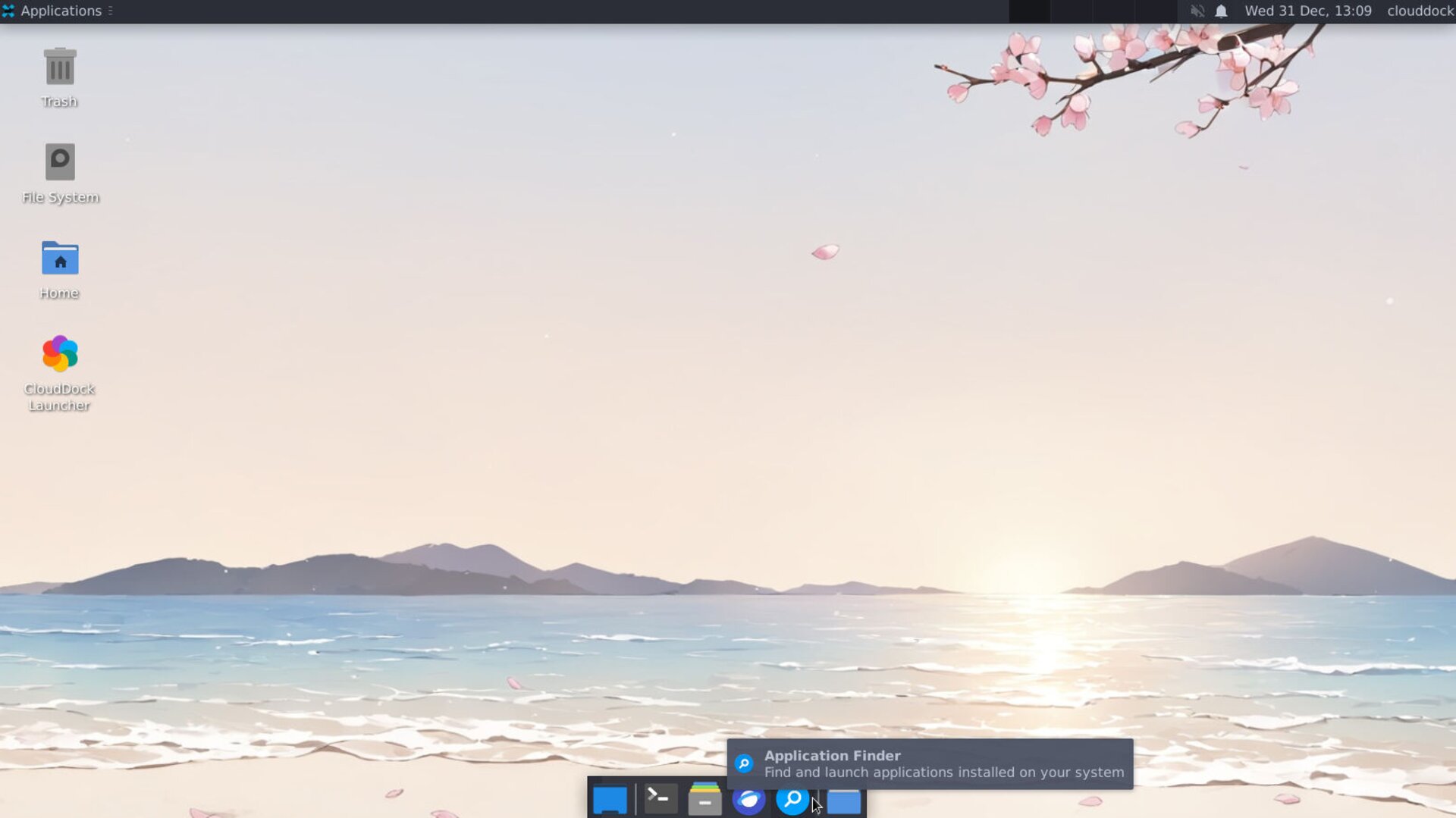
Launcher showing Application Finder icon
2Browse or Type a Keyword
In the search bar, start typing the name of the software you need. Results appear instantly as you type.
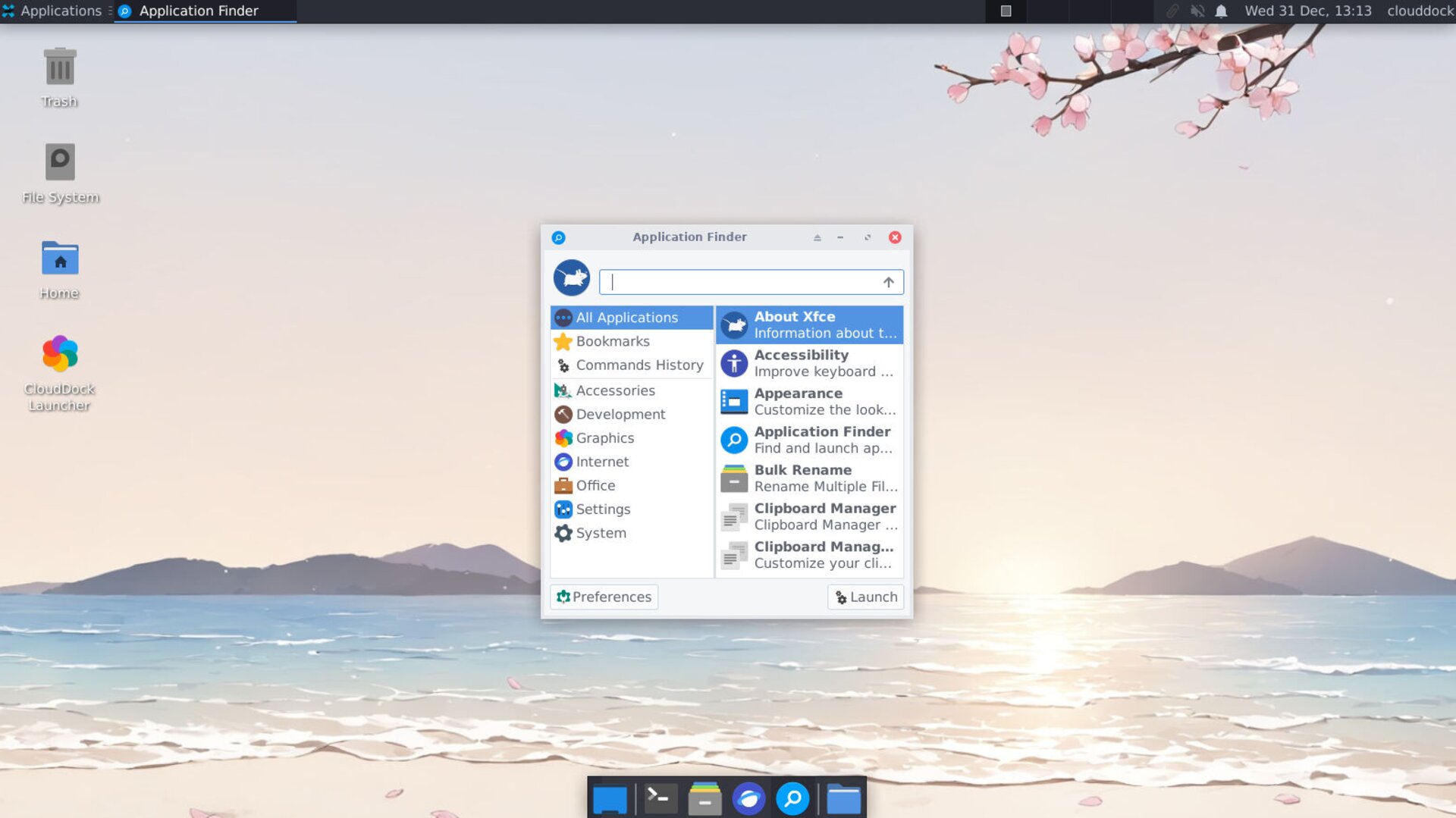
Application Finder with live search results
3Launch APP
Double-click the desired application to start it immediately.
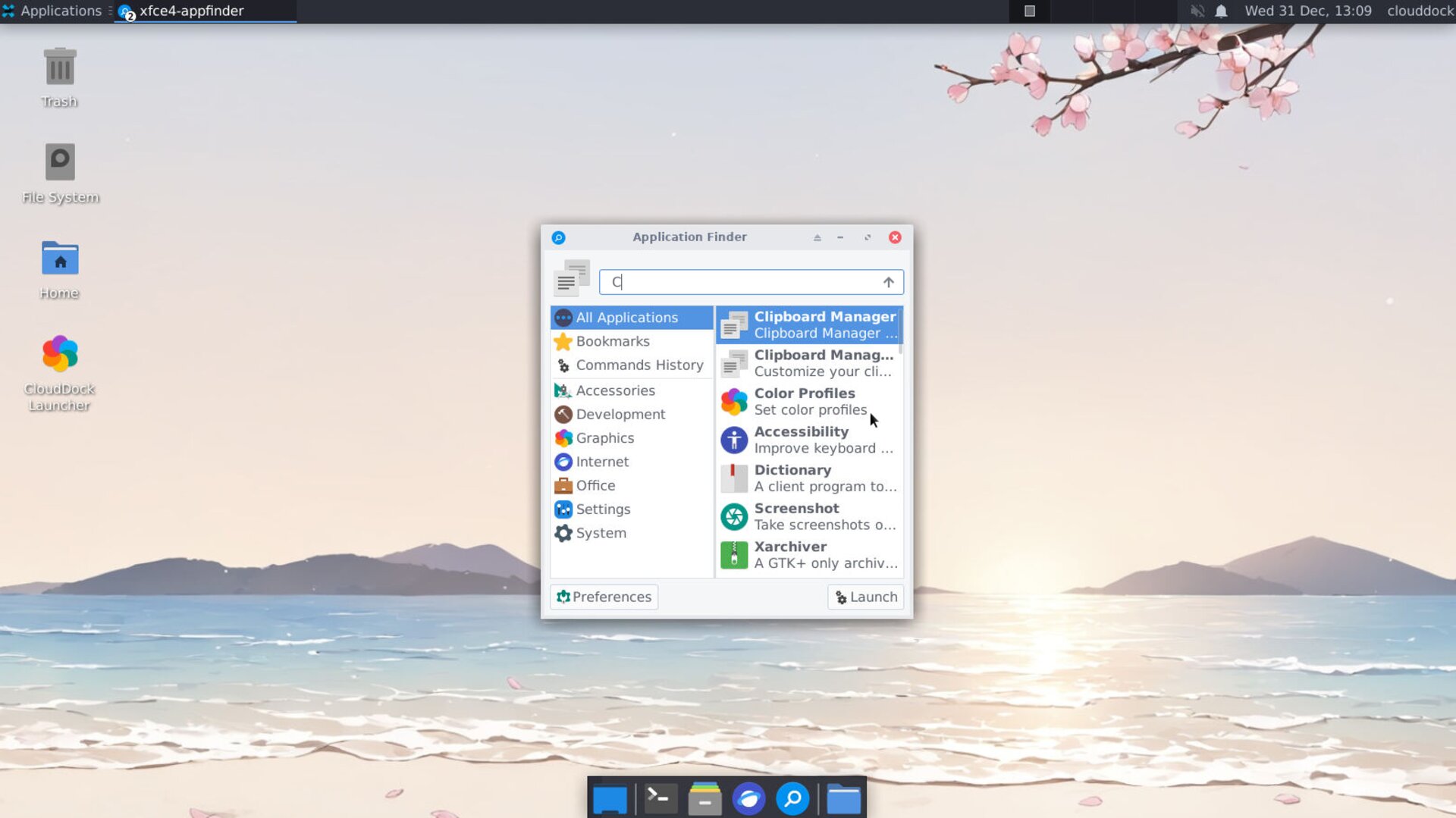
Launch APP
4Filter by Category
Use the left-hand pane to narrow results to categories like Development, Graphics, Office, or Settings.
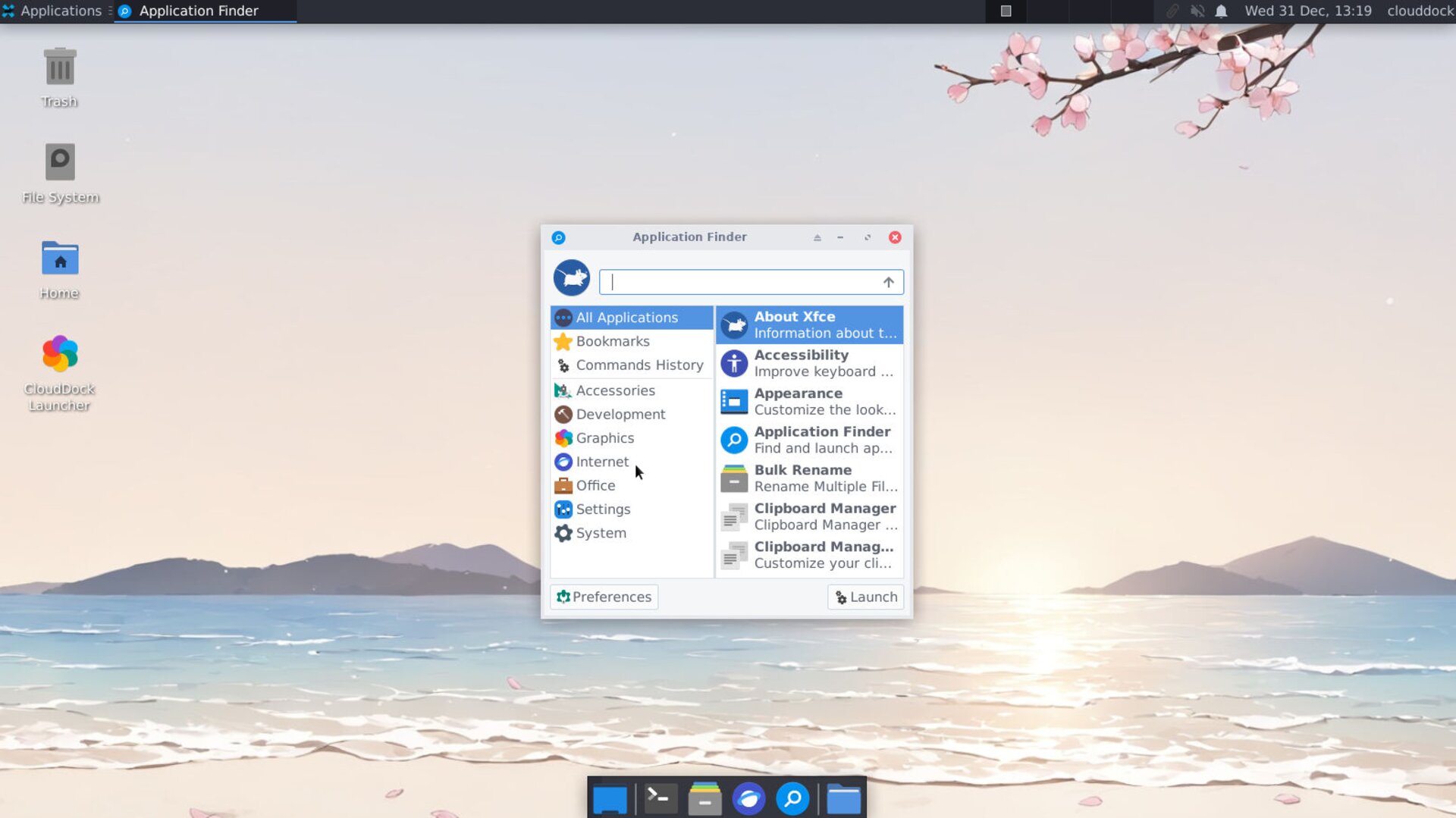
Category filter expanded
Thank you for choosing CloudDock. We wish you smooth and enjoyable browsing in the cloud!