
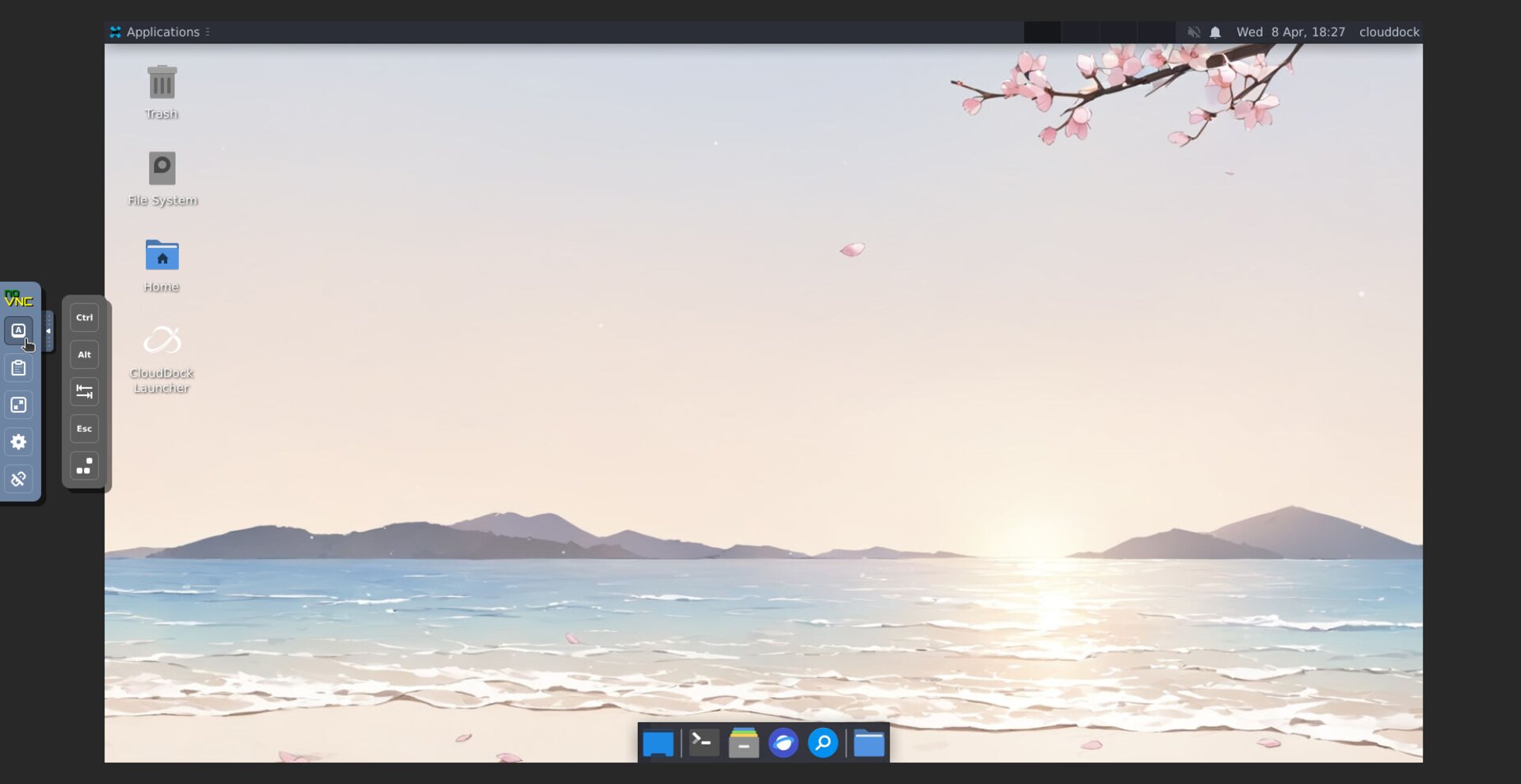
Click the small arrow/tab on the left side of the remote desktop to expand the noVNC sidebar.

Some builds show extra quick-action buttons to make common tasks easier.
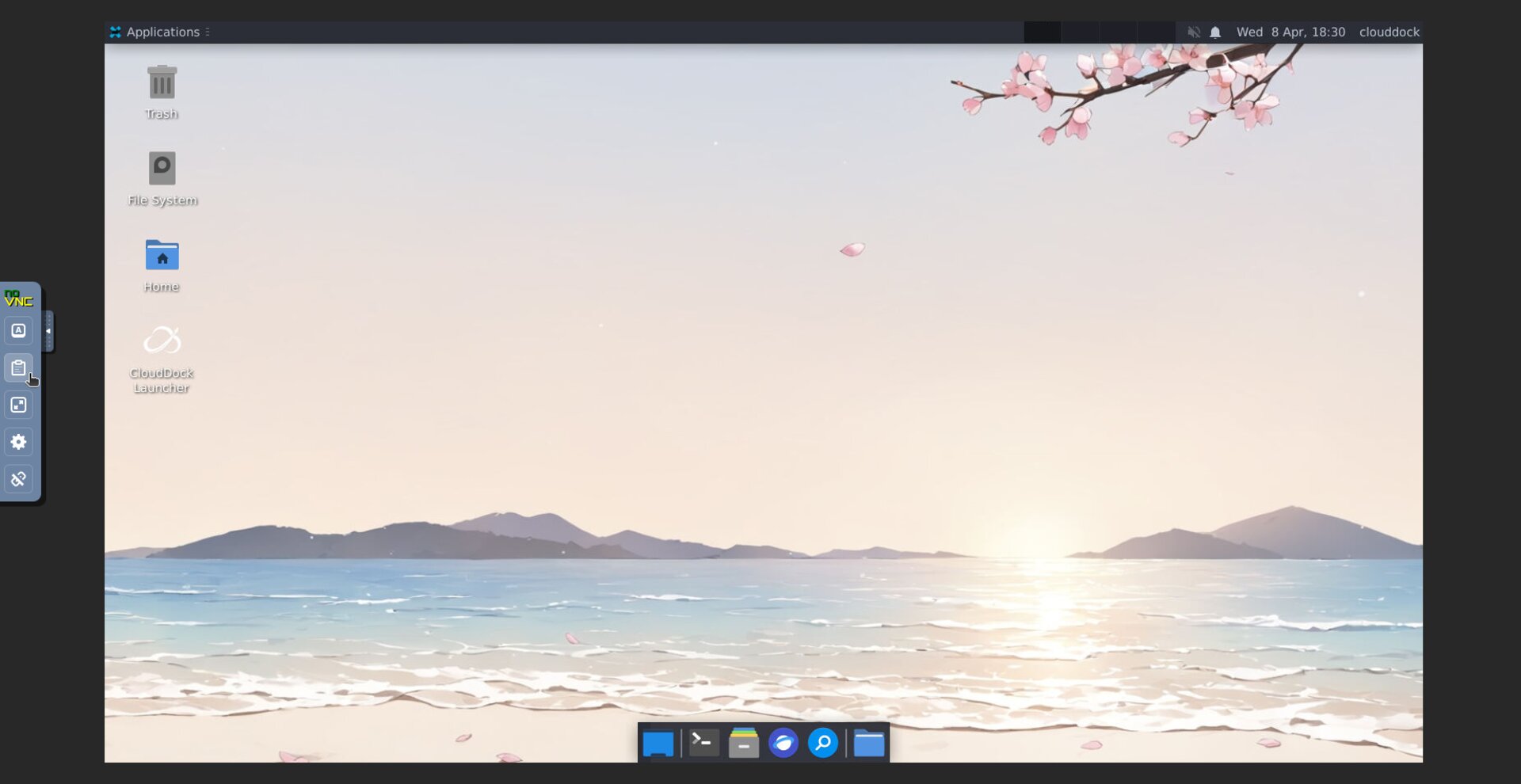
Use Clipboard to copy text between your local device and the remote desktop. Paste inside the remote desktop as you normally would.
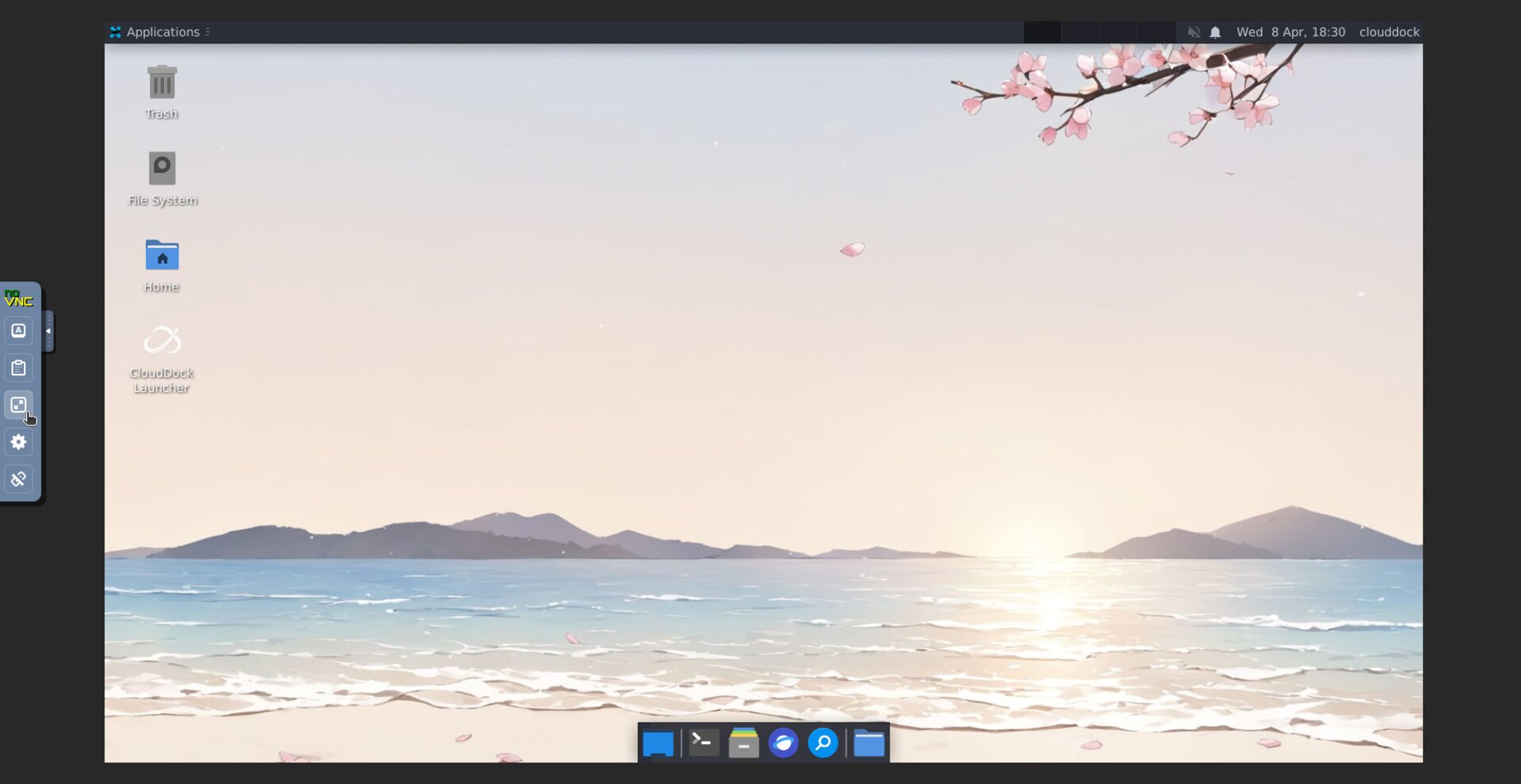
Switch to Full-screen for a larger workspace. Press Esc to exit full-screen.
Open Settings to adjust viewer options (for example: scaling, input behavior, or display preferences).
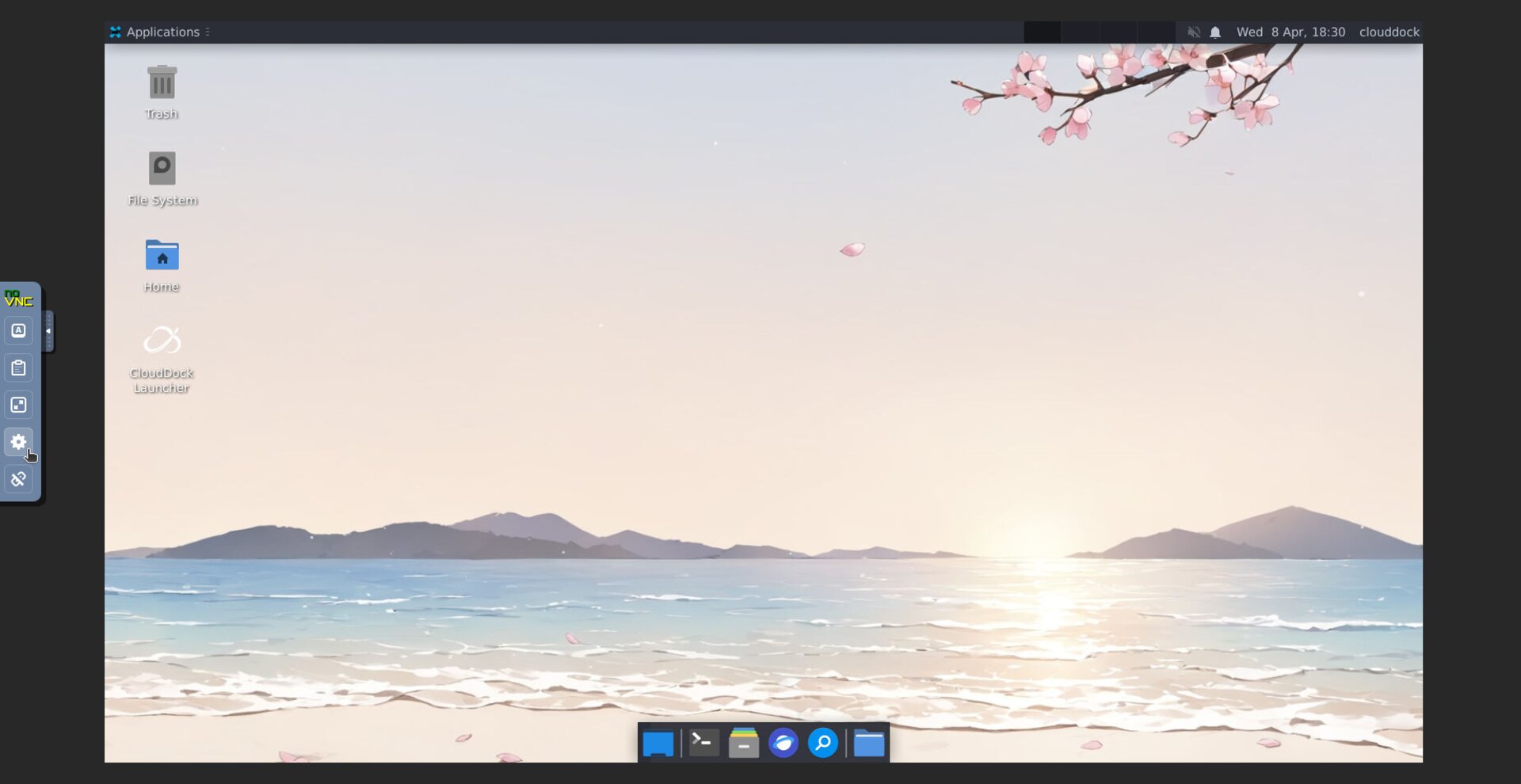
When you’re finished, click Disconnect to close the remote desktop session in the viewer. (This only disconnects your browser view; it does not necessarily stop your running instance.)
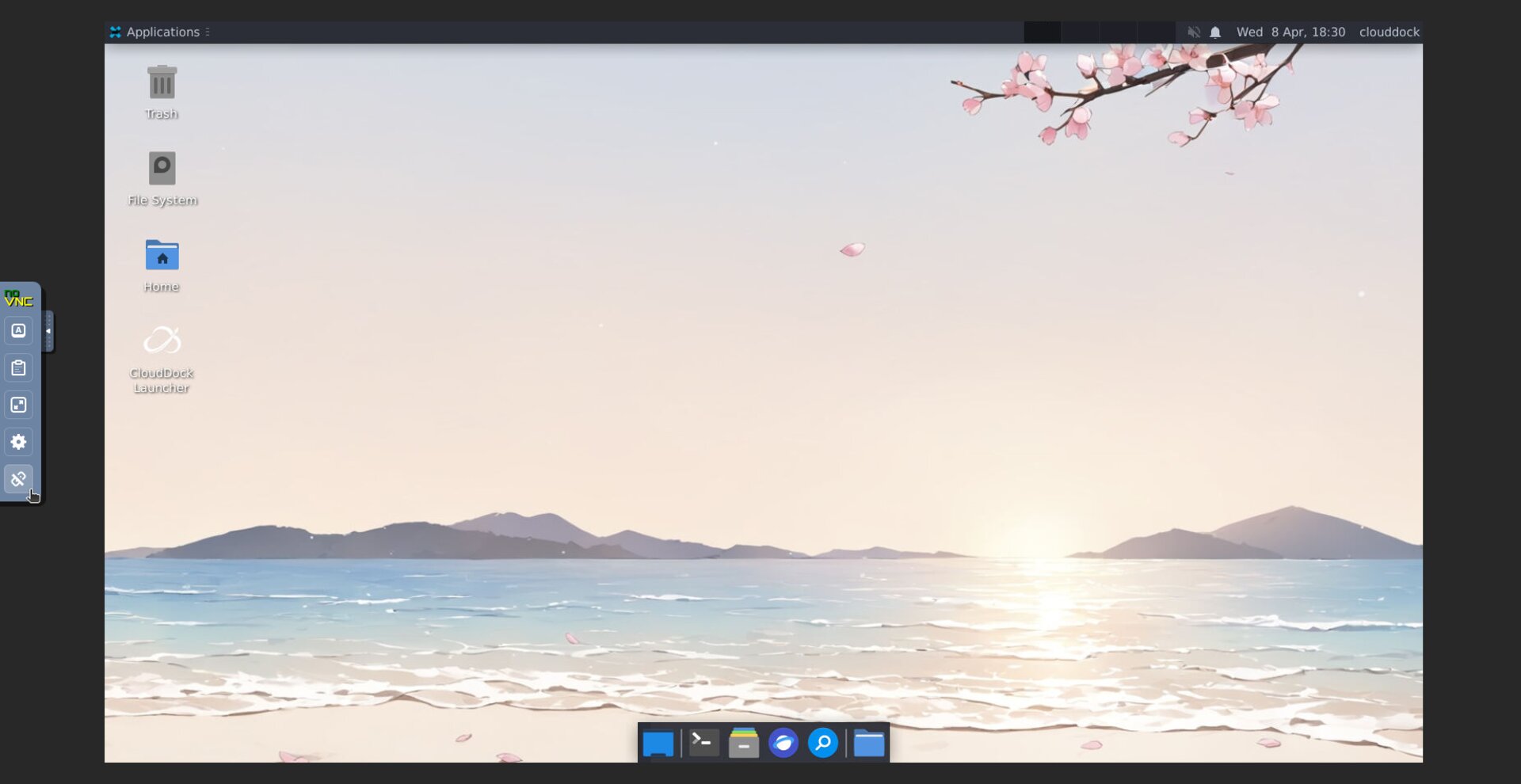
That’s it — the sidebar is simply the noVNC viewer controls for your CloudDock remote desktop session.