

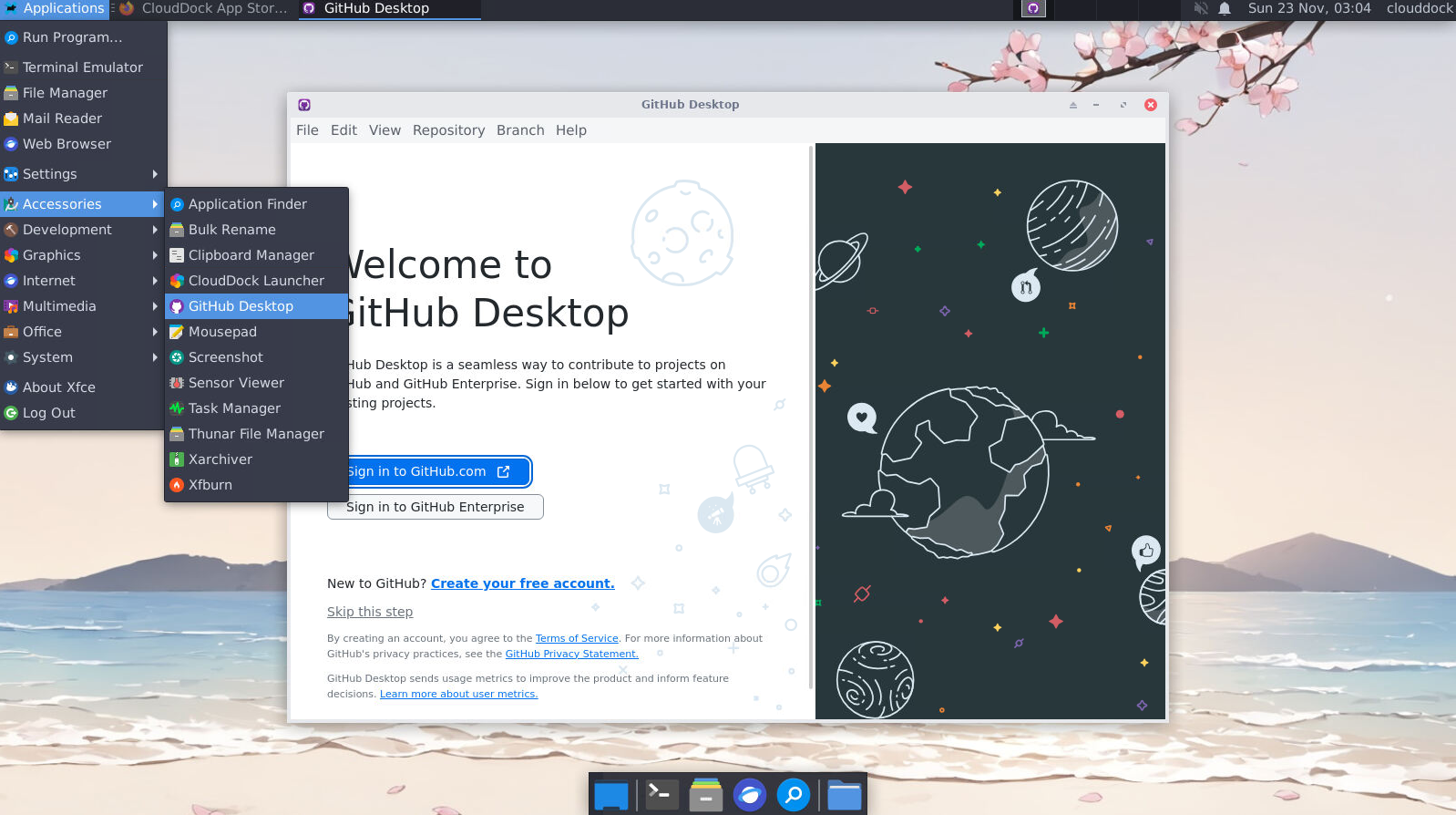
Sign in
- 1 Launch GitHub Desktop (Applications → Development).
- 2 Go to File → Options… → Accounts, click Sign in, and complete the browser OAuth flow.
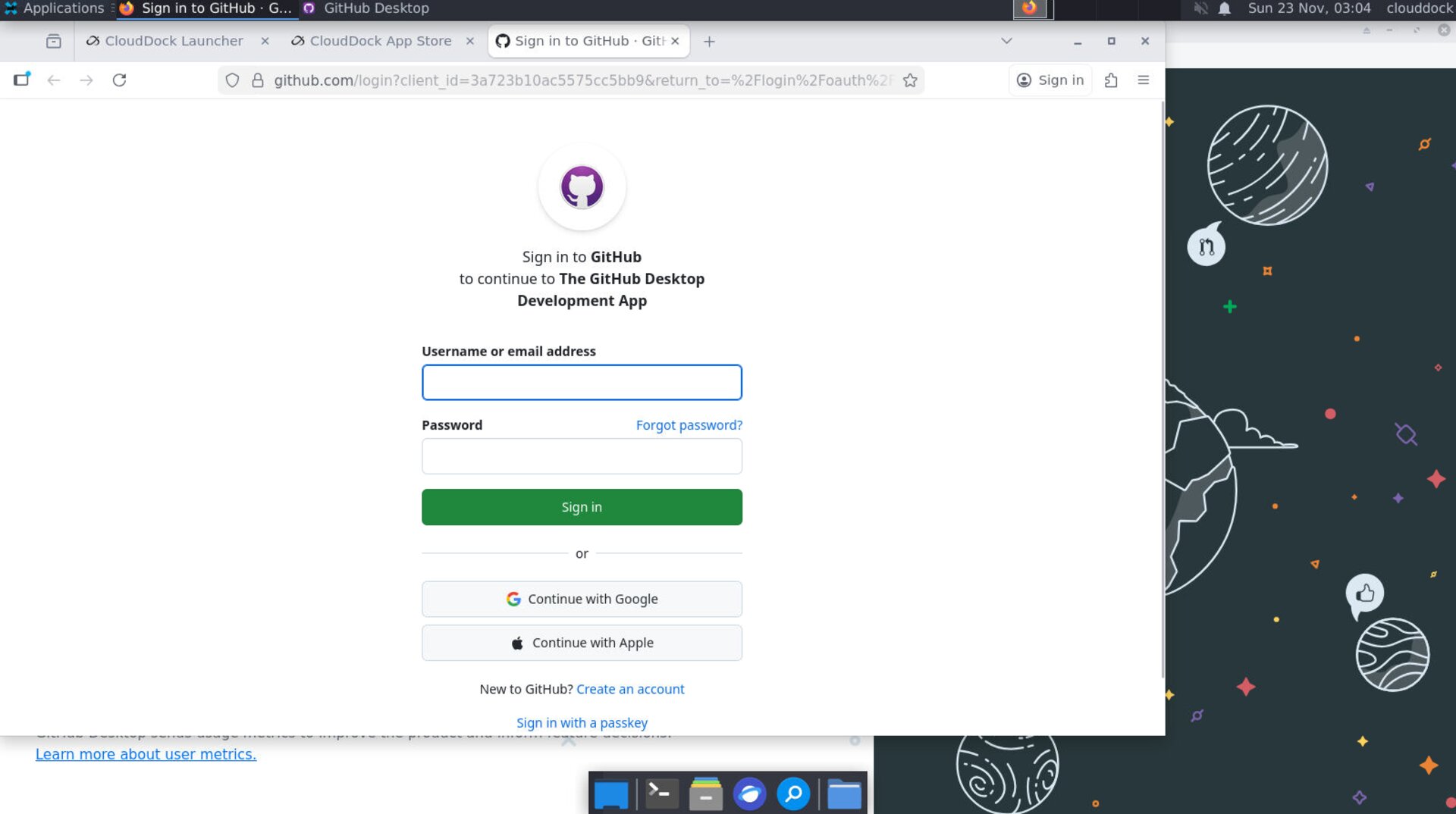
Options → Accounts — sign in with your GitHub account.
Clone a repository
- 1 File → Clone Repository…. Use the URL tab or pick from your GitHub list.
- 2 Set Local path to
/workspace/projects/<repo>(create the folder if needed). - 3 Click Clone. When asked, choose to open in your editor (VS Code recommended).
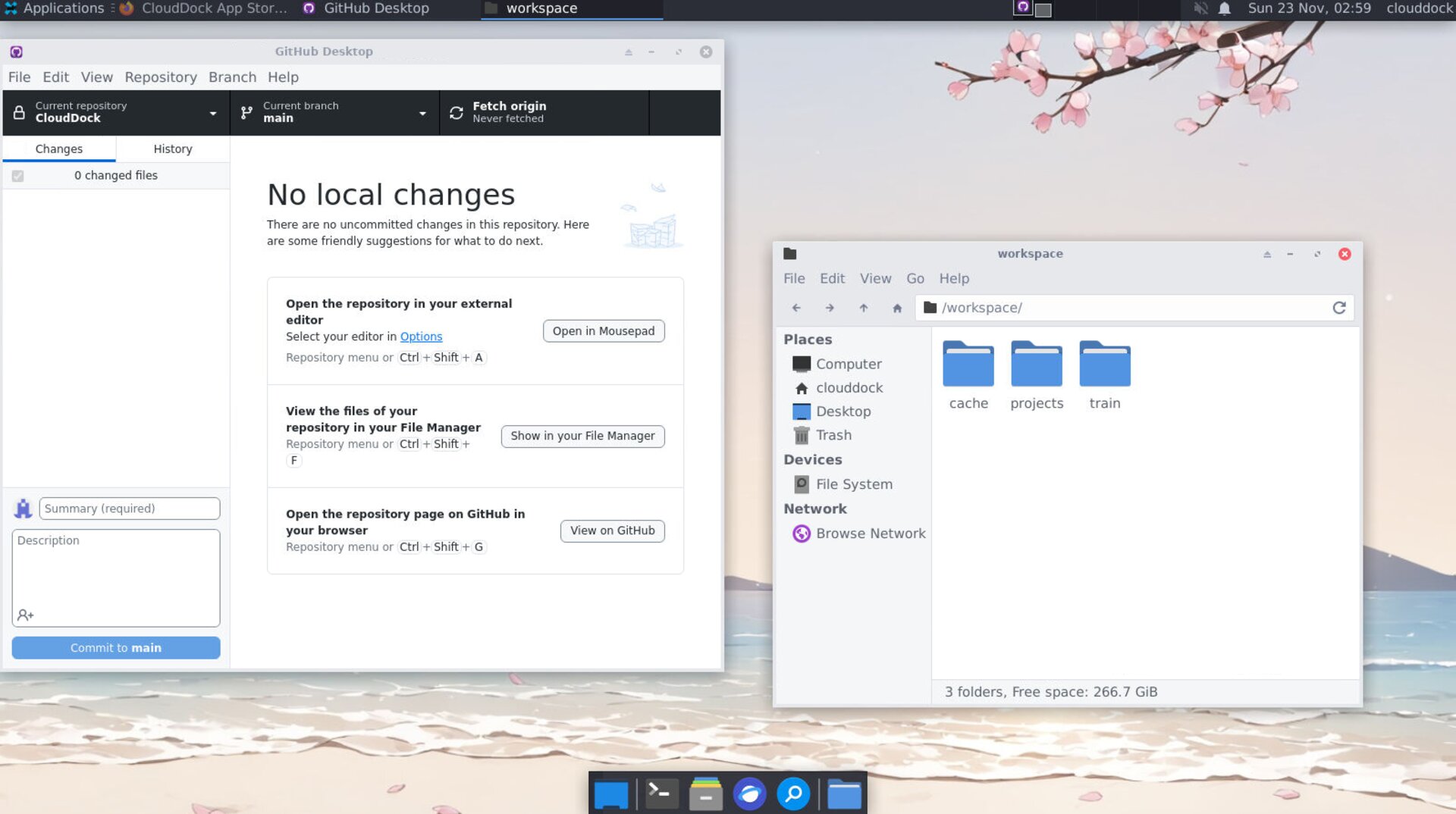
Clone to
/workspace/projects/ for a clean, writable workspace.Create a new repository
- 1 File → New repository….
- 2 Local path:
/workspace/projects/<name>. Check Initialize this repository with a README. - 3 Click Create repository, then Publish repository to GitHub (private or public).
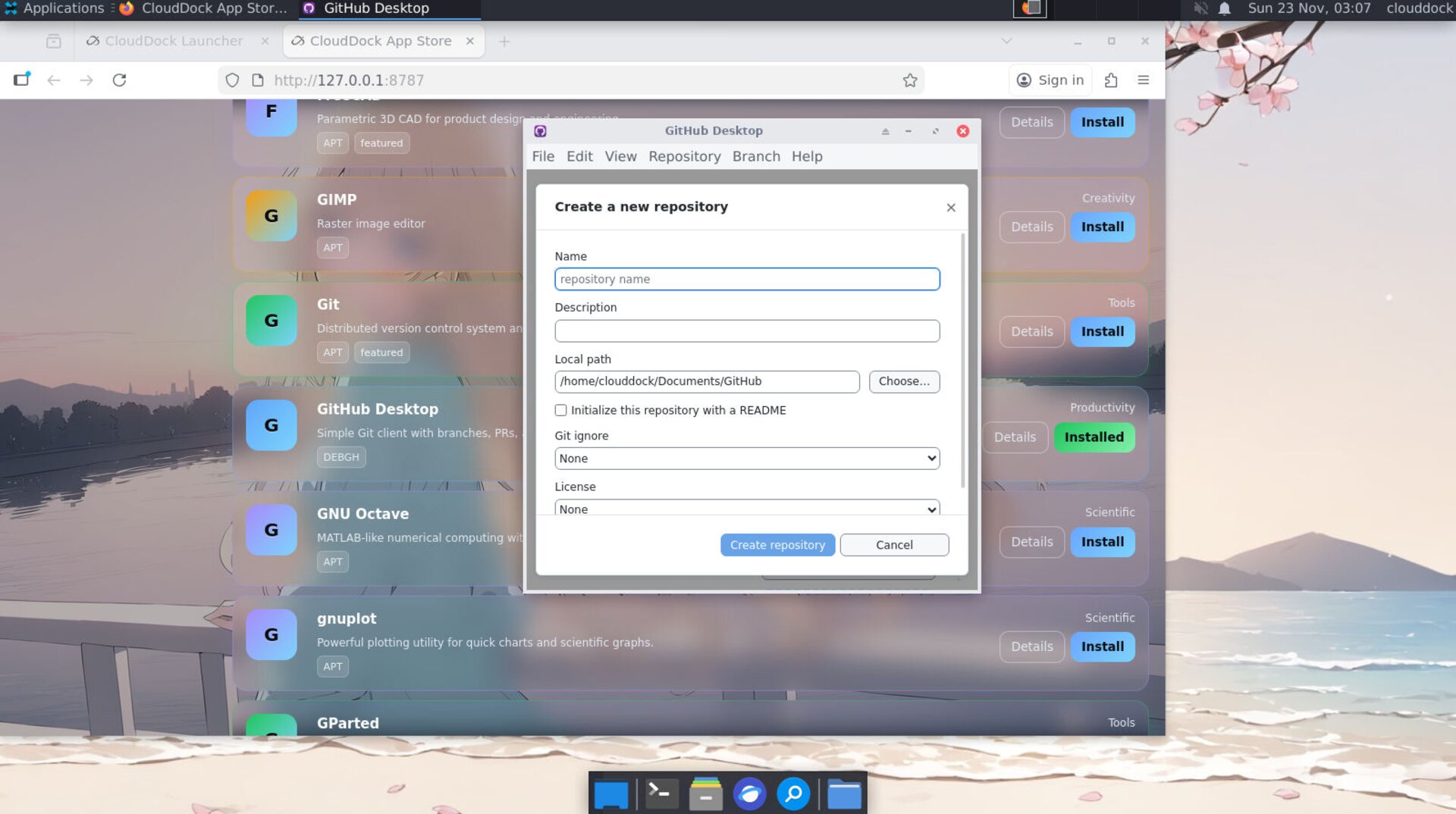
Create locally → Publish to GitHub in one click.
Commit & push
- 1 Edit files in your repo (e.g., in VS Code). Return to GitHub Desktop to see Changes.
- 2 Write a concise commit message → Commit to main.
- 3 Click Push origin to sync to GitHub.
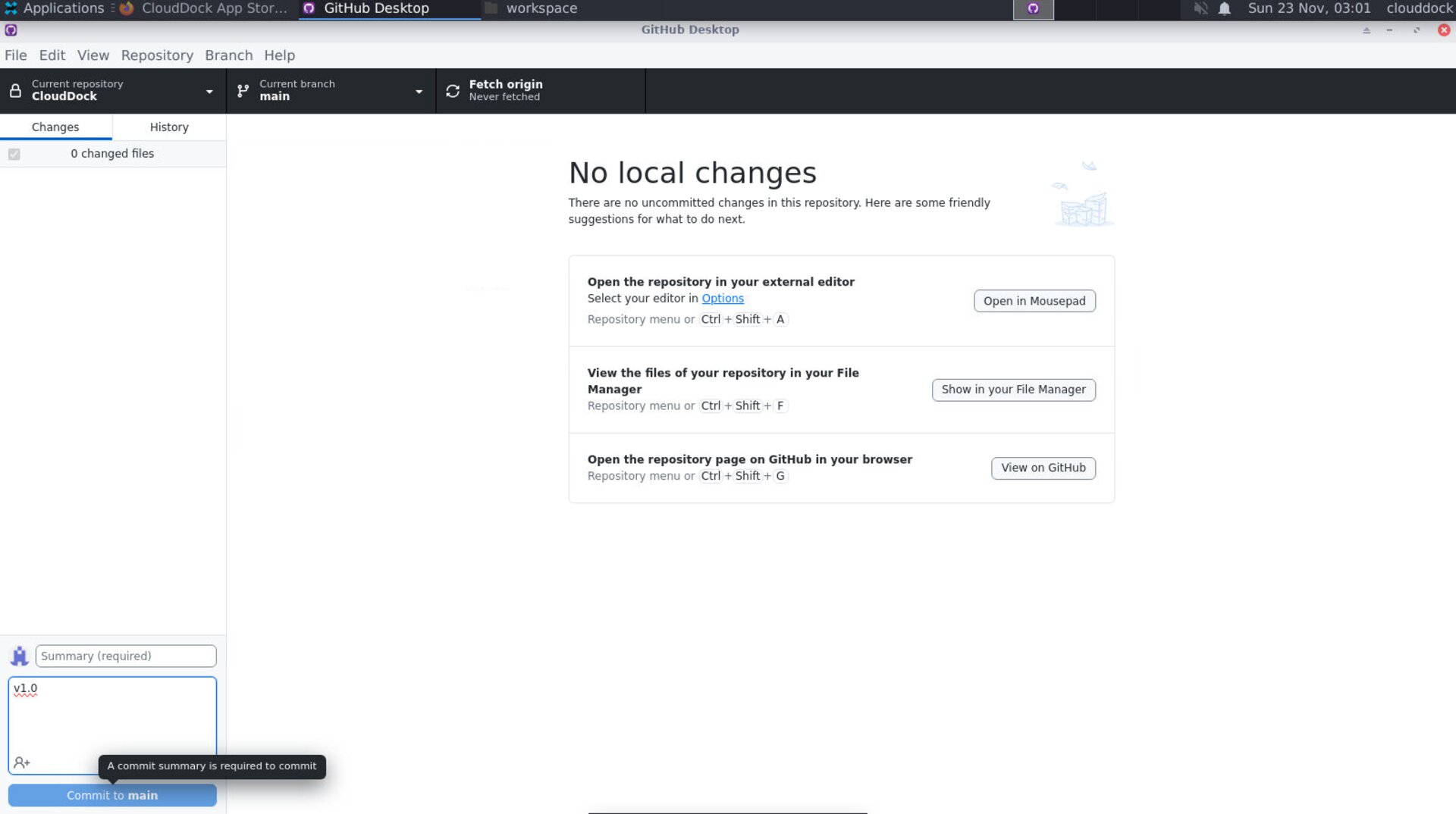
Stage/commit changes and push to GitHub.
Branch & pull request
- 1 Click Current branch → New branch → name it (e.g.,
feature/readme). - 2 Make edits, commit, then Publish branch.
- 3 Click Create Pull Request (opens in browser) to submit a PR to
main.
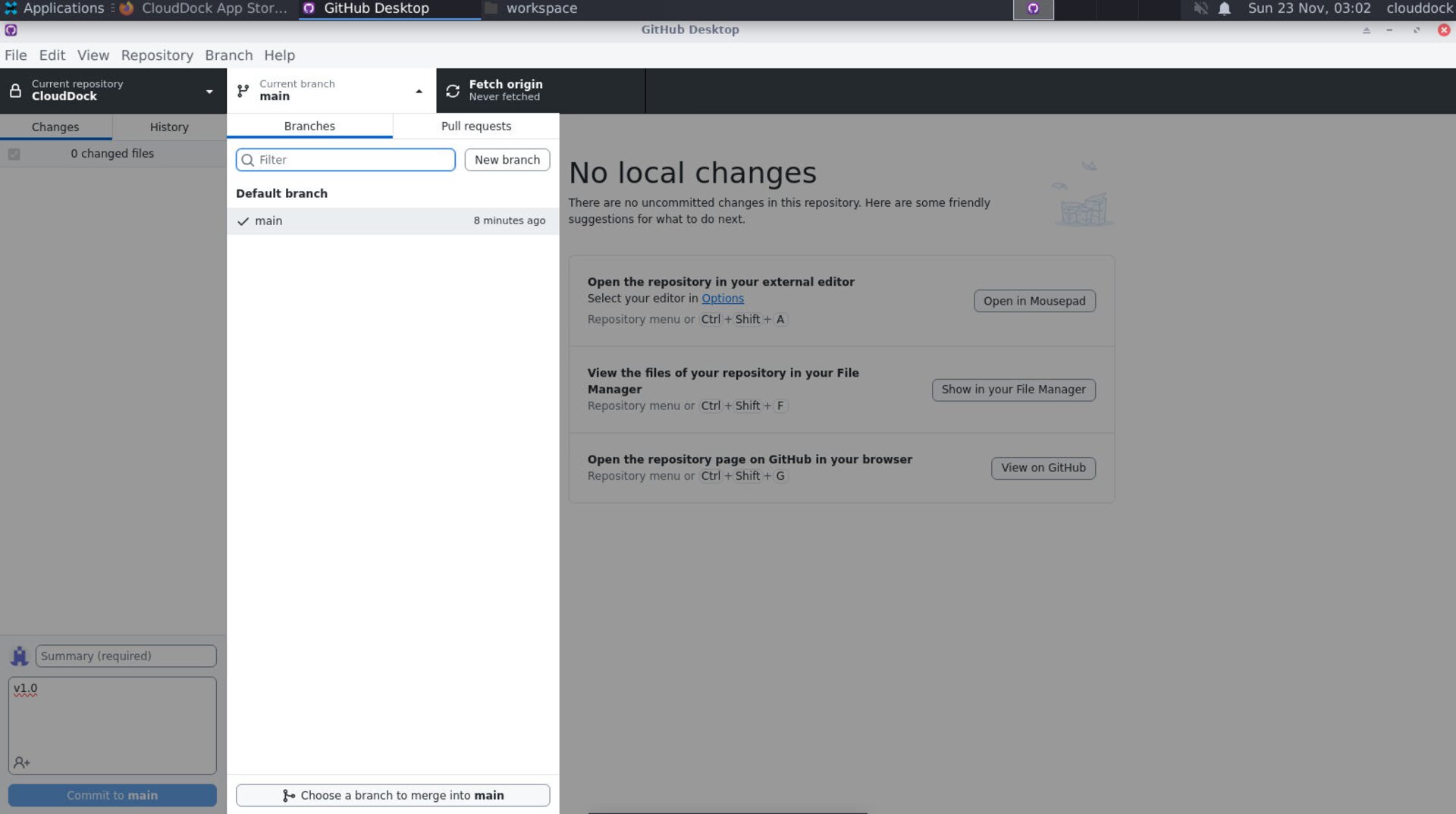
Work on a branch, then open a PR.
Add a safe .gitignore (Python + CloudDock)
Put this in the repo root to avoid committing heavy or private files (models, datasets, outputs, IDE junk):
# Python
__pycache__/
*.pyc
*.pyo
*.pyd
.env
.venv/
venv/
*.log


# Jupyter
.ipynb_checkpoints/
*.ipynb_convert/


# VS Code
.vscode/


# CloudDock SD (avoid huge binaries)
*.ckpt
*.safetensors
*.pt
models/
outputs/
cache/
checkpoints/


# OS
.DS_Store
Thumbs.db
Tip: If you must version large binaries, use Git LFS. Otherwise, keep models/datasets outside repos or in separate storage.
Troubleshooting
Authentication failed.
Re-login under File → Options → Accounts. If prompted by the browser, allow access and return to the app.
Large file rejected.
Remove the file from history (or use Git LFS). Add its pattern to .gitignore and commit again.
“Repository is not a safe directory”.
Open an integrated terminal and mark it safe:
git config --global --add safe.directory /workspace/projects/<repo>Commit. Push. PR. Repeat.