

1Open the Applications Menu
While inside your CloudDock desktop, click the launcher icon (upper-right corner) to reveal the Applications menu.
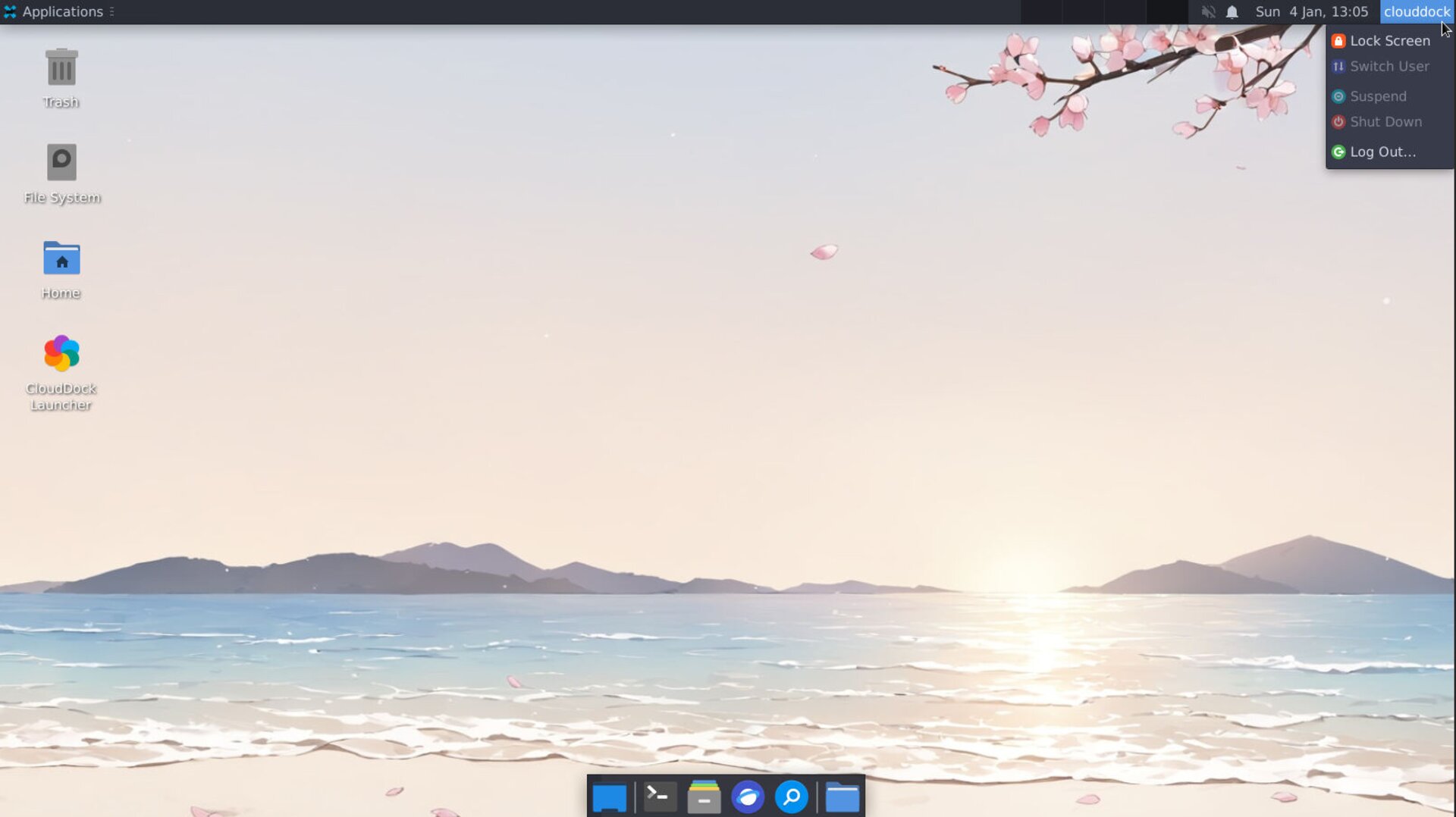
Applications menu with user session info
2Lock Session
You can click Lock Session to lock your desktop.
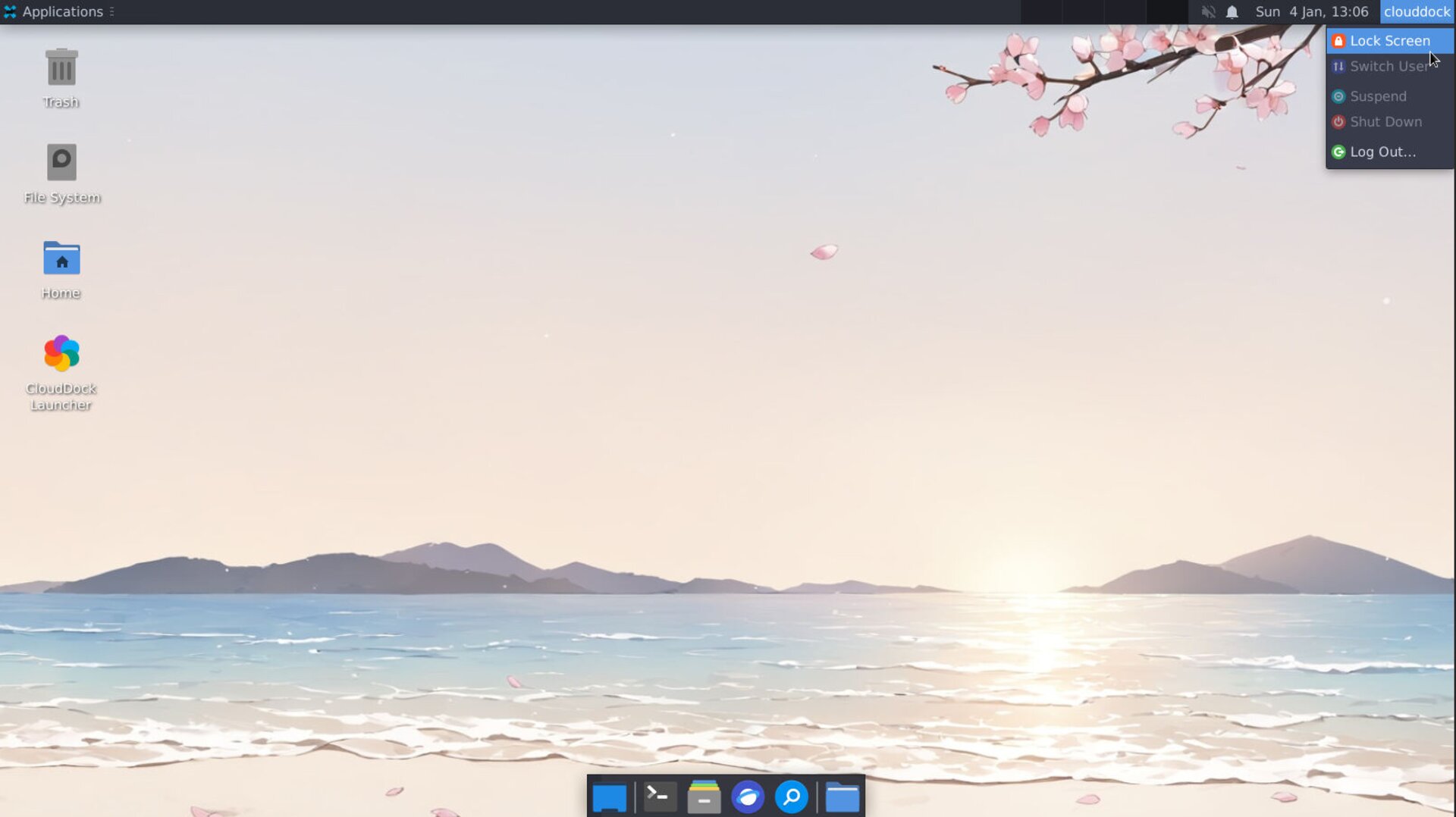
Lock Session
3Log Out
You can click Log Out… to lock your desktop.
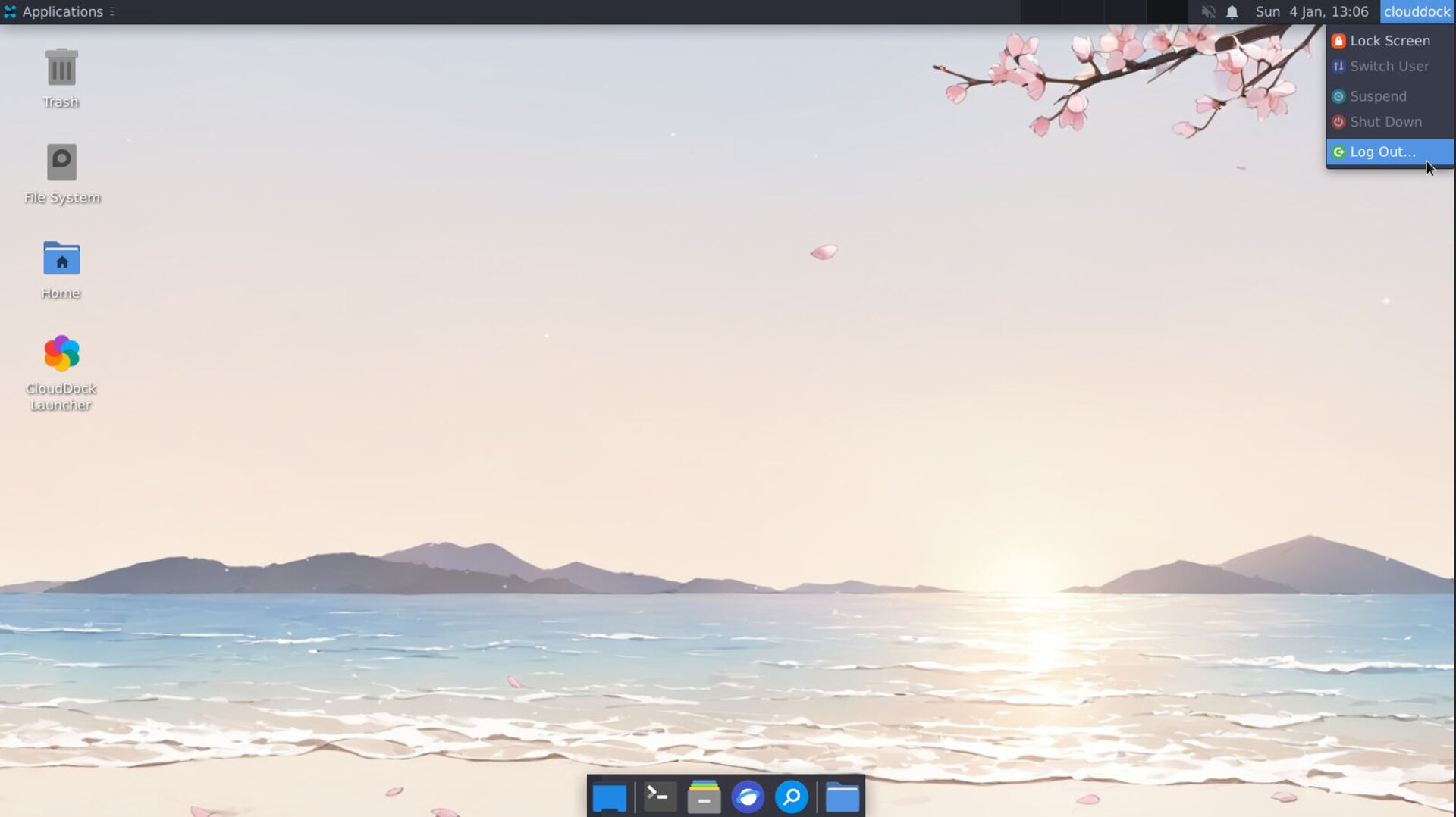
Log Out
WARNING: No recovery option after deletion—please back up early.
Thank you for choosing CloudDock. We wish you smooth and enjoyable browsing in the cloud!