
Quick checklist
- Clean data: one subject/style per folder; remove blurs/near-dupes.
- Family match: SD 1.5 vs SDXL must match your base checkpoint and your generation plan.
- System headroom: check Launcher → System for VRAM & disk before training.
- A1111 only for auto-caption: run it for captioning, then stop to free VRAM.
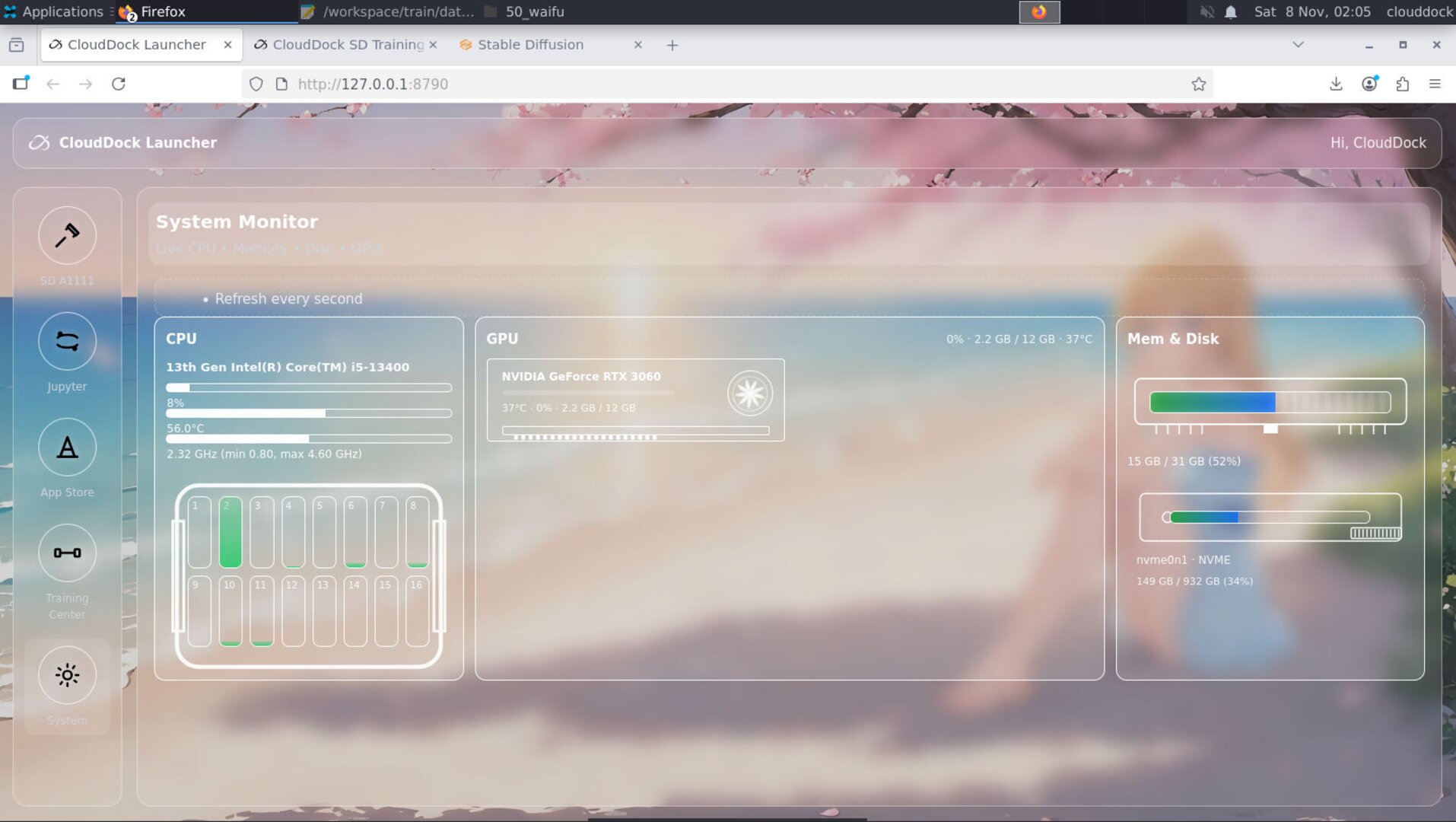
System panel — confirm VRAM/disk headroom before you hit Start.
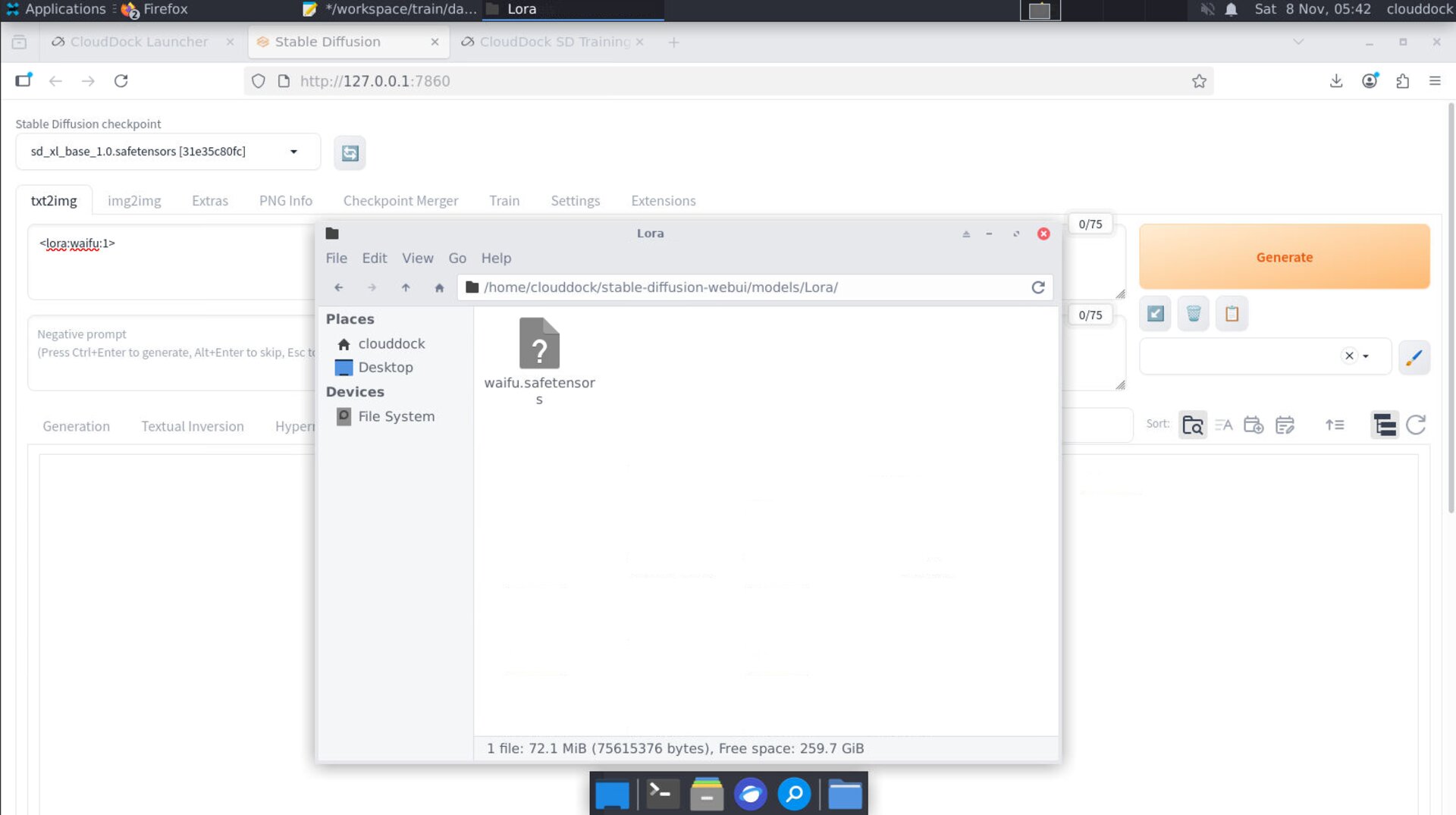
Family mismatch symptoms — muddy results or model not appearing.
VRAM strategy ladder
- Lower resolution (long side): first & biggest lever.
- Batch = 1; increase grad-accum to simulate larger batch.
- Keep precision FP16 from presets; avoid exotic half-modes unless you know them well.
- Close other GPU apps; only keep A1111 on for captioning.
- If still OOM: shorten steps for a test pass, then resume longer.
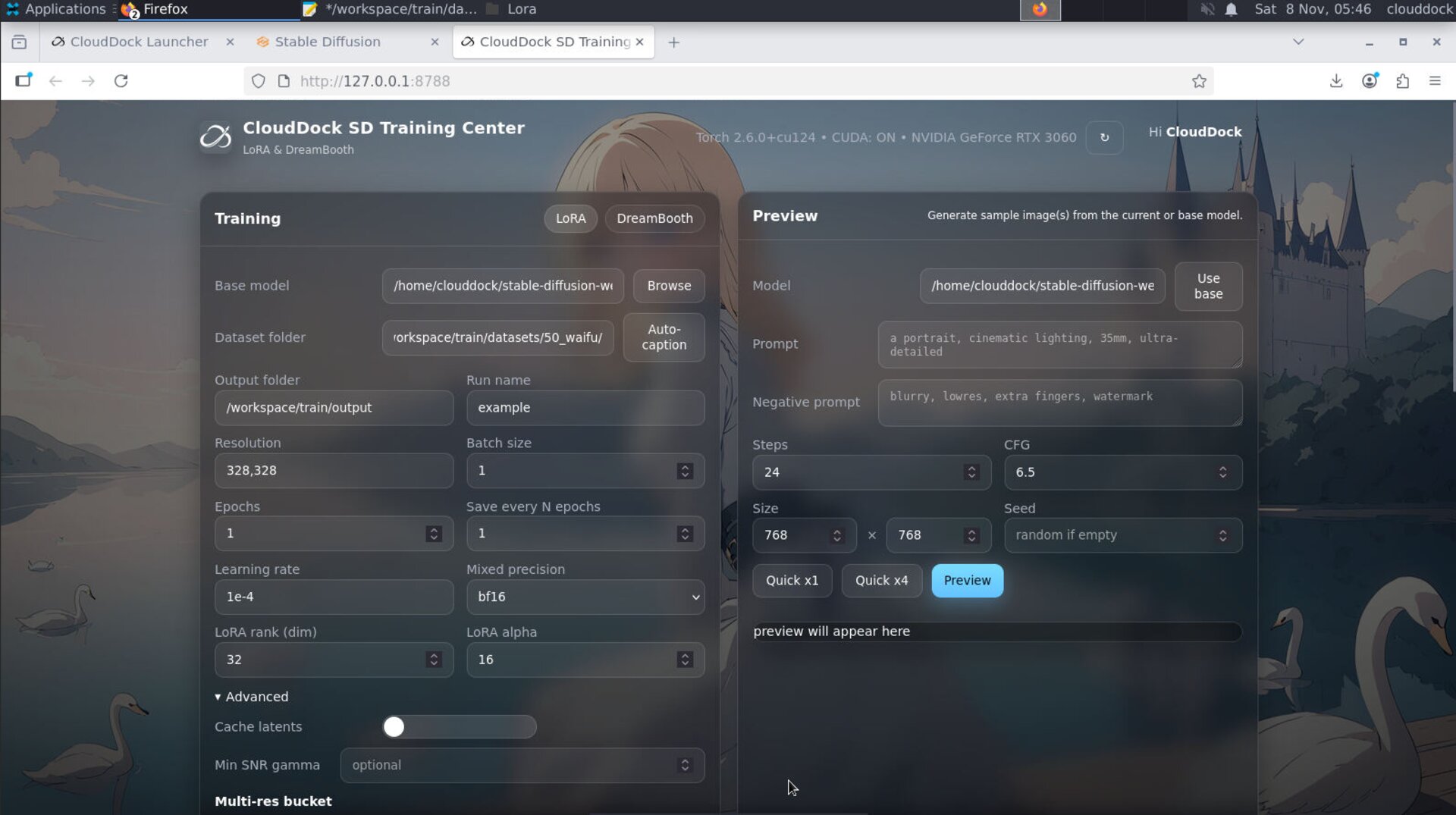
Lower resolution → batch 1 → grad-accum — safest path.
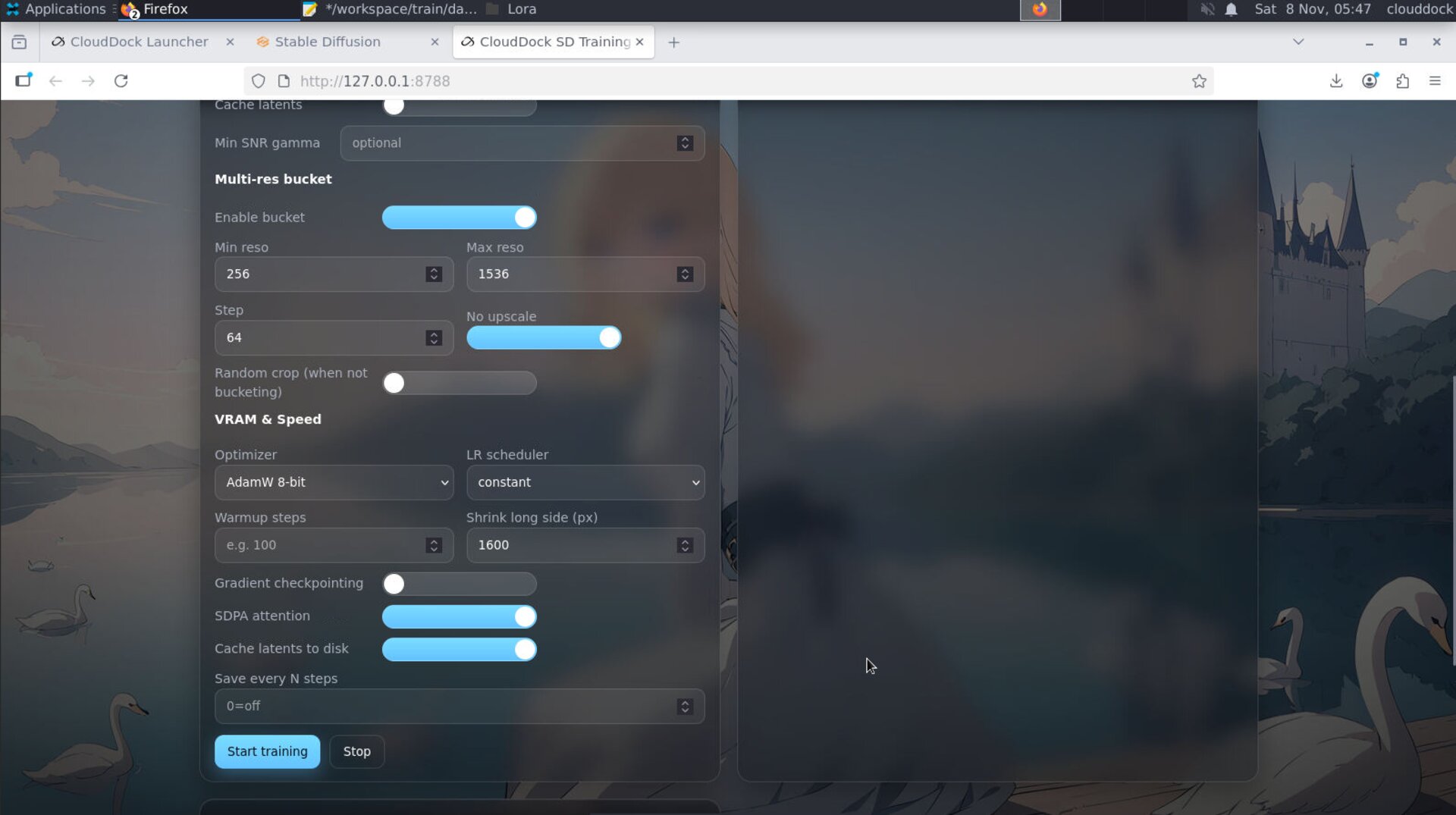
Batch stays small; use accumulation to approximate larger effective batch.
Resolution & aspect
- Portrait LoRA: start long side ~640–768 px.
- Full-body DB: start with a taller canvas (e.g., 832×1216 class) but keep moderate first.
- Normalize sizes to reduce gradient noise from extreme aspect shifts.
Optimizer & learning rate
Presets ship stable combos. If you must tweak:
- If loss explodes/NaN: lower LR slightly; keep optimizer as preset.
- If underfitting: extend steps after verifying data quality.
- Avoid stacking many “advanced” toggles at once — change one thing and re-test.
Steps, epochs & resume
- Start modest; evaluate mid-run samples if enabled.
- Use Resume from last good step instead of restarting from scratch.
- Overtraining shows as oversaturated, waxy faces, or collapsed diversity — stop earlier next time.
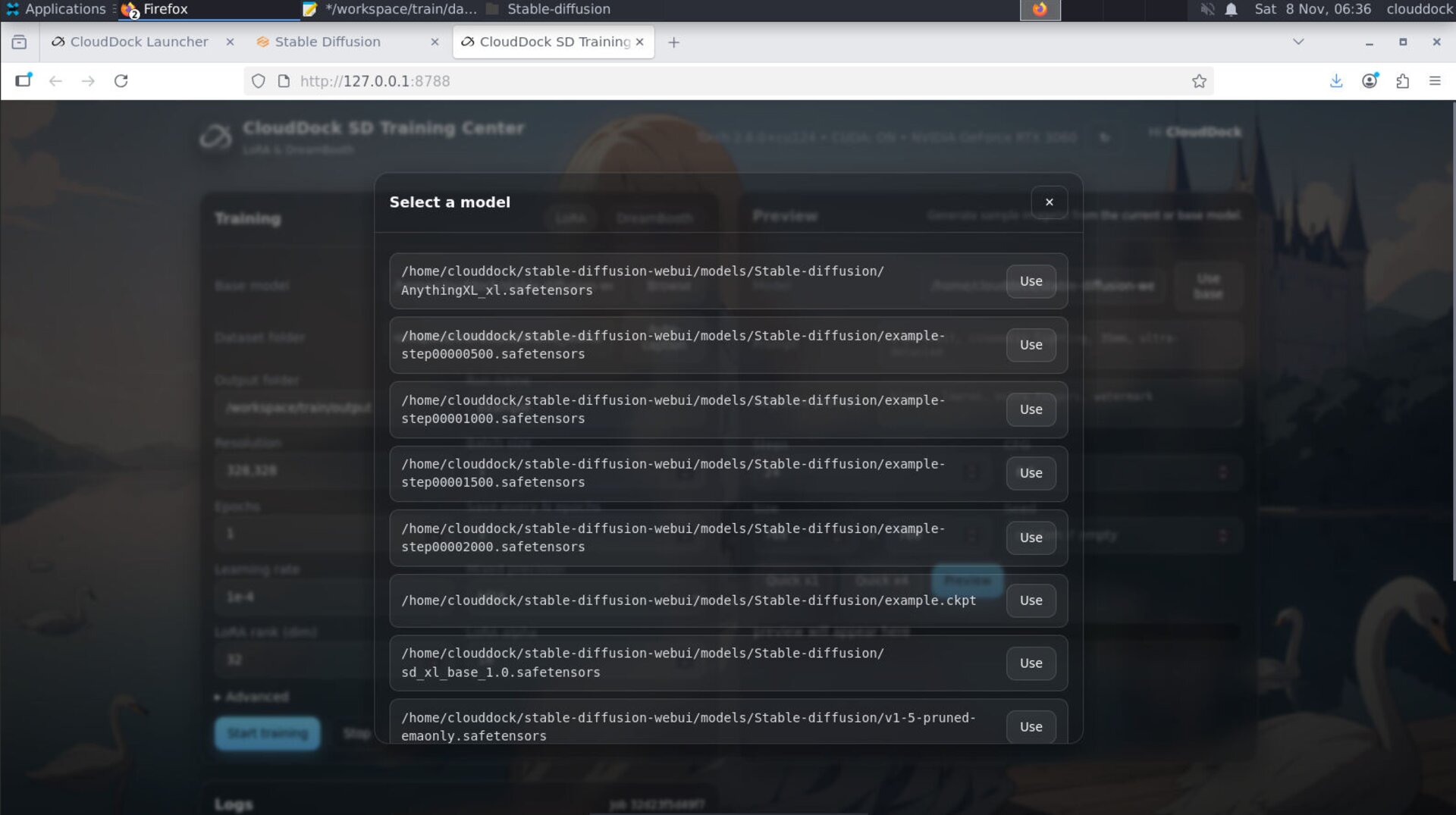
Resume picks up from the last saved step.
Dataset pitfalls
- Mixed subjects in one folder → identity drift.
- Heavy compression → artifacts the model will learn.
- Caption noise → conflicting tokens; keep short & consistent.
- Missing limbs in full-body sets → add clear, upright poses.
Reproducibility & versioning
Take screenshots for your job config. Keep it with your outputs.
- Use semantic names:
mascot_sdxl_fb_v1.safetensors,..._v2for later runs. - Keep a tiny “sanity” dataset to quickly validate new settings before full runs.
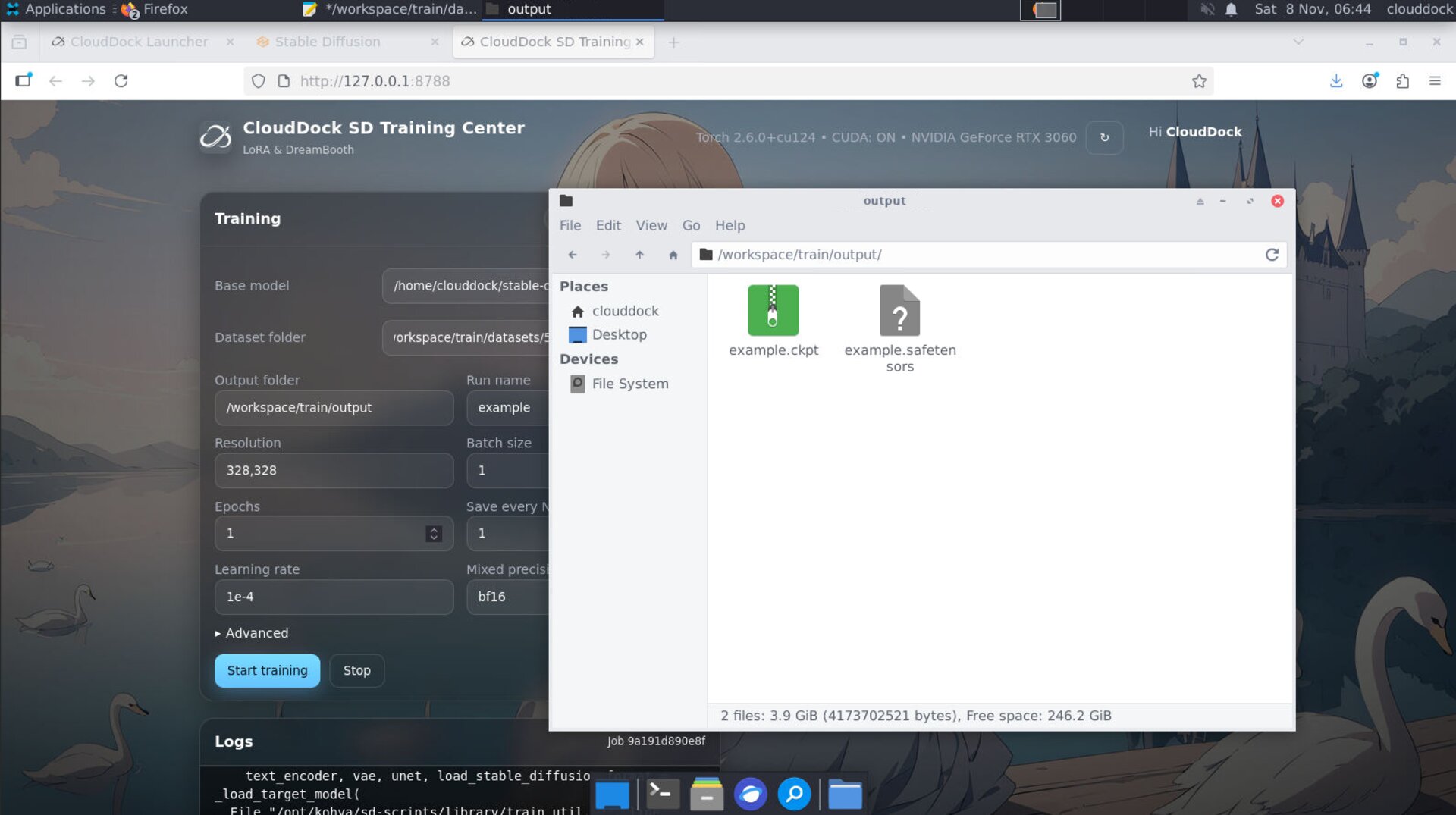
Keep
config screenshots with the artifact for exact repro.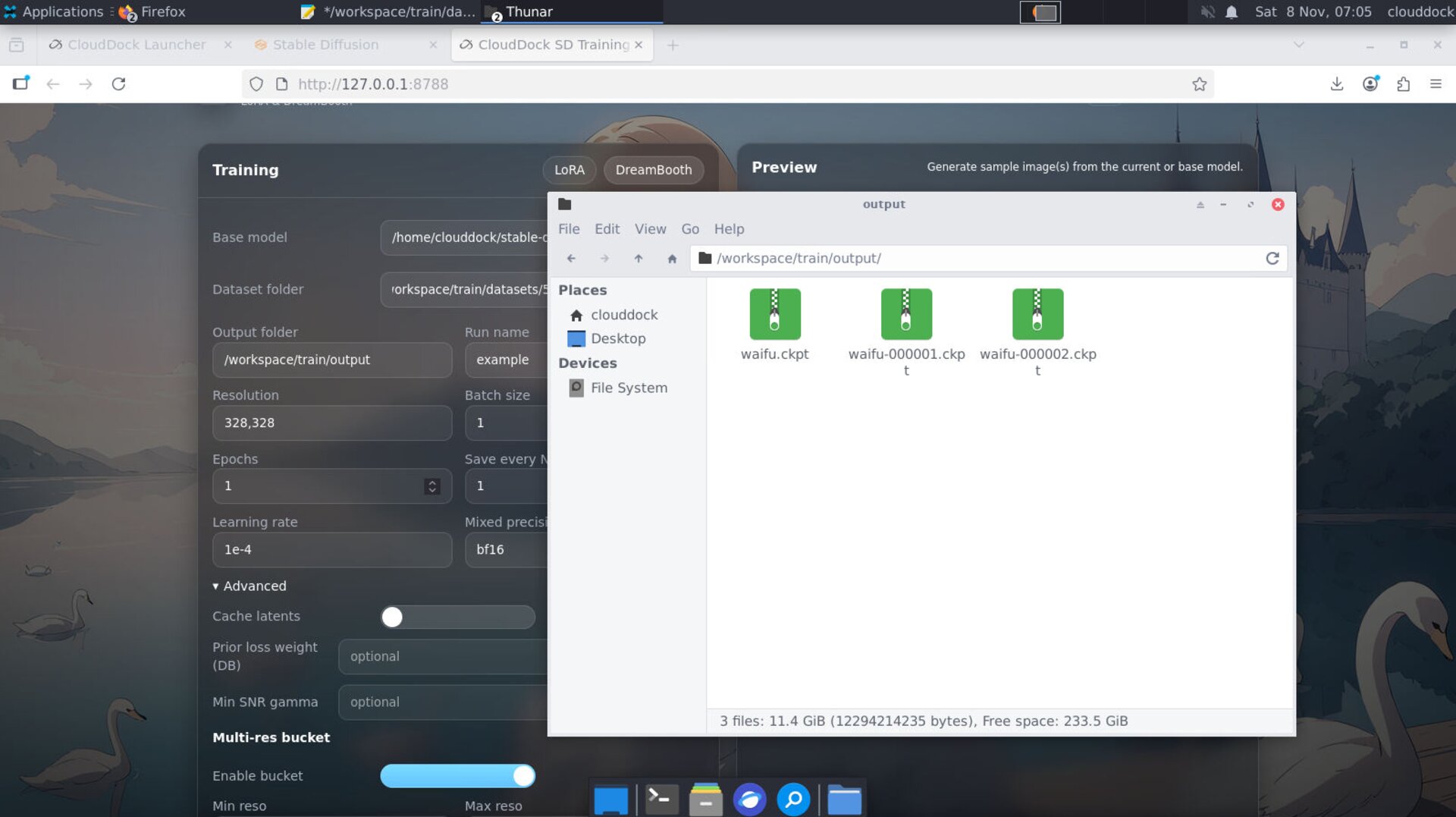
Version your models — it saves you from “which one was good?”.
Common issues & fixes
OOM (out of memory)
- Lower resolution → set batch = 1 → use grad-accum.
- Close A1111 and other GPU apps; keep FP16.
Exploding loss / NaN
- Lower learning rate; revert any recent “advanced” toggles.
- Audit data for corrupted images or extreme outliers.
No improvement / muddy results
- Confirm family and checkpoint match (1.5 vs XL).
- Improve dataset: sharper images, consistent framing, better captions.
- Train a bit longer, but watch for overbake symptoms.
Overbake / “waxy” look
- Stop earlier; reduce steps or add varied but on-style samples.
- For LoRA inference, try weight 0.6–0.8 first.
Throughput too slow
- Lower resolution slightly; keep batch at 1 with accumulation.
- Ensure the dataset is on a fast local path with enough free disk.
After training — A1111 usage
- LoRA: refresh the LoRA list; insert
<lora:NAME:0.6–0.8>and iterate. - DreamBooth: refresh the Stable Diffusion checkpoint list; keep family consistent.
- ControlNet: layer it after selecting your checkpoint if needed.
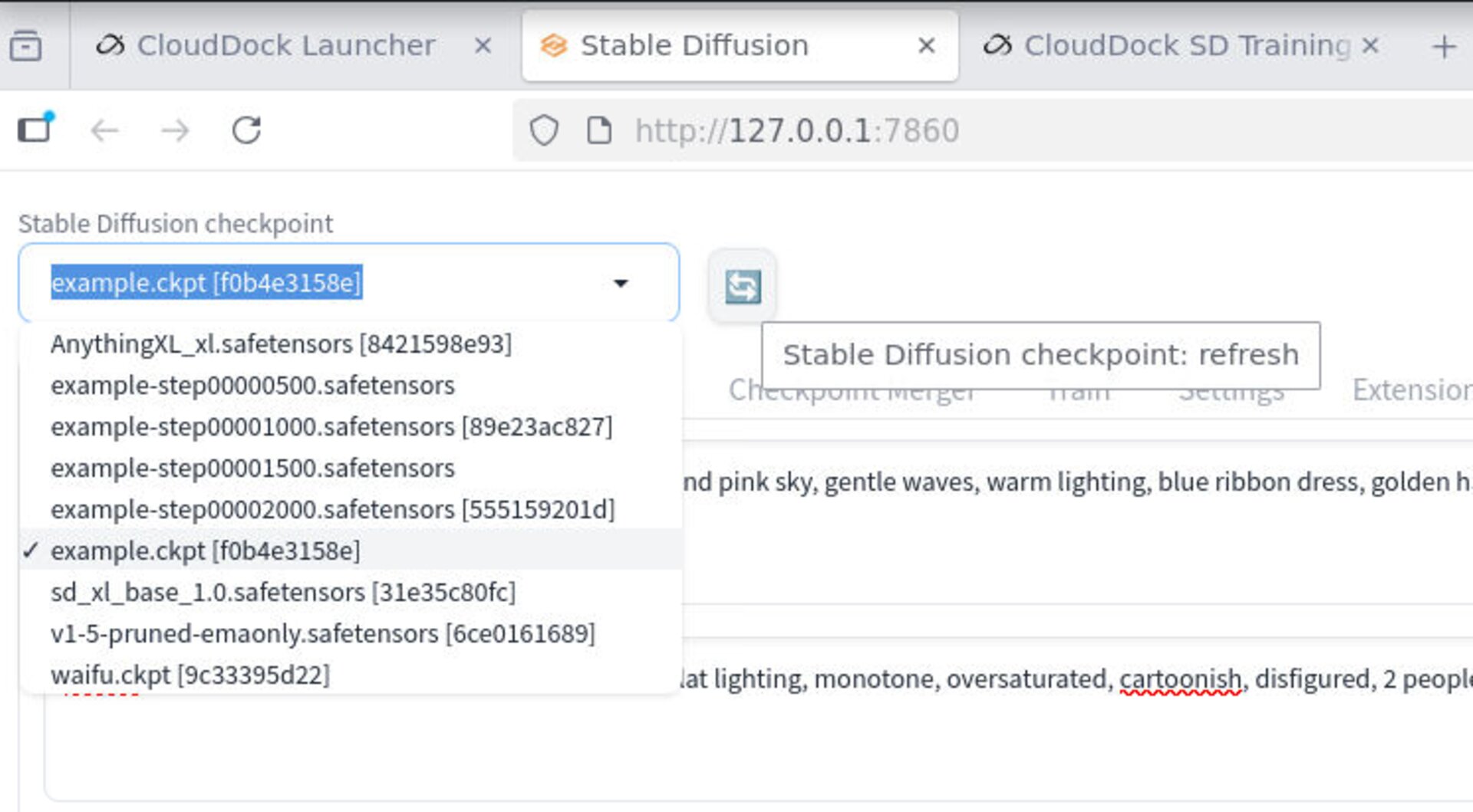
Refresh model lists in A1111 to pick up new outputs.
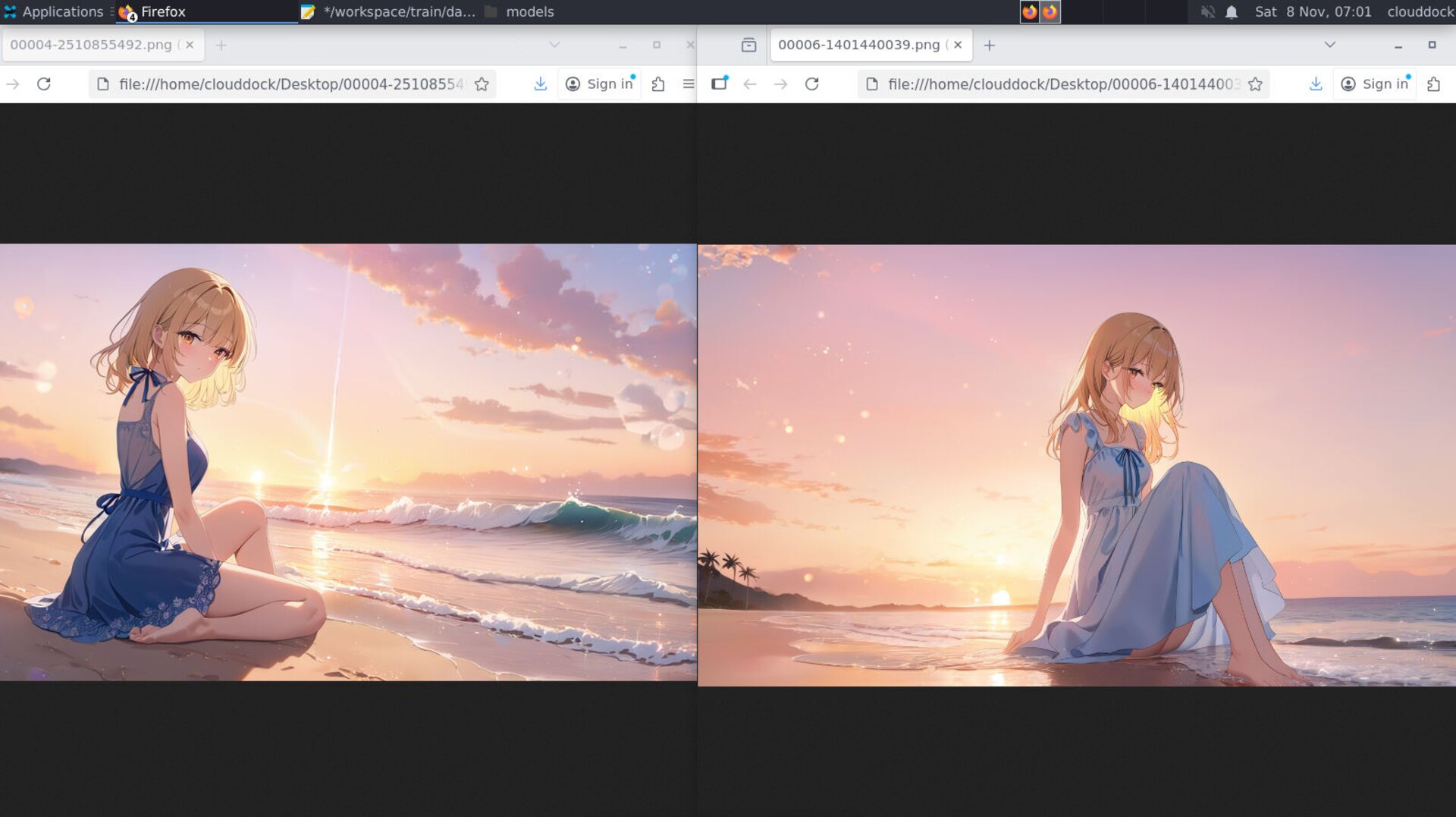
Compare weights/steps side-by-side to find the sweet spot.
What’s next?
- LoRA Training — Step-by-Step (Portrait) →
- DreamBooth Training — Step-by-Step (Full-Body/Mascot) →
- Using Your Custom Model in A1111 →
Change one knob. Test. Repeat.