
Overview
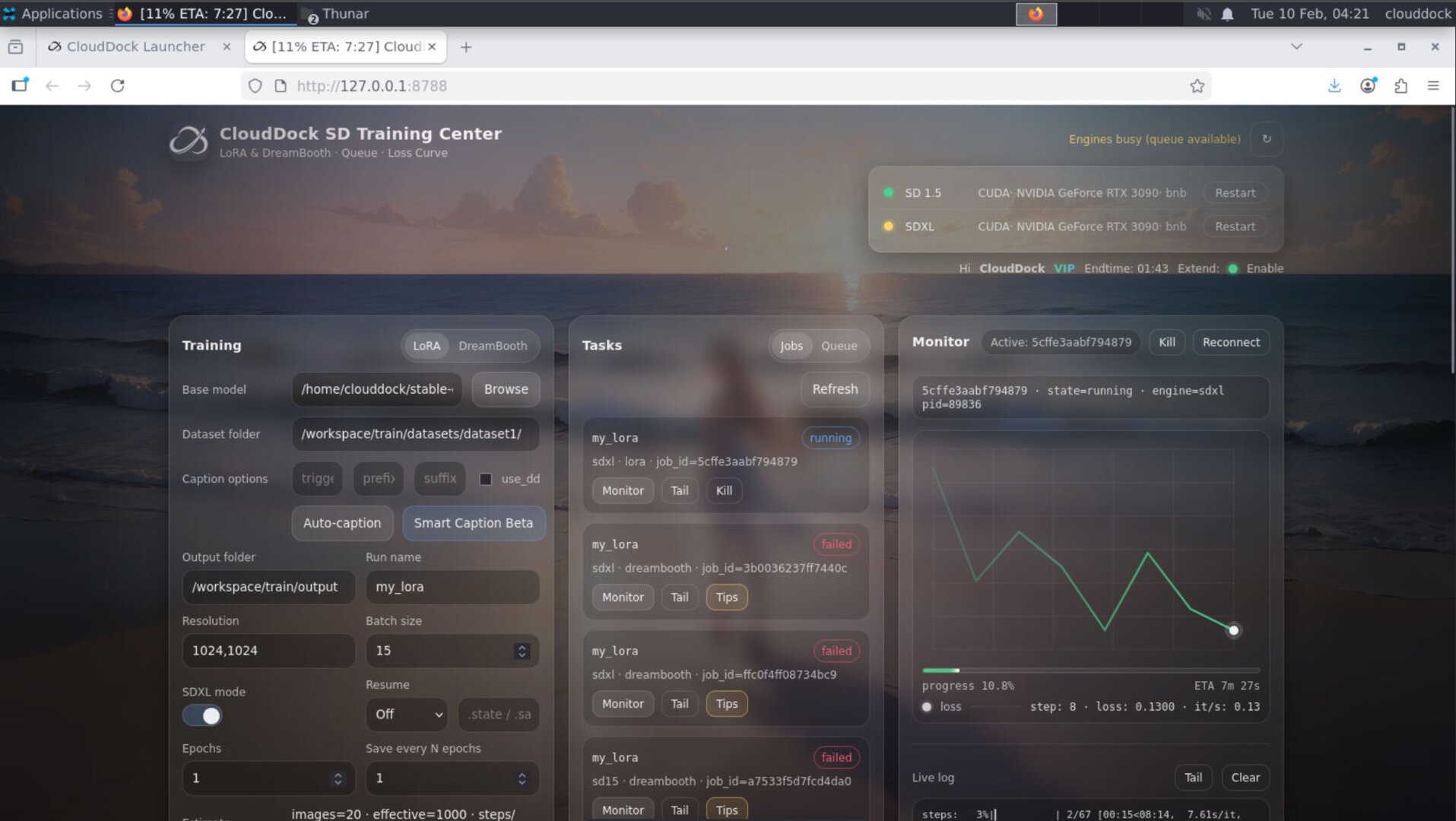
Usagi 4.1 Beta 5 (4.1.5) is built around two priorities: security and predictable workflow comfort. This release significantly strengthens system security and patches vulnerabilities. On the user side, Training Center and Launcher become more “aware”: you can see ETA + % where you actually need it — in the browser tab title, and from the Launcher.
Highlights
- Major security hardening: improved system security + vulnerability fixes.
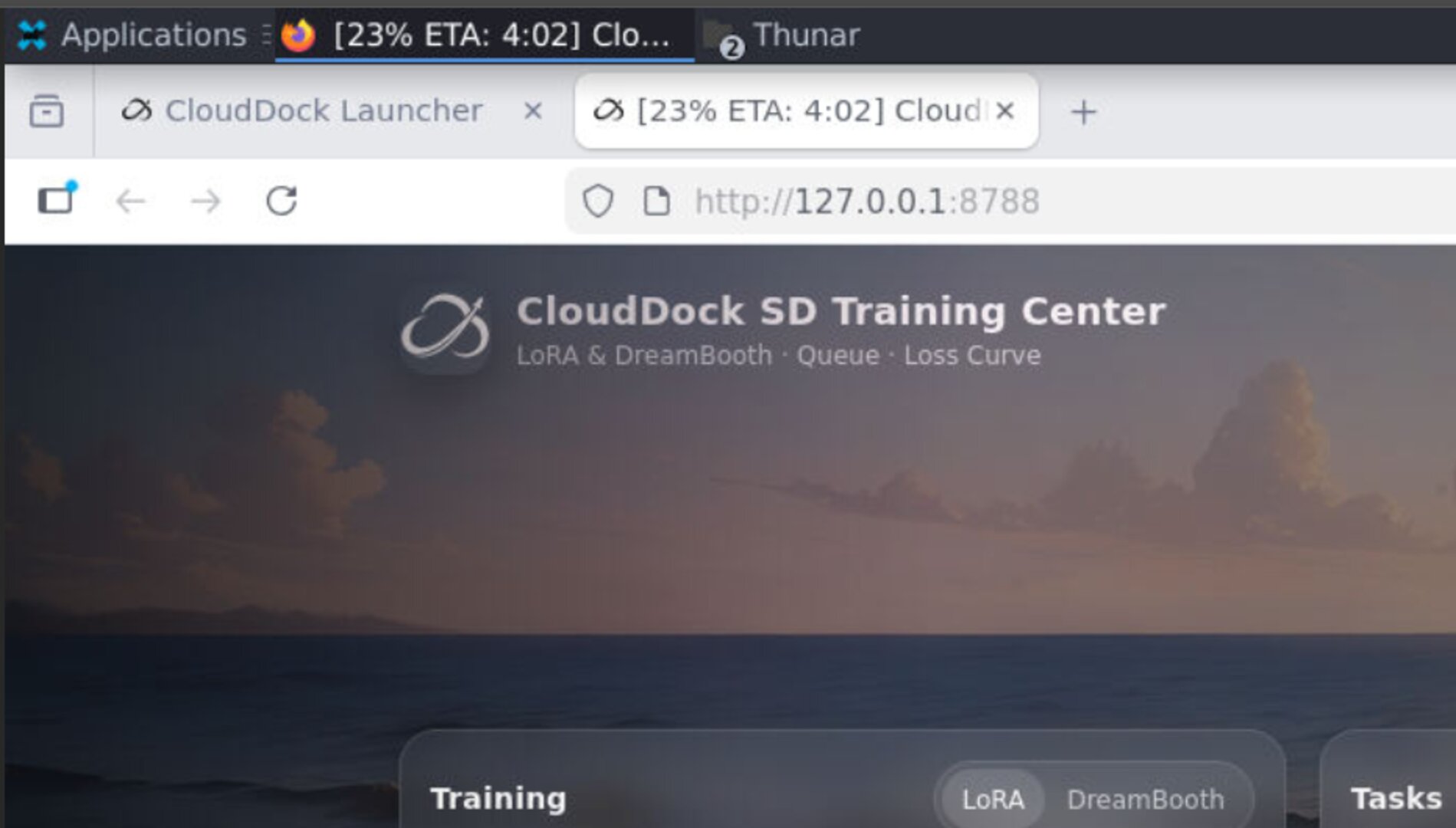
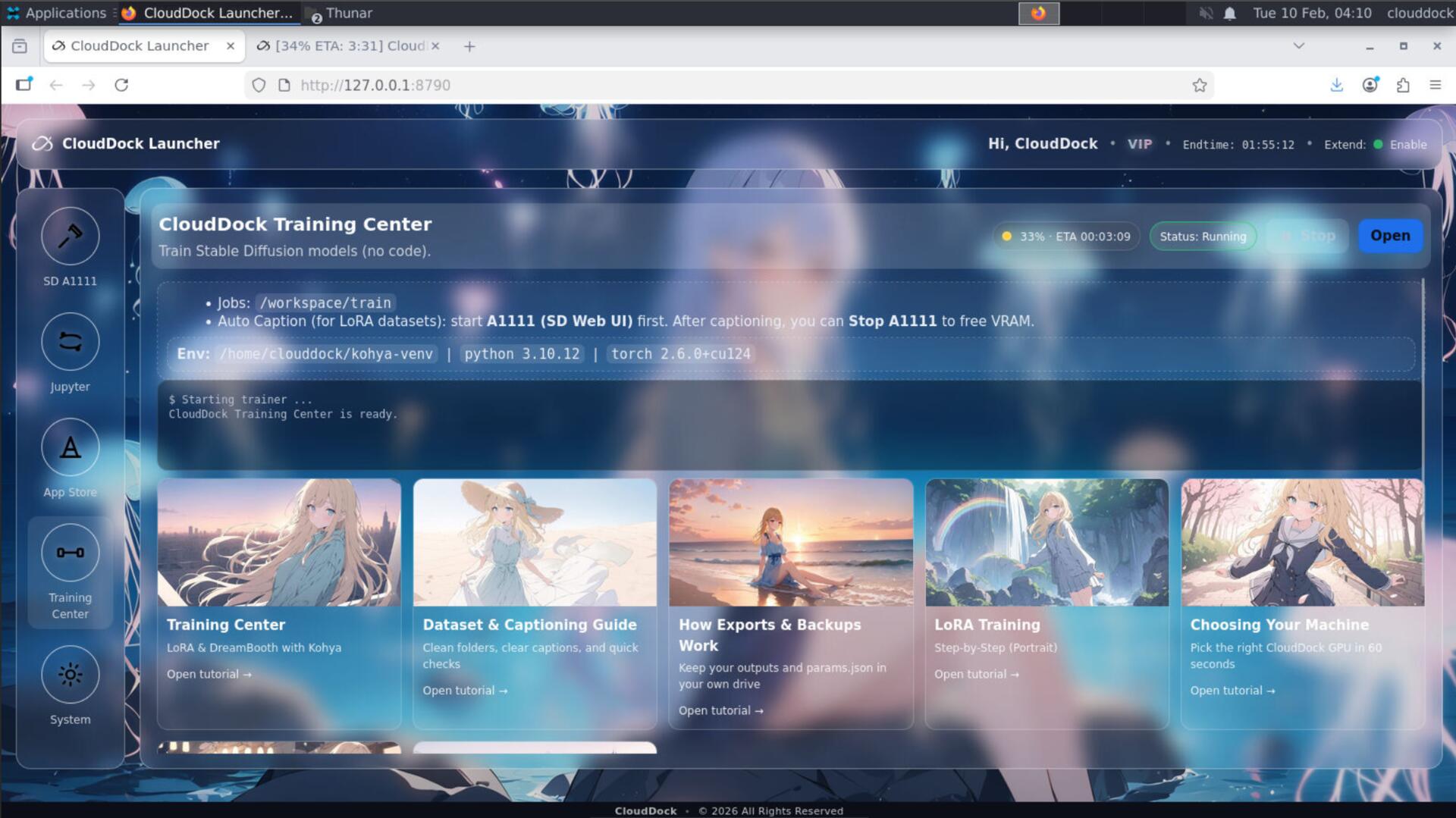
- Training Center tab title ETA/%: progress shows right on the browser tab (no babysitting).
- Fast-job ETA + chart bug fixed: quick runs no longer break ETA calculation or chart rendering.
- Launcher sees Training Center ETA/%: Launcher can display the current training job’s progress at a glance.
- One-click venv cleanup: Training Center adds a fast “clean venv” button for recovery and maintenance.
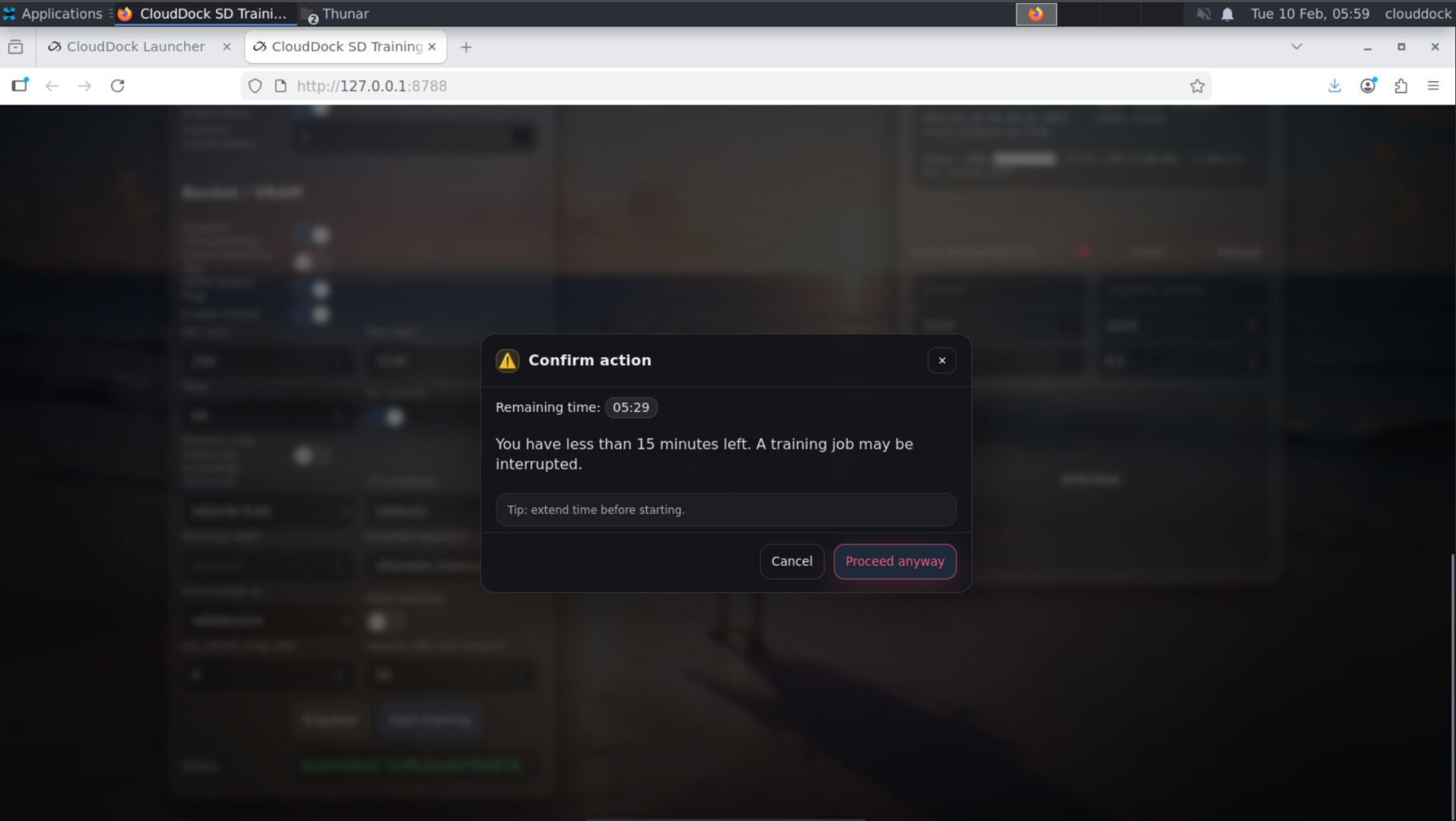
- Remaining-time safeguard: if you have < 15 minutes left, clicking Start training triggers a confirmation dialog.
- Expanded Tips library: new failure patterns and fixes added (quietly, but very useful).
- Optional: refreshed skins for Training Center / App Store / Launcher.
Security first — stronger hardening + vulnerability fixes
4.1.5 significantly improves system security and patches security vulnerabilities. The goal is simple: make the container ecosystem safer by default, and reduce the chance that “one bad session” can compromise the environment.
Training Center: tab title ETA + % (always visible)
Training often runs in the background while you multitask. In 4.1.5, Training Center can display ETA + % directly in the browser tab title. That means you can check progress without opening the page or digging through logs.
Fast-job ETA + chart rendering — fixed
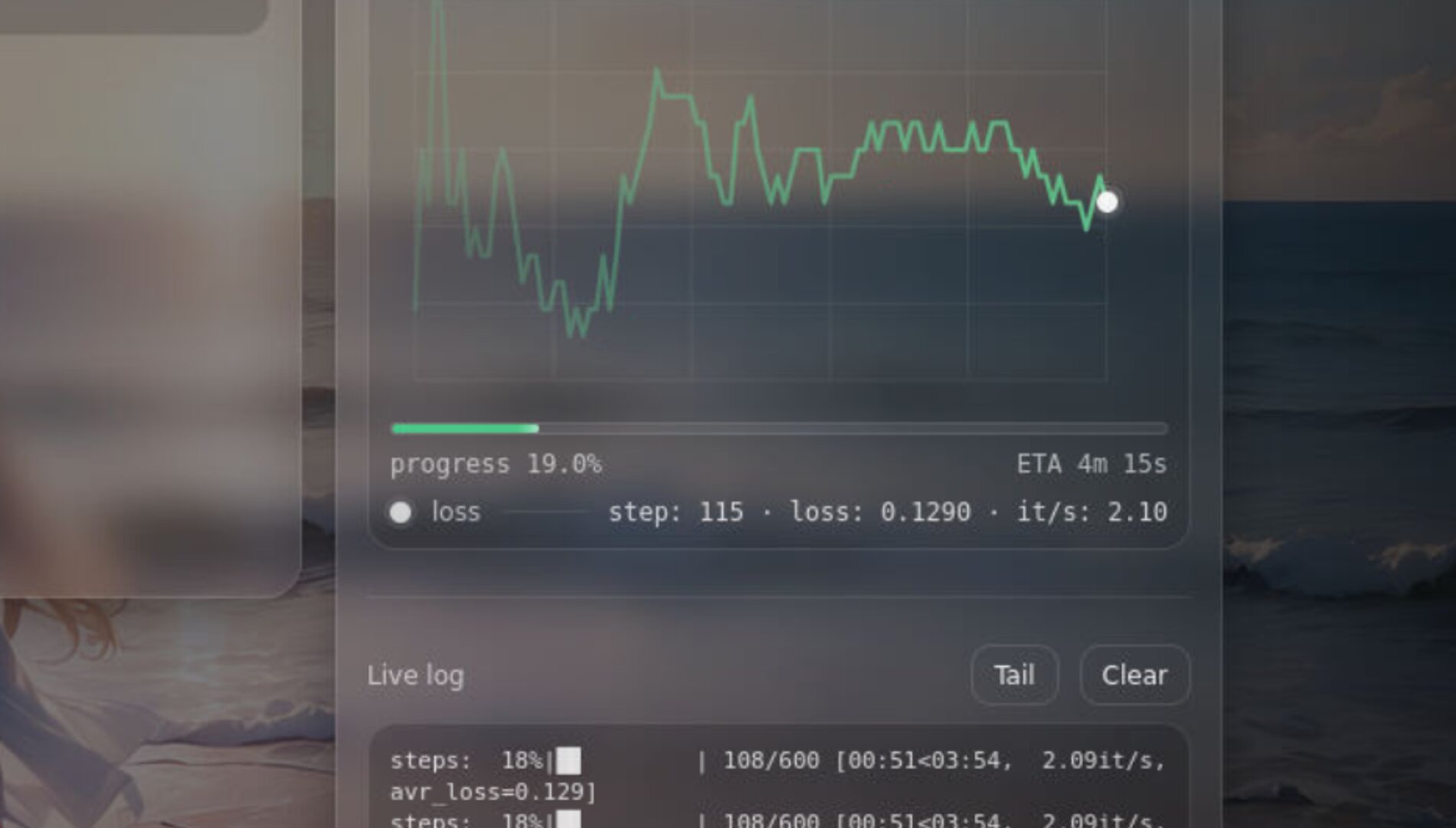
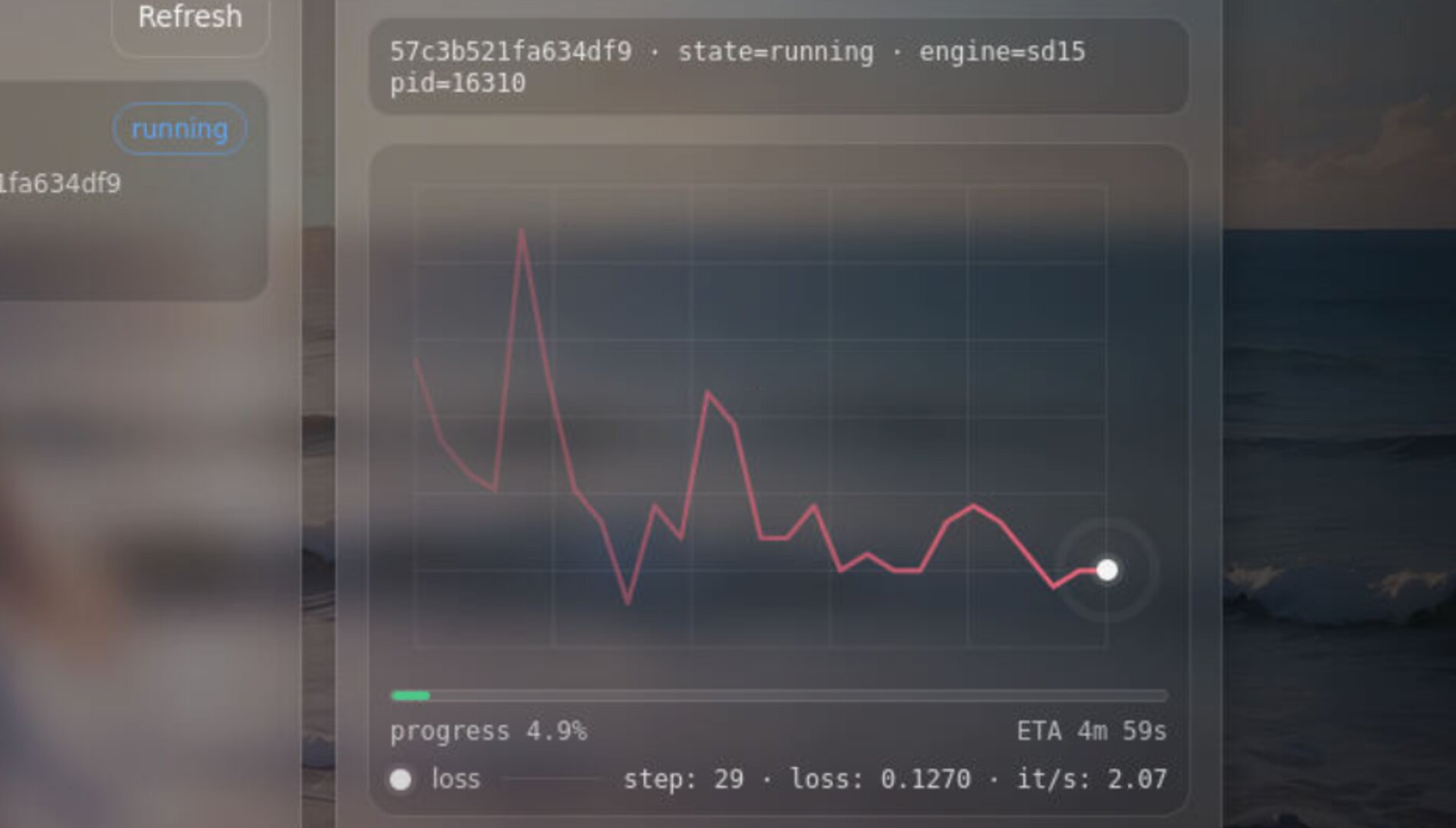
A real pain point: some fast jobs (high it/s) used to confuse the UI — ETA could fail to compute and charts could fail to render. In 4.1.5, the Training Center is more robust: ETA and charts work consistently, even when jobs move quickly.
Launcher: see Training Center ETA + % at a glance
4.1.5 connects the ecosystem tighter: the CloudDock Launcher can display the current Training Center job’s ETA + % — so you don’t have to jump back and forth just to know what’s happening.
Remaining-time safeguard (15-minute confirmation)
Training is not a “click and pray” workflow — it needs enough session time to finish cleanly. In 4.1.5, Training Center adds a simple but powerful guard: if your session has less than 15 minutes remaining, clicking Start training will trigger a confirmation dialog.
- Goal: prevent accidental starts that will be cut off mid-run.
- Behavior: under 15 minutes → show confirm → user can cancel or proceed knowingly.
- Best practice: extend your session first (if available), then start training.
One-click venv cleanup — fast recovery
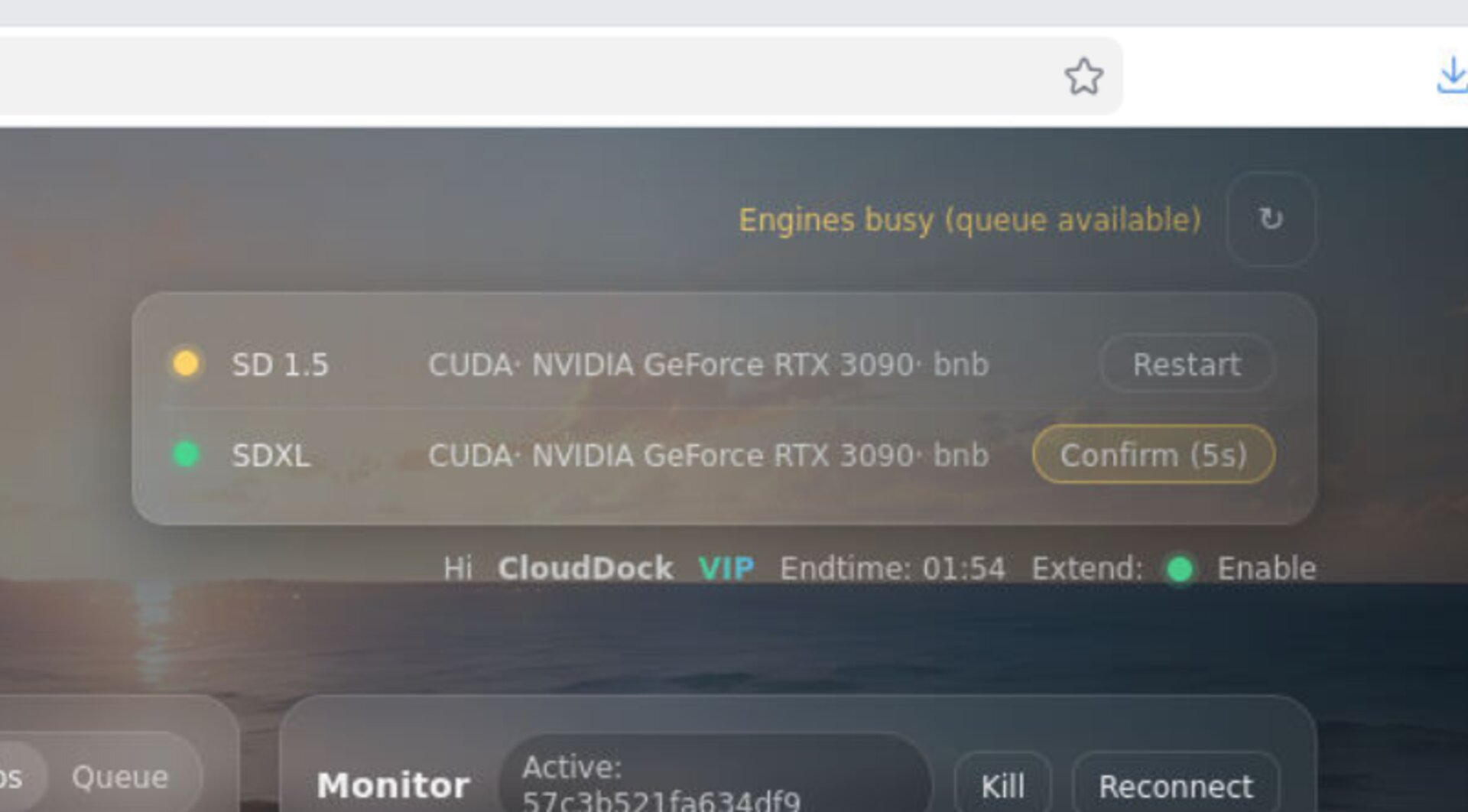
Sometimes training environments get messy: cached states, or half-installed packages. 4.1.5 adds a one-click venv cleanup feature in Training Center — designed for quick recovery and “I want a clean slate now” moments.
Tips library expanded (quiet but powerful)
The Tips library has been expanded with new failure patterns and fixes. You’ll see more “actionable answers” when jobs fail — less raw logs, more next steps.
Optional: refreshed skins
Training Center / App Store / Launcher received a visual refresh in 4.1.5. It’s optional to mention, but if you do: call it a “skin update” — the real value is the behavior.
Positioning
- 4.1.3: Central Scheduler — close the tab, it still runs.
- 4.1.4: Speed + Debug UX — xFormers + failed job tips.
- 4.1.5: Security + Predictability — hardened system + ETA everywhere + fast-job fixes + one-click recovery + time guard.