
Overview
Usagi 4.1 Beta 4 (4.1.4) focuses on one thing: make the Training Center faster, smarter, and harder to break. This release brings xFormers support (for better attention performance), a new Failed Job Tips debugger that tells you what went wrong and how to fix it, smoother App Store installs, a 35% faster CloudDock Launcher startup, and overall stability improvements.
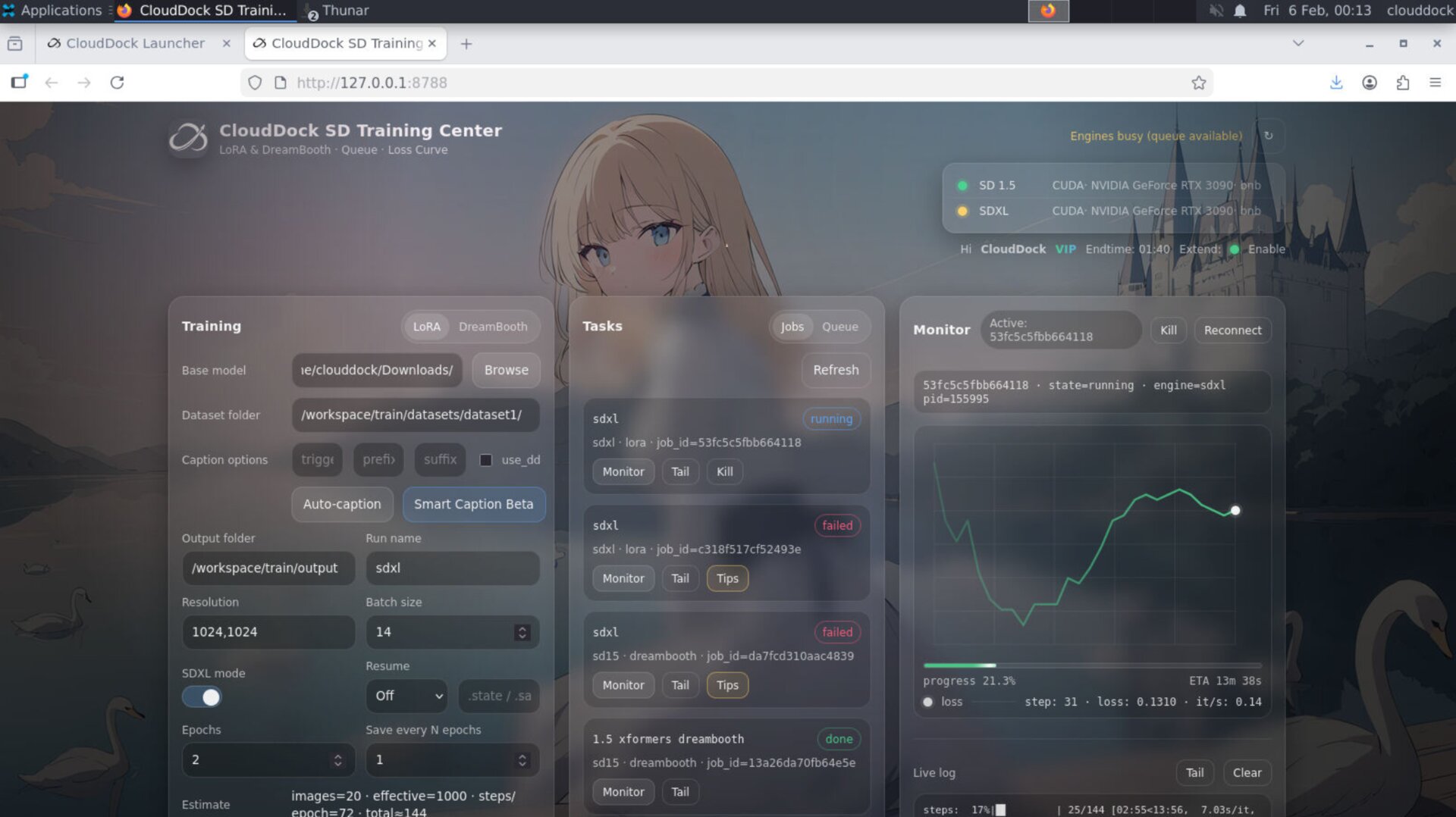
Highlights
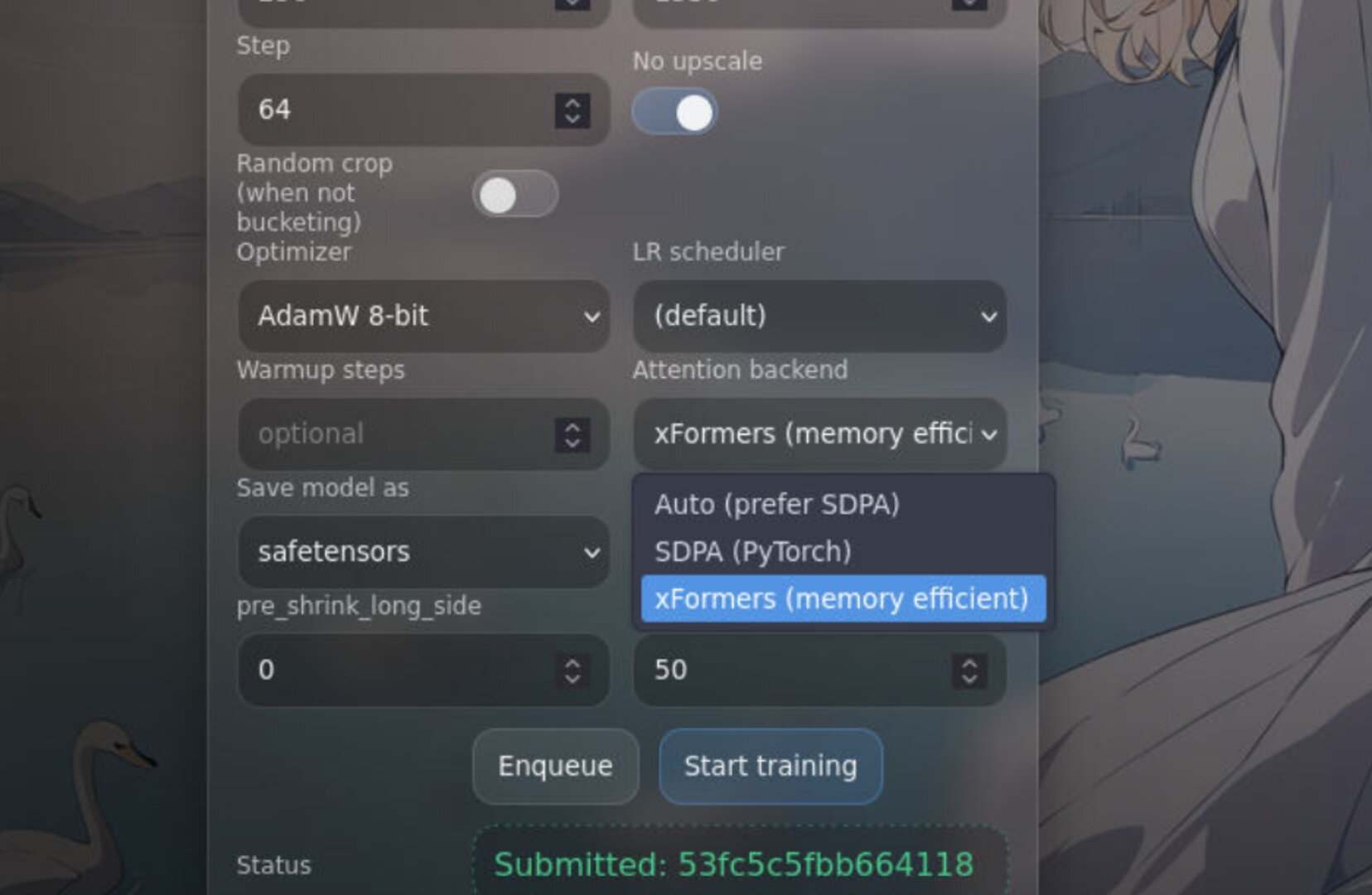
- xFormers support: Training Center now supports xFormers for optimized attention (performance + VRAM behavior).
- Failed Job Tips: Failed jobs in the Job list now include a Tips button that explains the cause and provides actionable fixes.
- Smoother App Store installs: app installation flow is more fluid and less “stuttery” for real-world use.
- Launcher startup +35%: CloudDock Launcher boots noticeably faster.
- Stability pass: improved system stability for longer sessions and heavier workloads.
xFormers support in SD Training Center
xFormers is now supported in Training Center. For many workflows, this improves attention efficiency and can reduce memory pressure. The goal is simple: faster training where it matters and fewer performance surprises.
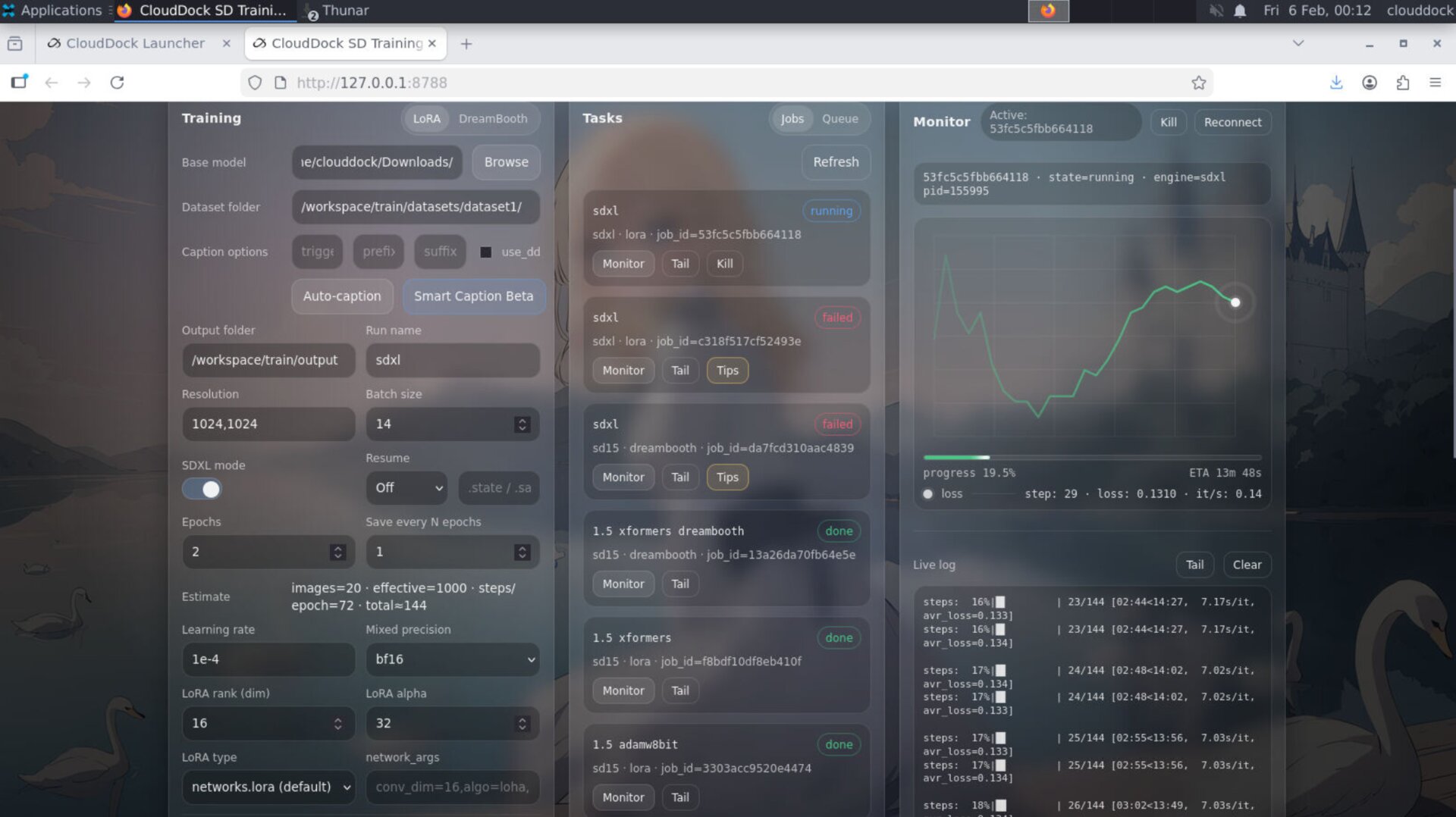
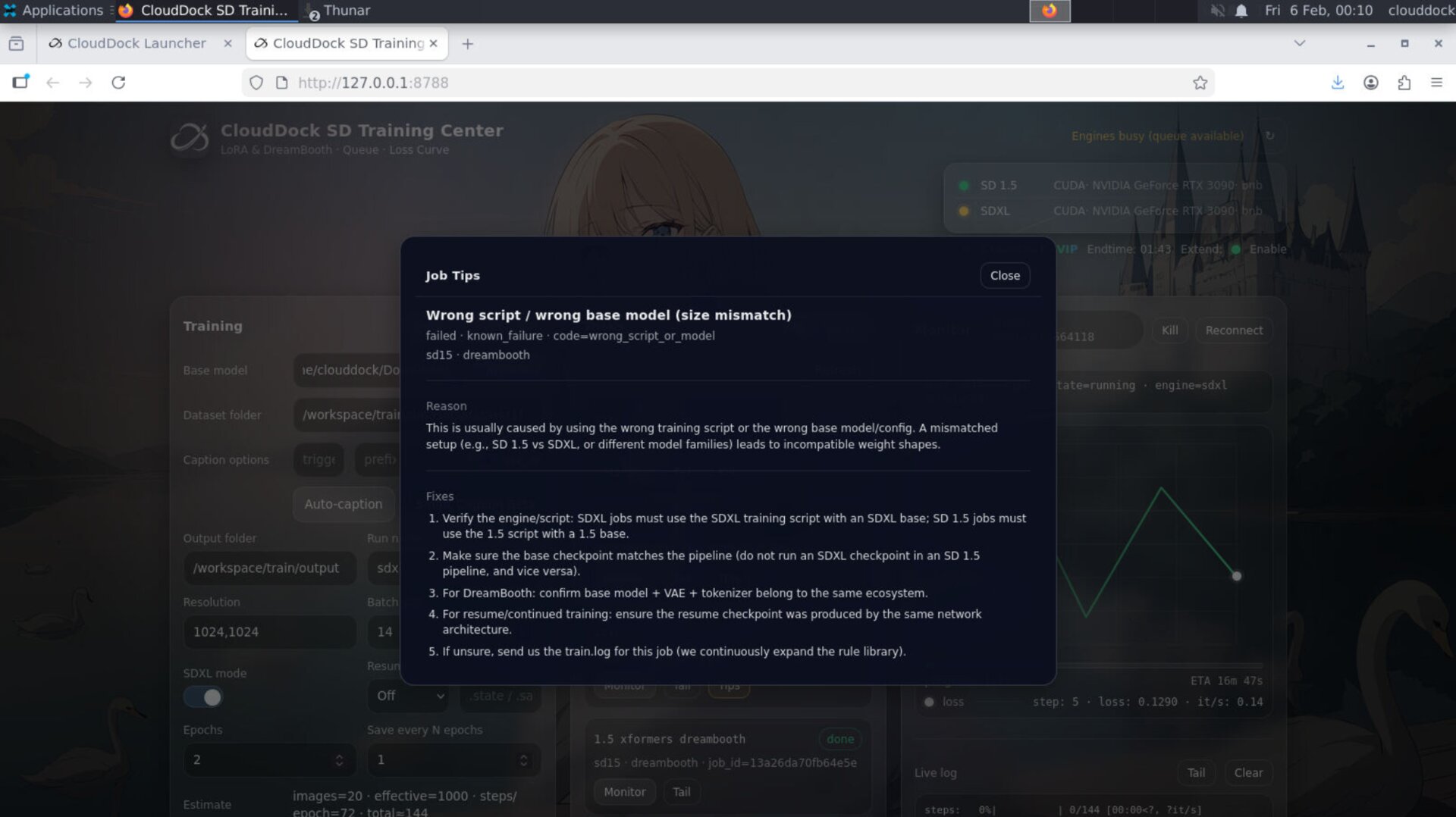
Failed Job Tips — built-in training debugging
Training fails happen. The real problem is: why did it fail, and what do I do next? In 4.1.4, failed jobs now show a Tips button directly inside the Job list. Click it and you’ll get:
- Likely cause (what actually triggered the failure)
- Recommended action (what to change and how)
- Practical guidance (not just raw logs)
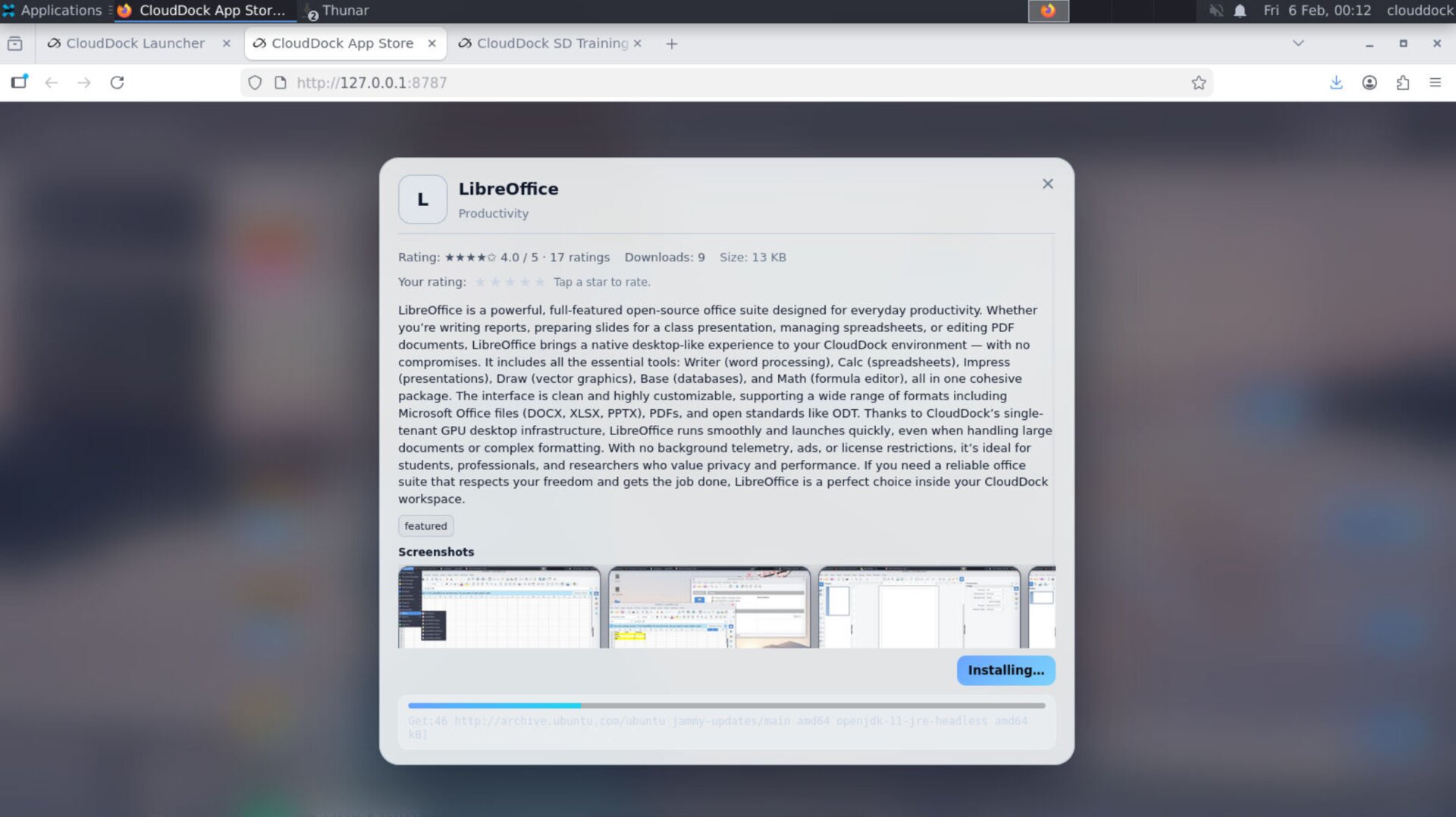
App Store installs — smoother and less friction
App installation from the CloudDock App Store is now more fluid. The install path was optimized to reduce “stalls” and improve perceived responsiveness — so adding tools feels like a real app ecosystem, not a script marathon.
CloudDock Launcher startup — 35% faster
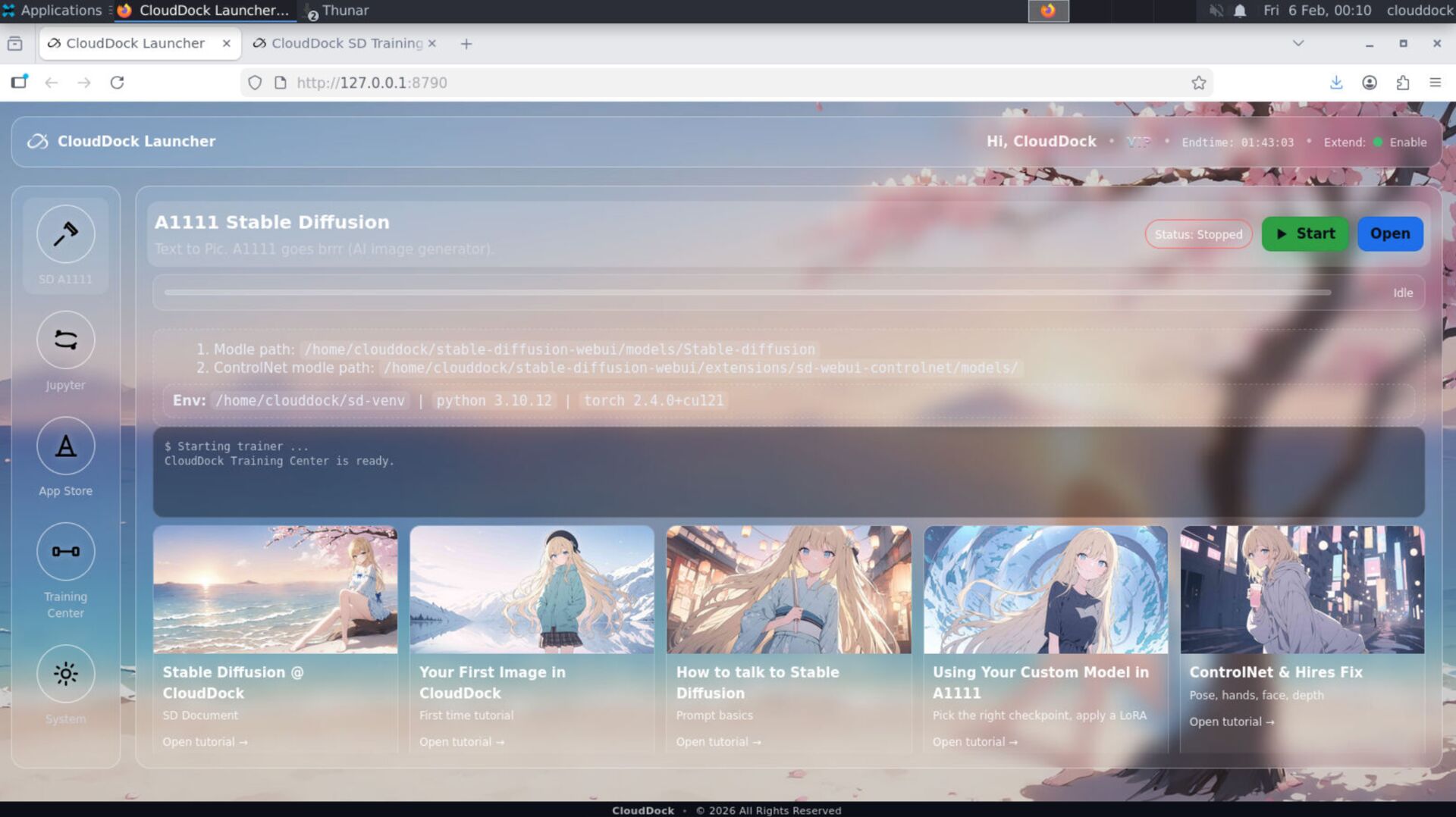
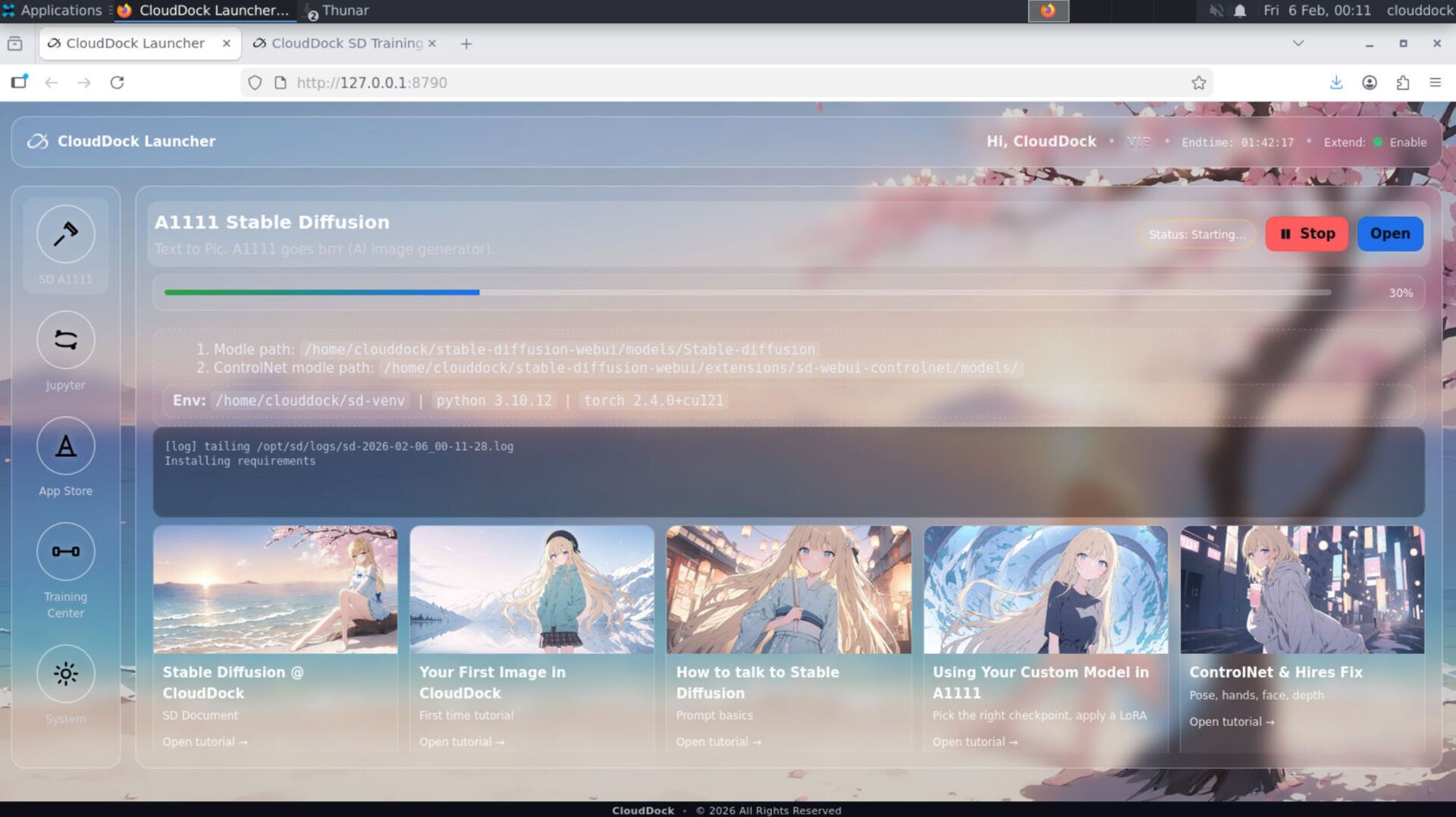
The CloudDock Launcher now starts ~35% faster in 4.1.4. This reduces the “boot friction” every time users enter the container environment — especially noticeable when you’re doing frequent sessions or switching workflows.
System stability improvements
4.1.4 includes stability improvements across the system. The goal is not flashy: it’s sessions that last longer, less random UI weirdness, and more predictable training behavior when the workload becomes real.
Positioning
- 4.1.3: Central Scheduler — “close the tab, training keeps running.”
- 4.1.4: Speed + Debug UX — “train faster, fail smarter, and recover instantly.”
Quick Checks
python3 -c "import xformers; print('xformers ok:', xformers.__version__)"watch -n 1 nvidia-smips aux | egrep "train|kohya|sd-scripts|accelerate"# Open Training Center → Job list
# Find the Failed job → click “Tips”
# Follow the recommended action, then re-run.Troubleshooting
- “I don’t see xFormers.” Refresh the Training Center UI and confirm you’re on 4.1.4; then check the xFormers option again.
- “A job failed — where’s the reason?” Go to Job list, find the failed job, click Tips.
- “App installs feel stuck.” 4.1.4 reduces stalls, but large apps still take time; watch install status and avoid closing the installer mid-run.
- “Launcher still slow sometimes.” Startup speed depends on system load and disk state; 4.1.4 reduces baseline overhead significantly.