
Overview
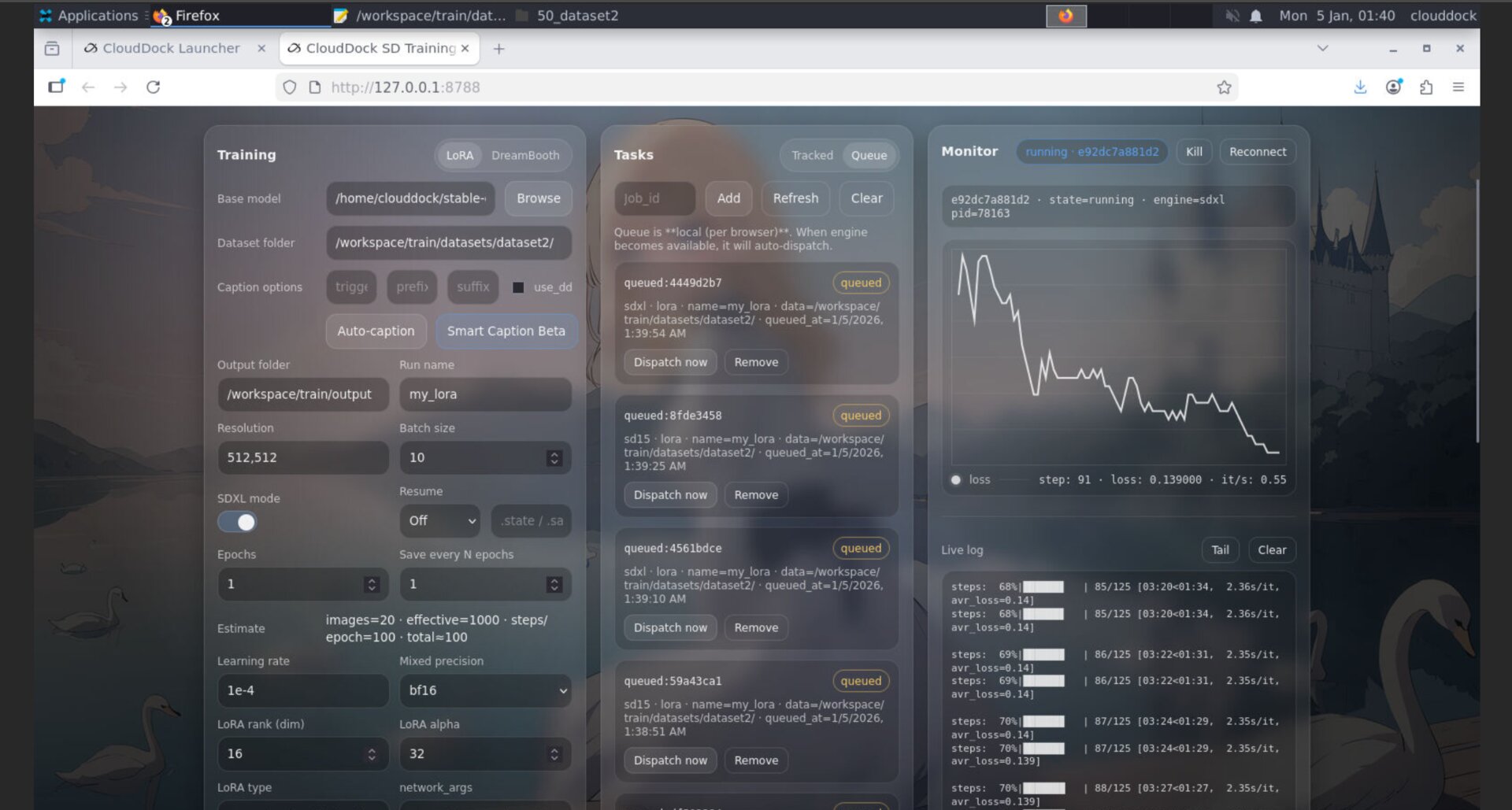
Usagi 4.1 Beta 2 is a comfort-and-correctness upgrade focused on the SD Training Center’s real-world behavior: bitsandbytes is back, AdamW8bit is now officially supported in CloudDock SD Training Center, queue scheduling is smarter for “VRAM isn’t infinite” reality, and Smart Caption Beta is dramatically faster.
If 4.1.1 was “queue it and sleep,” then 4.1 Beta 2 is “queue it and sleep comfortably” — fewer surprises, more stability, and less waiting.
Highlights
- bitsandbytes is back: optimizer support returns and is stable again.
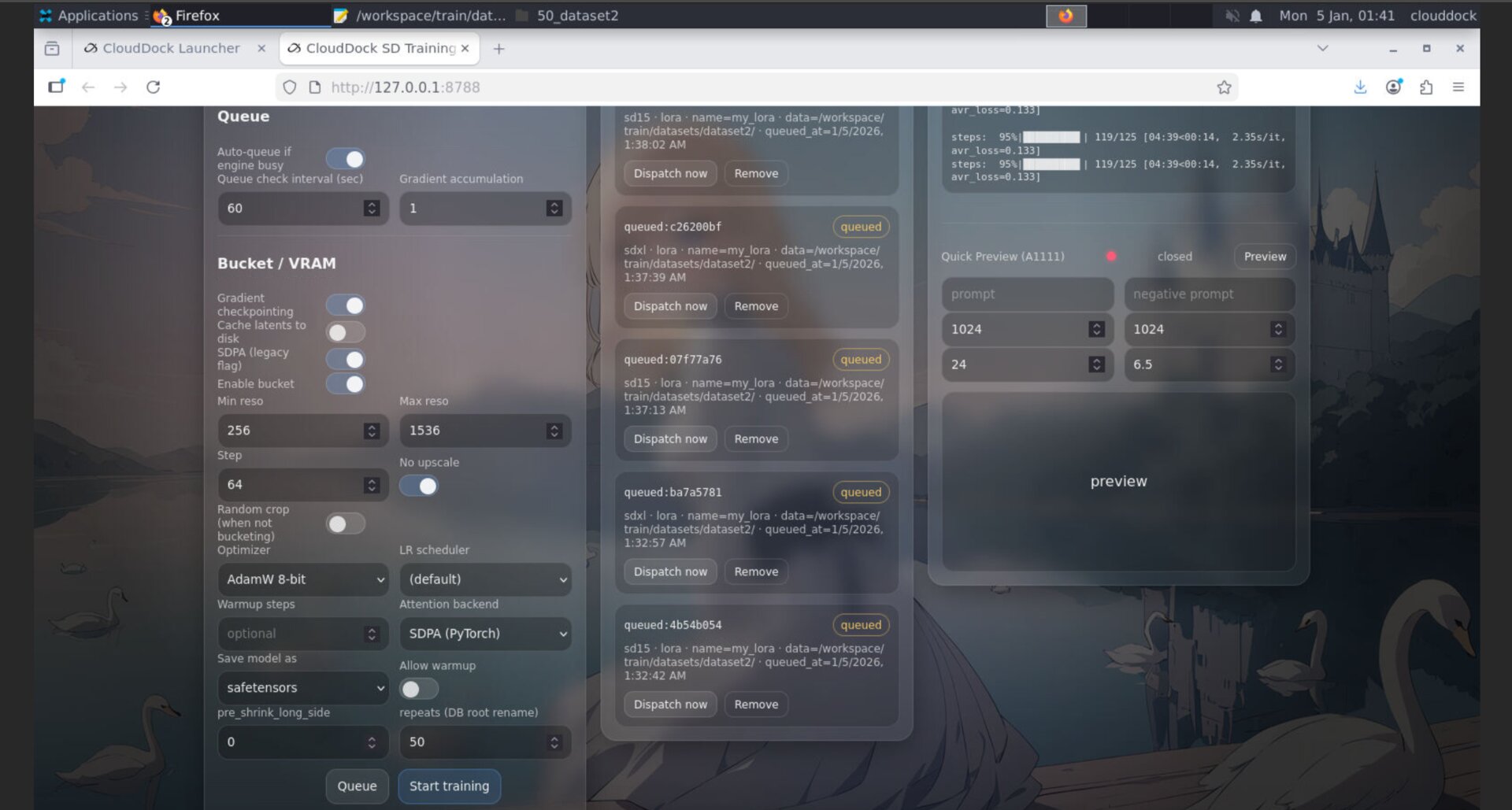
- AdamW8bit officially supported: Training Center supports
adamw8bitproperly. - Smarter queue scheduling: the system no longer “sees any engine free” and blindly dispatches; it behaves with real VRAM constraints in mind.
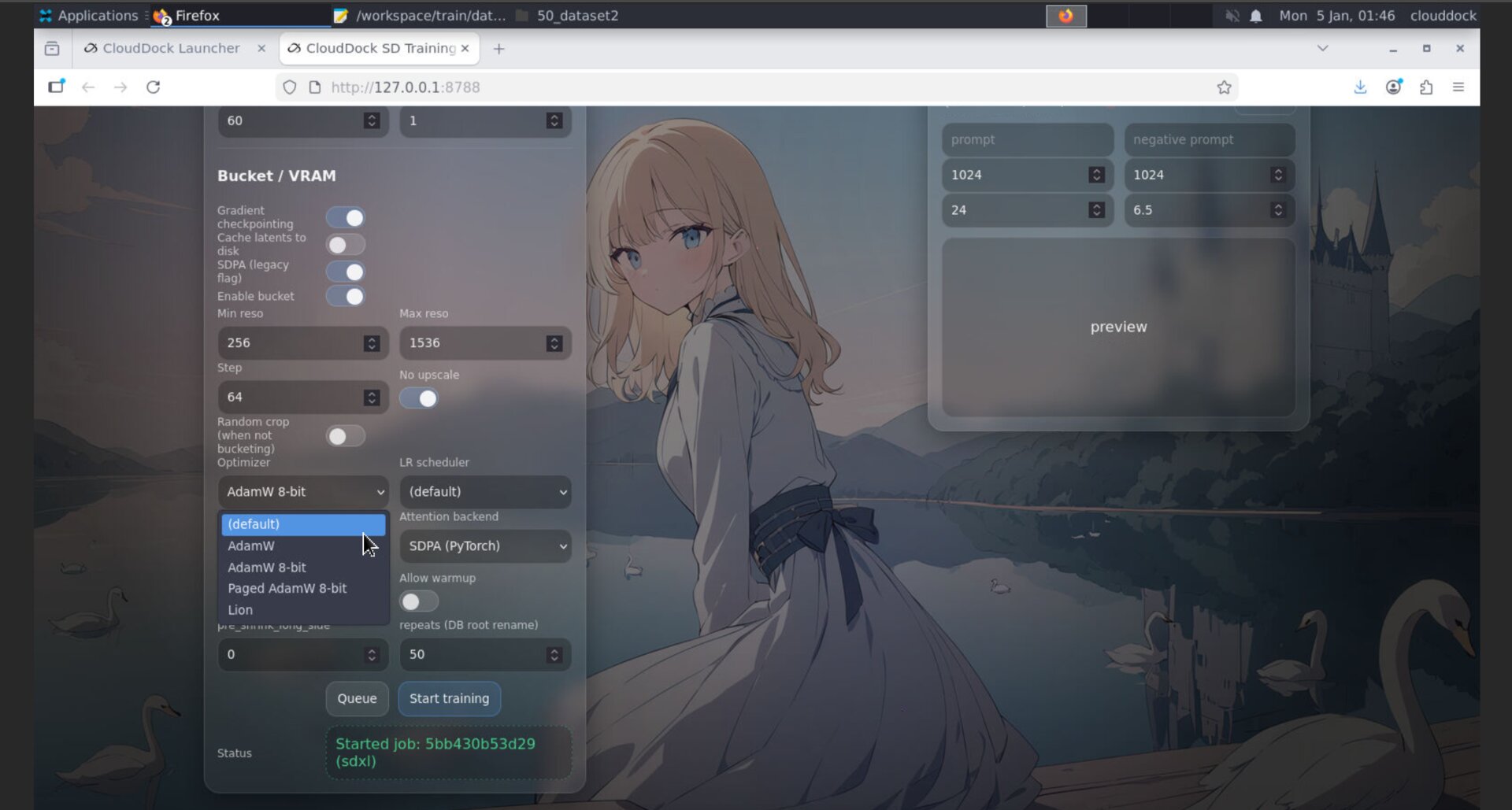
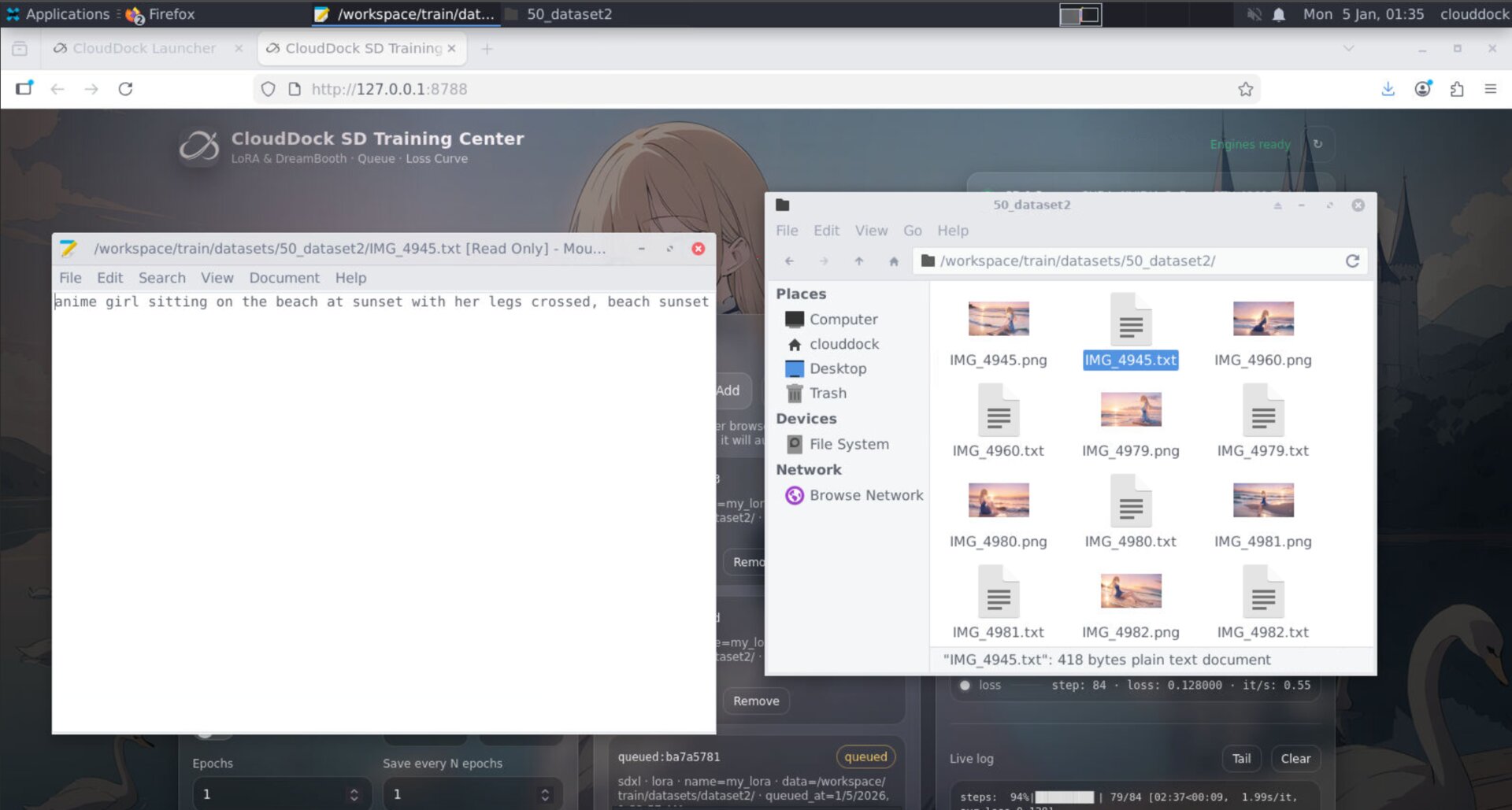
- One true job at a time: queue execution is now strict — it runs a single job end-to-end for correctness and predictability.
- Smart Caption Beta up to 10× faster: from ~5 minutes down to as fast as ~30 seconds in best cases.
- Important note: to avoid data mismatch, the queue system requires the web page to remain open while running.
bitsandbytes returns — AdamW8bit is officially supported
bitsandbytes support is restored in 4.1 Beta 2, and with it comes a real quality-of-life feature: AdamW8bit is now officially supported in the Training Center.
Smarter queue scheduling — real VRAM behavior
Earlier behavior optimized for “keep GPUs busy,” but it could be too optimistic: as soon as any engine was free, the system would dispatch matching jobs — even when many GPUs in the wild don’t actually have enough VRAM headroom for parallel behavior.
In 4.1 Beta 2, queue scheduling is more realistic and safer:
- Dispatch logic is smarter: it avoids the “any engine free → send job” trap when real memory conditions don’t match the theoretical plan.
- Strict execution: the scheduler now behaves like a true queue — one job runs at a time, end-to-end.
- Fewer false starts: less “picked up → fails immediately → weird status” edge cases.
Smart Caption Beta — up to 10× faster
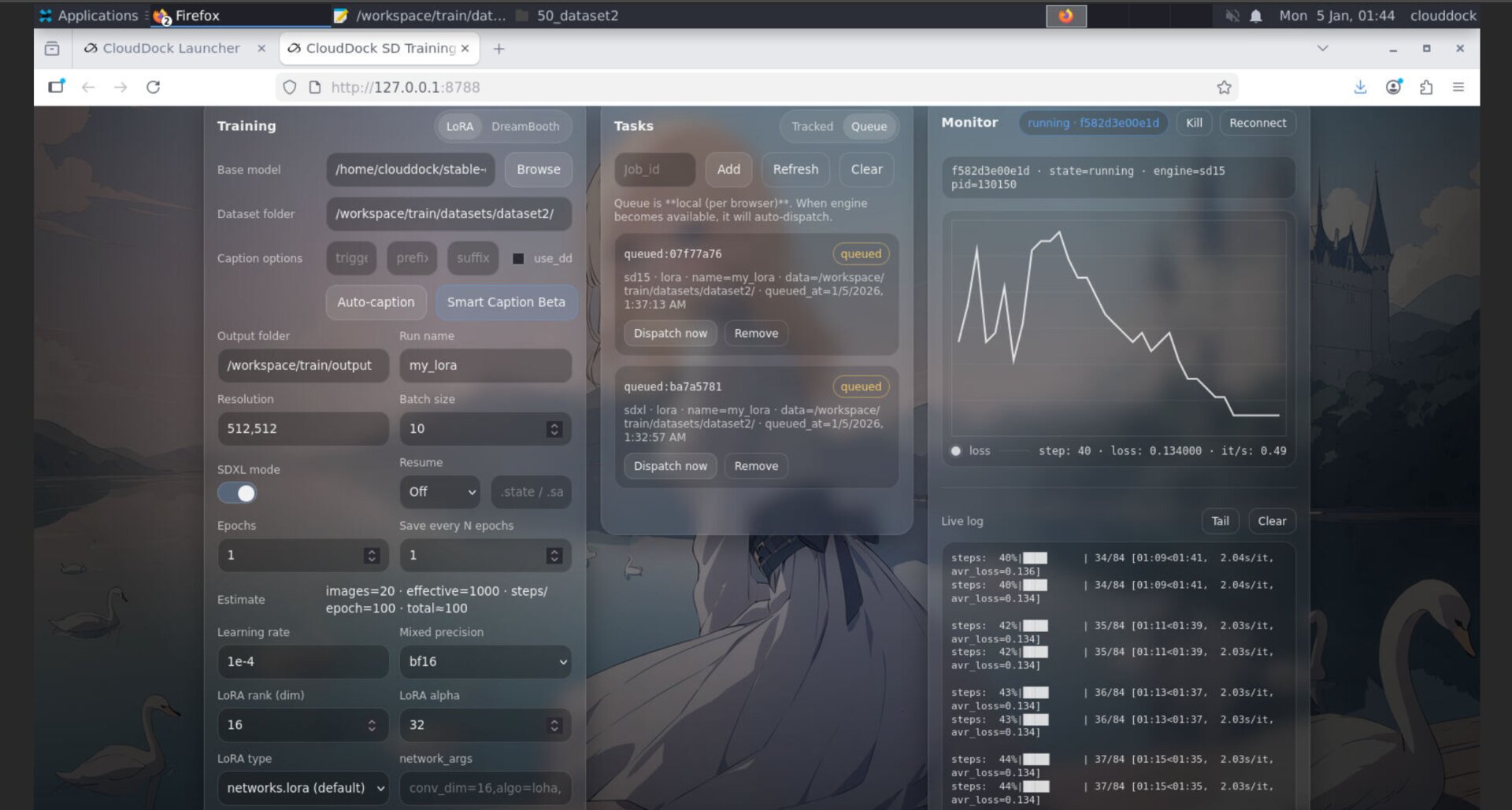
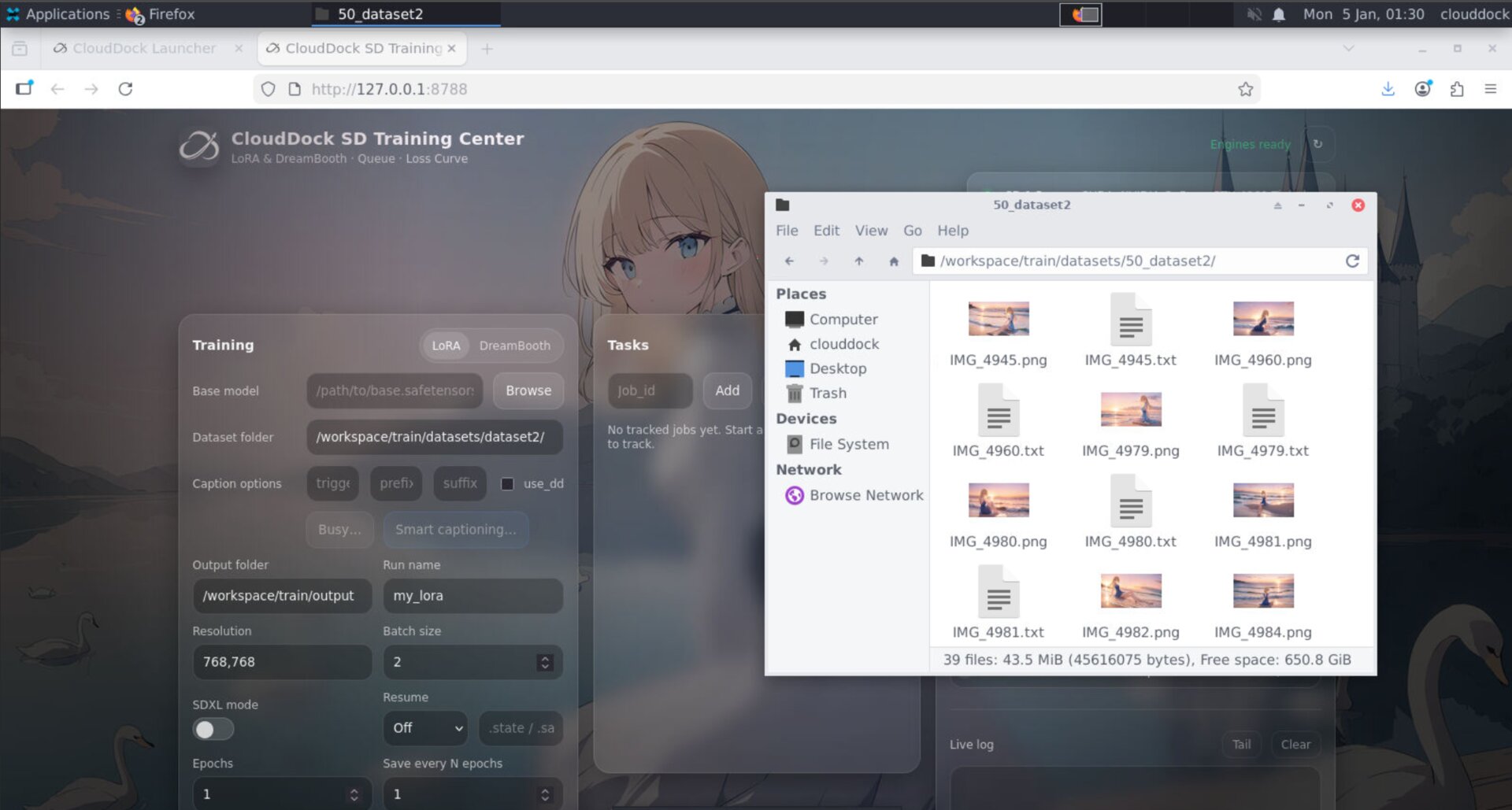
Smart Caption Beta is significantly faster in 4.1 Beta 2. In best-case scenarios, captioning completes in under ~30 seconds, compared to ~5 minutes previously — a speedup of up to 10×.
This is especially noticeable when you iterate repeatedly on datasets: faster captioning means faster “train → review → tweak → train again” loops.
Important note — keep the page open while using Queue
To avoid data mismatch or state errors, the Queue system requires the web page to remain open while it runs.
- If you close the page, the UI-side state can’t safely guarantee consistency.
- If you must step away: keep the tab open, and let it run.
- When you return, you’ll still have your job history and context — but only if the page stayed alive.
4.1 Beta 1 vs 4.1 Beta 2
- 4.1 Beta 1: “I can finally queue jobs and wake up to results.”
- 4.1 Beta 2: “The queue behaves like reality, captioning is fast, and optimizers are properly supported.”
Quick Checks
watch -n 1 nvidia-smips aux | egrep "train|kohya|sd-scripts|accelerate"# 4.1 Beta 2 intentionally runs one job at a time.
# This is for correctness + VRAM safety.
# Use job history + loss curve to verify progress.python3 -c "import bitsandbytes as bnb; print('bnb ok:', bnb.__version__)"Troubleshooting
- “Why is only one job running?” That’s the new behavior in 4.1 Beta 2 — it’s a strict queue for stability.
- “Smart Caption still slow sometimes.” Speed depends on dataset size and environment state. Best-case runs can be ~30s, but larger sets will scale.
- “Queue state looks risky if I close the tab.” Don’t close it. Keep the page open to prevent state mismatch.
- “AdamW8bit not visible?” Confirm you’re on 4.1 Beta 2 and that your UI is refreshed; then re-open optimizer options.